Point of Sale (POS) : Definition & Overview
Learn what Point of Sale (POS) means, how it works, and why it's essential for modern businesses without getting confused.
KEY TAKEAWAYS
-
✓
Point of Sale (POS) systems process customer payments and manage sales transactions.
-
✓
Modern POS systems include hardware and software for inventory management and customer tracking.
-
✓
POS systems integrate with accounting software to streamline financial reporting.
Have you ever wondered what Point of Sale (POS) actually means? POS systems are everywhere in modern business. From coffee shops to retail stores, they help process payments and manage sales transactions.
POS systems exist to make selling products and services easier and more accurate. But how do they work? What components do they include? And which features should you look for?
This guide walks you through everything in a simple way, so you can understand how POS systems work and how they can benefit your business.
What Is Point of Sale (POS)?
Point of Sale (POS) is a system where customers make payments for products or services. It includes both hardware and software that processes sales transactions, manages inventory management, and tracks customer data.
Modern POS systems have evolved from simple cash registers to comprehensive business management tools. They can accept various payment methods including credit cards, mobile payments, and cash, often implemented by business owners to streamline operations.
In simple terms, POS is where your business makes money. As technology advances, POS systems continue to add more features to help businesses run more efficiently.
How Point of Sale (POS) Works
POS systems work by connecting hardware components with software to payment processing. When a customer buys something, the system records the sale, updates inventory, and processes payment.
The process typically starts when items are scanned or entered into the system. The POS calculates the total, applies any discounts or taxes, and then accepts payment through various methods.
Here's how a typical POS transaction flows:
-
1
Customer selects products or services
-
2
Items are scanned or entered into the POS system
-
3
System calculates total including tax and discounts
-
4
Customer pays using preferred payment method
-
5
System updates inventory and records the transaction
Types of POS Systems
Different businesses need different types of POS systems. The right choice depends on your industry, business size, and specific needs.
-
•
Retail POS – Designed for stores with inventory management and barcode scanning
-
•
Restaurant POS – Built for food service with table management and order tracking
-
•
Mobile POS – Portable systems that work on tablets and smartphones
-
•
Cloud-based POS – Online systems that store data in the cloud for remote access
Example of Point of Sale (POS) in Action
Imagine you own a small coffee shop. A customer orders a latte and a pastry. Your POS system allows you to:
First, you enter the order into your tablet POS. The system automatically calculates the total, adds sales tax, and shows the customer the amount due. The customer pays with their credit card, and your POS processes the payment securely.
Behind the scenes, the POS automatically updates your inventory (one less pastry), records the sale for your daily reports, and even tracks that this customer prefers lattes for future marketing.
Benefits of Point of Sale (POS) Systems
-
•
Faster checkout process for better customer experience
-
•
Automatic inventory tracking to prevent stockouts
-
•
Detailed sales reporting and analytics
-
•
Multiple payment options including credit cards and mobile payments
-
•
Customer data collection for loyalty programs and marketing
Risks and Limitations of POS Systems
-
•
Initial setup costs can be expensive for small businesses
-
•
Dependence on internet connection for cloud-based systems
-
•
Security concerns with payment and customer data
-
•
Learning curve for employees to use new systems
Why Point of Sale (POS) Matters
POS systems matter because they're the heart of modern commerce. They don't just process payments – they provide valuable insights about your business performance and customer behavior.
Good POS systems help you make smarter business decisions by showing which products sell best, what times are busiest, and who your most loyal customers are.
When you choose the right POS system, it becomes more than just a cash register – it becomes a powerful tool for growing your business assets and improving customer satisfaction.
How It Applies to Your Business
When will you actually use this?
Point of Sale (POS) systems aren't just for large retailers. They impact everyday business operations and can mean the difference between smooth sales and chaotic checkout lines. Here's when you'll use these systems:
Daily Sales
Process customer payments quickly and accurately during business hours.
Inventory Management
Track stock levels automatically and reorder products before running out.
Customer Service
Accept multiple payment methods and process returns efficiently.
Business Analytics
Generate sales reports to understand trends and make data-driven decisions.
Employee Management
Track sales performance and manage staff schedules based on busy periods.
Tax Compliance
Automatically calculate sales tax and generate reports for tax season.
Recommended Reading
Expand your knowledge with these related topics
Debit
Understanding debits in accounting and how they affect your financial records.
PPE
Learn about Property, Plant, and Equipment assets and their accounting treatment.
Assurance
Understanding assurance services and their role in financial reporting credibility.
ABS Security
Understanding Asset-Backed Securities and their role in financial markets.
Revenue
Understanding revenue recognition and its impact on financial statements.
FF&E
Furniture, Fixtures, and Equipment accounting for business assets management and tracking
Real Accounting Questions From the Community
Explore Reddit-backed Otto accounting guides based on real conversations about CPAs, accountants, invoices, reconciliation, ledgers, P&L, and cash flow systems.
One Platform: From Entity Setup to Closing Reports
Comprehensive financial solutions for your business needs.
Entity Management
Easily manage legal entities, compliance, and ownership in one platform.
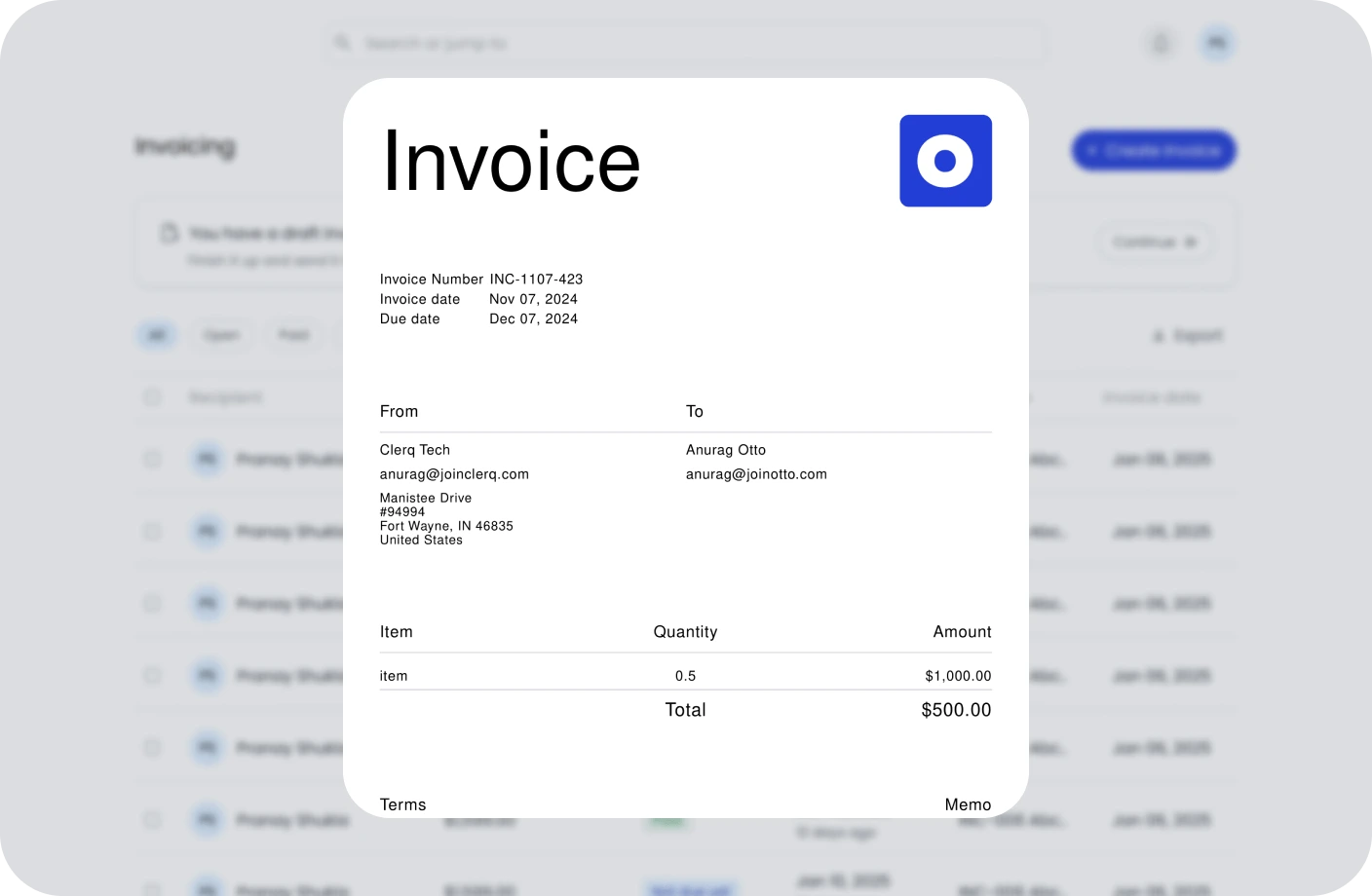
Invoicing
Create, send, and manage invoices. Track payments and assure timely cash flow.
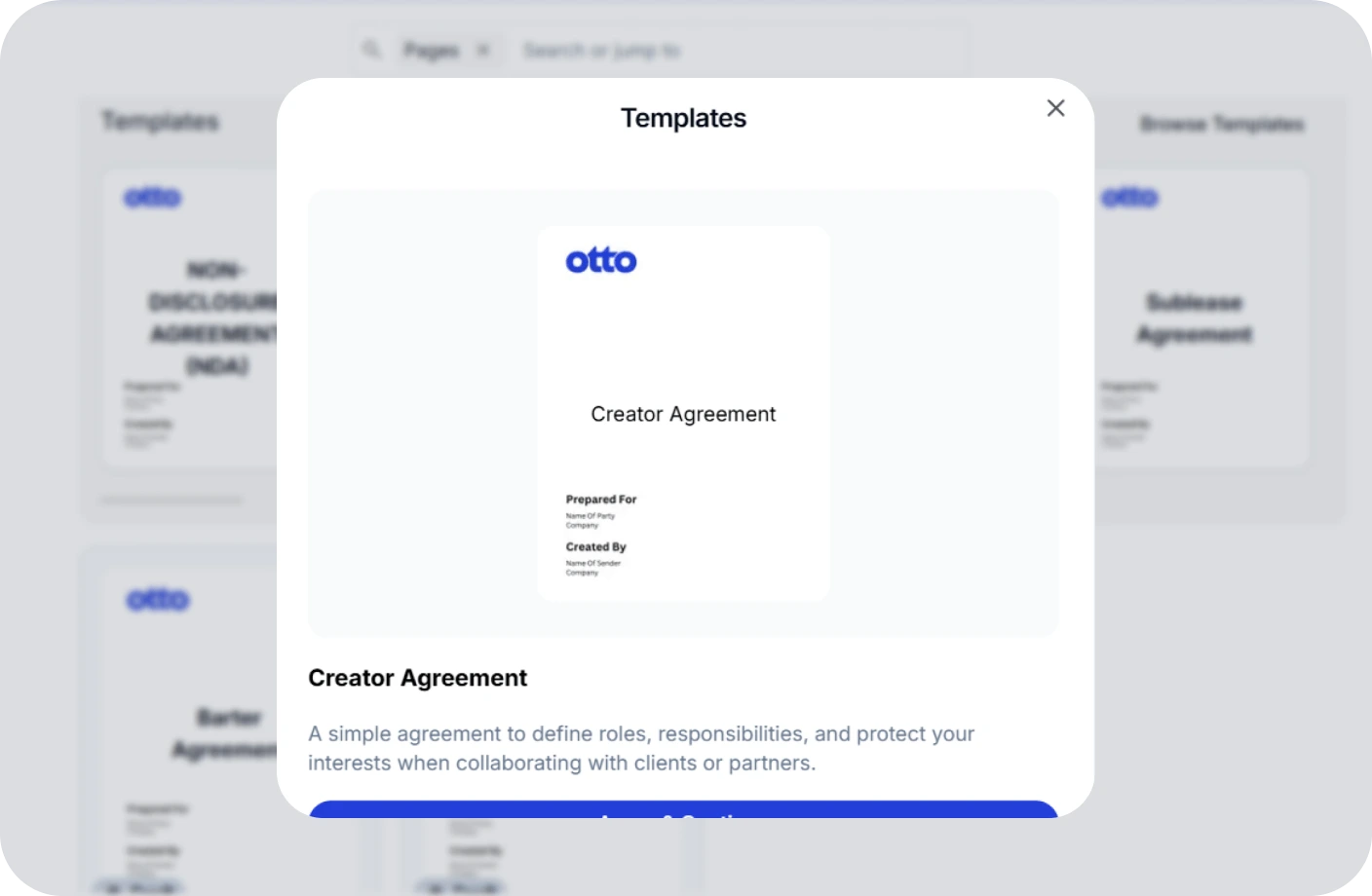
Contracts
Create, track, and e-sign contracts to ensure compliance and deadlines.
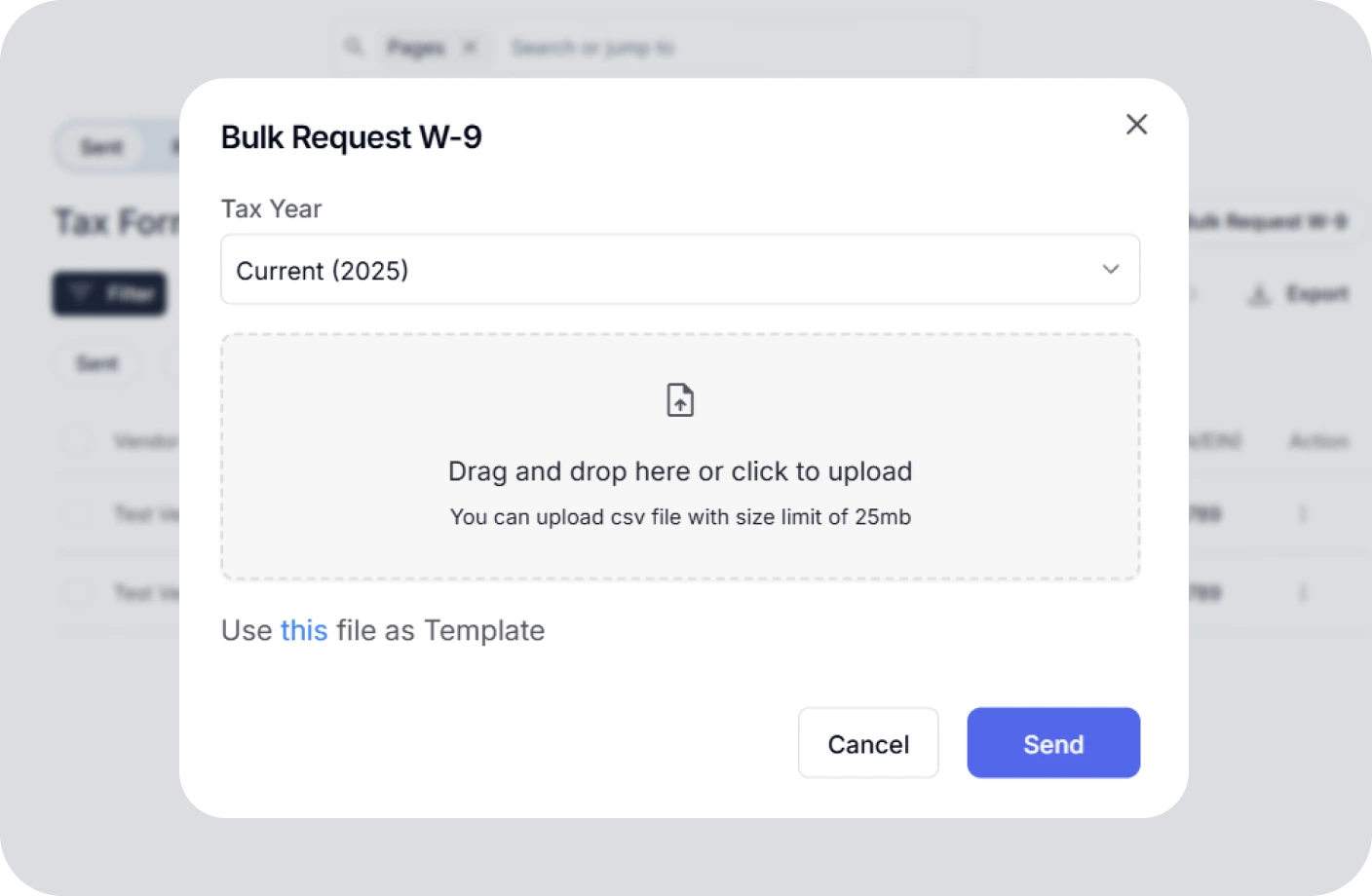
Taxes
Confidently plan taxes with expert CPAs and smart tools to track deductions.
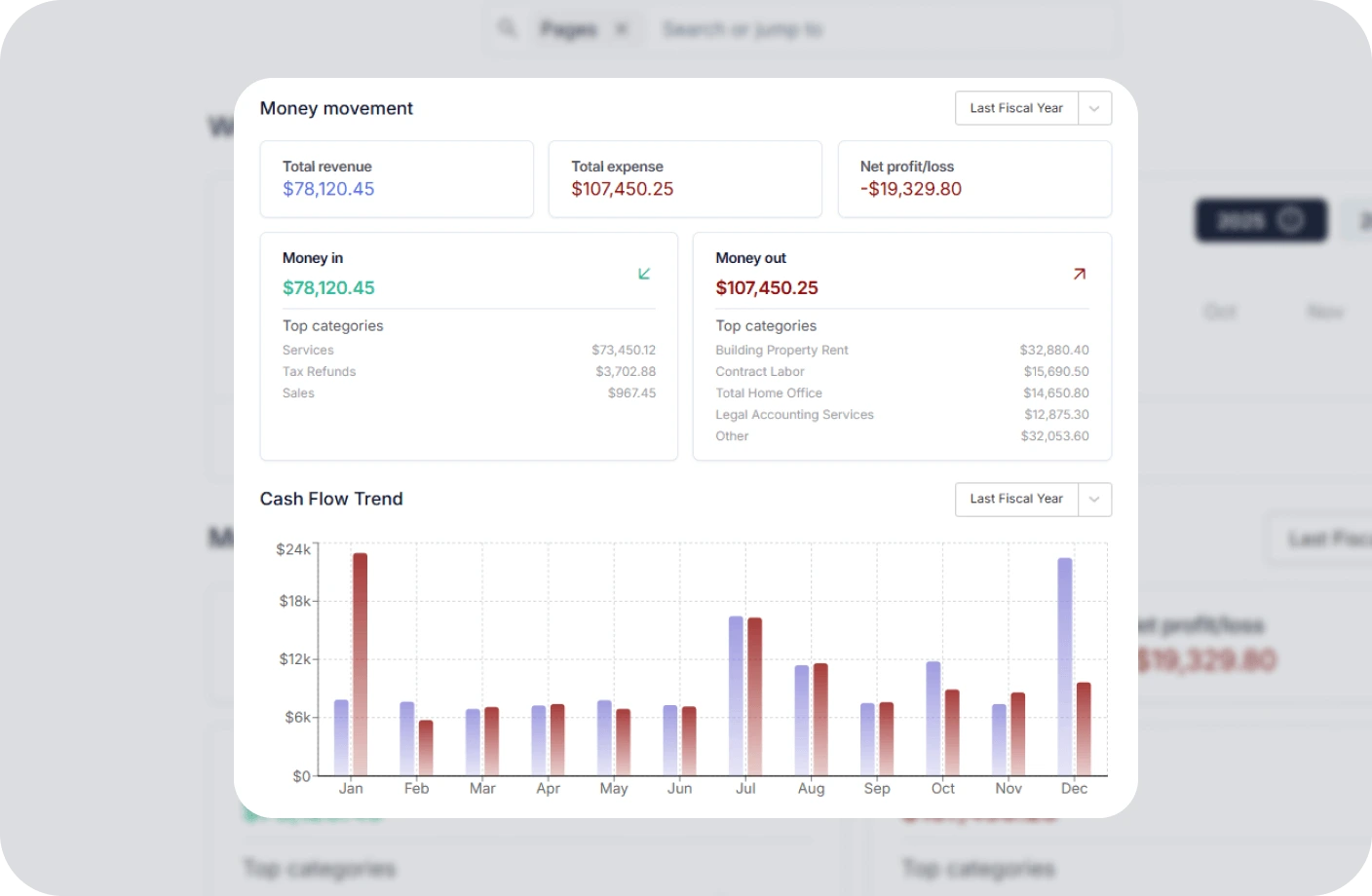
Reports
Real time business reports show where you stand today and what to do next.
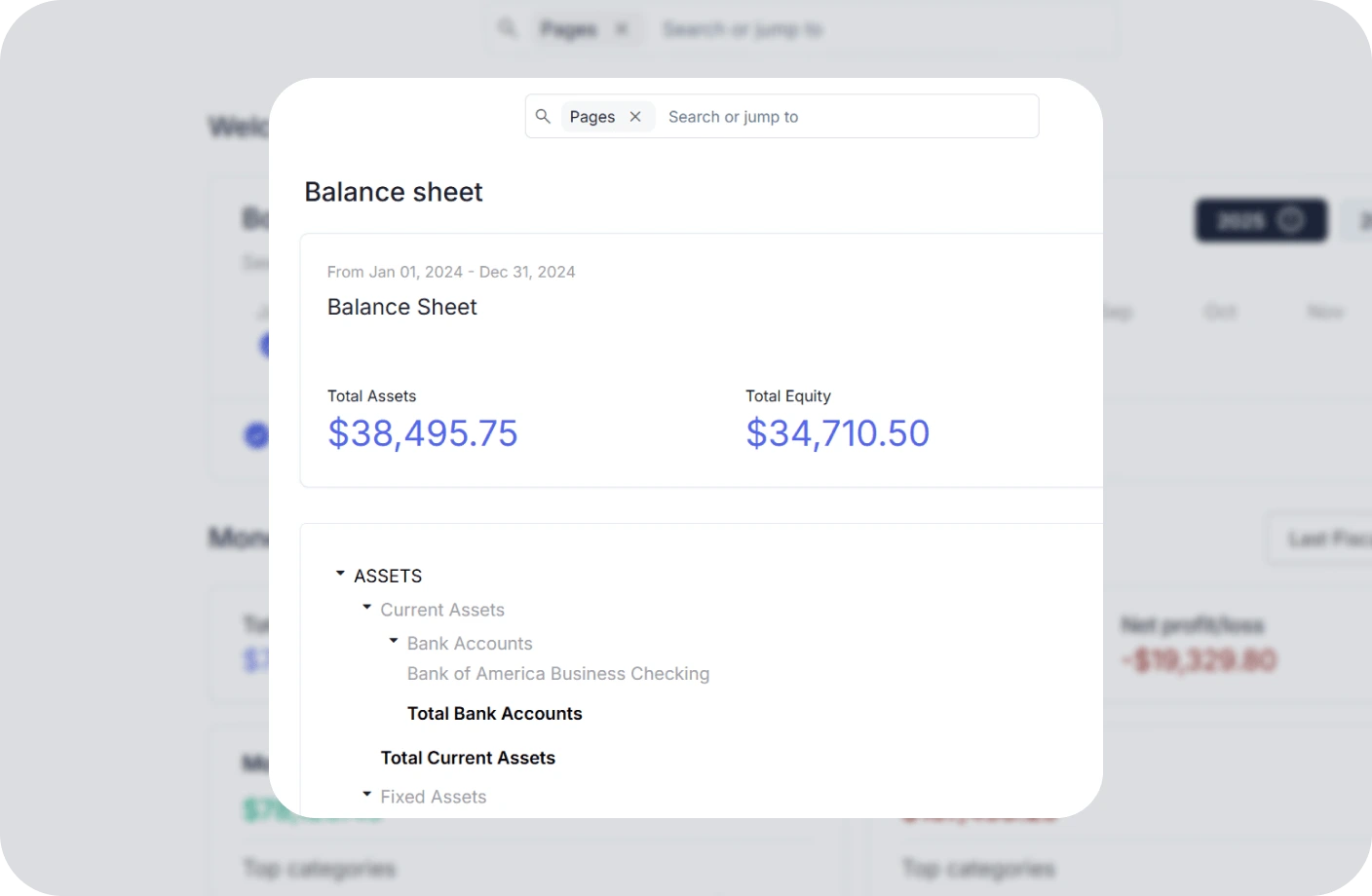
Accounting
All in one accounting software for creators to handle your books, taxes, invoices, contracts.
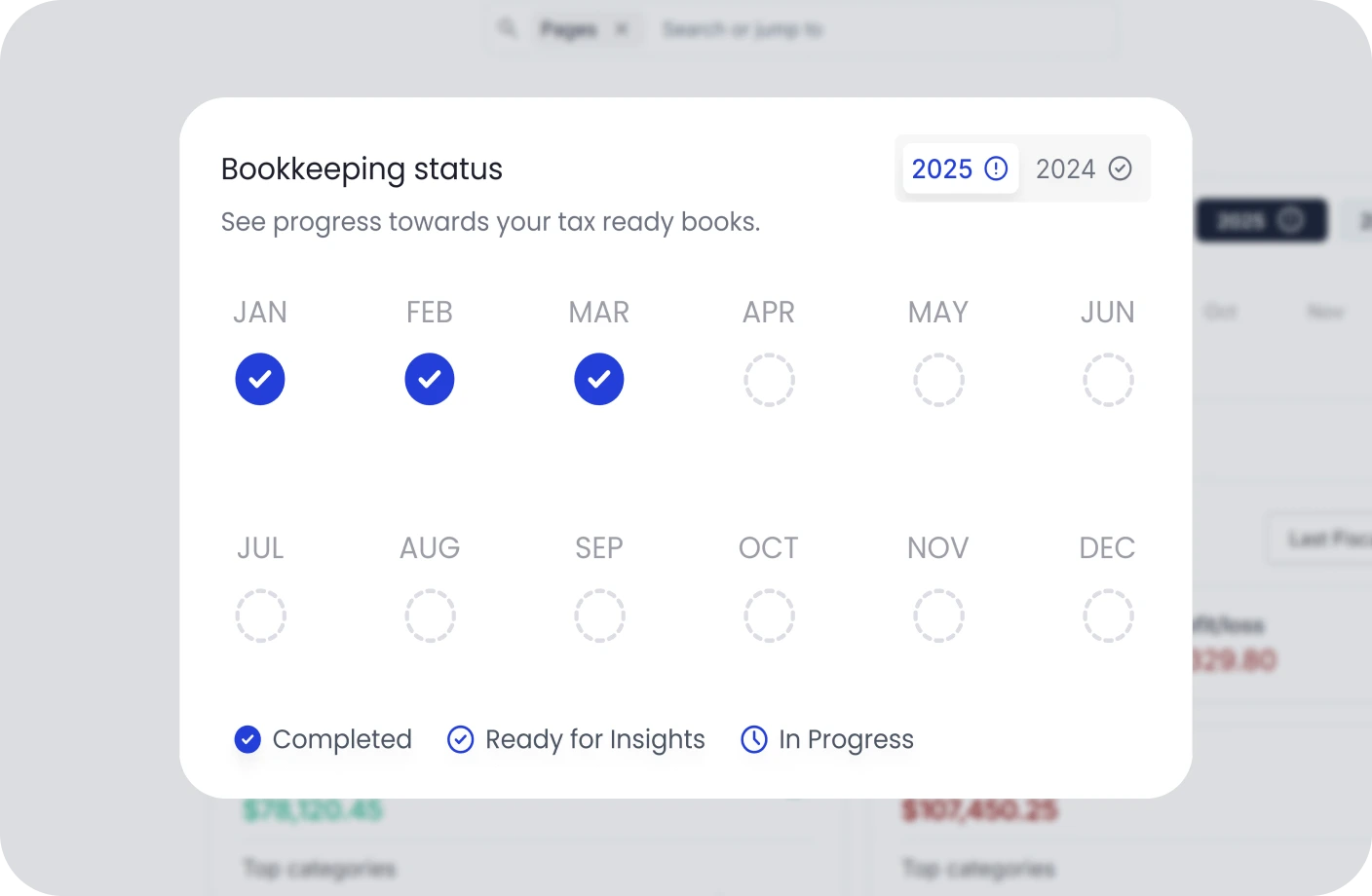
Creator Tools
Specialized tools and resources for every type of creator
YouTubers Tools
Optimize your YouTube channel with analytics, thumbnail generators, and growth tools.
TikTokers Tools
Create viral TikTok content with trend analysis, caption generators, and editing tools.
Content Creators Tools
Comprehensive toolkit for content creation, scheduling, and audience engagement.
Video Creators Tools
Professional video editing, compression, and optimization tools for creators.
Influencers Tools
Manage brand partnerships, track engagement, and maximize your influencer income.
Photographers Tools
Photo editing, watermarking, and portfolio management tools for photographers.
Related Accounting Resources
Essential tax forms and compliance guides for your accounting practice
What Is Cash Pooling? How It Works, Key Types, and Examples
Learn how cash pooling optimizes liquidity across multiple accounts and business entities.
What Is an Amortization Expense? Definition, Formula & Examples
Understand how to calculate and record amortization expenses for intangible assets accurately and efficiently.
Debits vs Credits in Accounting: A Beginner's Guide
Master the fundamental accounting principle of double-entry bookkeeping with clear examples.
Point of Sale (POS) FAQs
Quick answers to common questions about Point of Sale (POS)
What is Point of Sale (POS) in simple words?
Point of Sale (POS) is a system where customers pay for products or services. It combines hardware and software to process sales transactions, manage inventory, and track customer data.
Where is Point of Sale (POS) used?
POS systems are used everywhere - retail stores, restaurants, coffee shops, salons, and service businesses. Anywhere that sells products or services to customers uses a business asset like a POS system.
Why is Point of Sale (POS) important?
POS systems help businesses process payments efficiently, track inventory automatically, understand customer behavior, and make data-driven decisions to grow their business.
What is an example of Point of Sale (POS)?
A coffee shop using a tablet to take orders, accept credit card payments, and automatically track coffee bean inventory is a perfect example of a modern POS system in action.
Is Point of Sale (POS) easy to understand or use?
Yes! Modern POS systems are designed to be user-friendly with touch screens and simple interfaces. Most employees can learn to use them within a few hours of training.
Streamline Your Sales with the Right POS System
Manage payments, inventory, and customer data effortlessly with Otto's integrated POS solutions. Process transactions faster and make smarter business decisions.