Running a nonprofit is rewarding, but it also comes with unique challenges. From tracking donations and managing grants to ensuring compliance with tax laws, financial management can feel overwhelming. Unlike for-profit businesses, nonprofits must prioritize transparency and accountability, every dollar counts, and stakeholders want to see exactly how funds are being used.
That’s where nonprofit accounting software comes in. The right accounting software can help you streamline bookkeeping, manage restricted funds, and generate the reports you need to satisfy your board, donors, and auditors.
In this article, we’ll explore the best accounting software for nonprofits in 2025, compare features, and highlight why Otto AI stands out as a top choice for organizations of all sizes.
Why Nonprofits Need Specialized Accounting Software
Accounting for nonprofits is very different from small businesses. Here’s why nonprofits can’t just use generic tools without modifications:
- Fund accounting – Nonprofits track money by its purpose (e.g., donations for scholarships vs. general expenses).
- Donor transparency – Reports need to show how funds were allocated.
- Grant management – Many nonprofits juggle multiple grants, each with reporting requirements.
- Compliance – Tax-exempt organizations must file detailed IRS forms (like Form 990 in the U.S.).
- Board reporting – Clear financial statements are essential for governance and oversight.
Without specialized software, nonprofits often find themselves buried in spreadsheets, risking errors and inefficiencies.
Otto AI Accounting Software – A Smart Solution for Nonprofits
At the top of our list is Otto AI, a modern accounting solution built with automation and simplicity in mind. Designed for nonprofits and small organizations, Otto AI helps reduce manual work while ensuring accuracy and compliance.
Why Otto AI?
- Automated Bookkeeping: Categorizes income and expenses with AI-powered accuracy.
- Fund Tracking: Manage restricted and unrestricted funds easily.
- Donor & Grant Management: Track donations, generate donor reports, and stay compliant with grant requirements.
- Tax Filing Support: Prepares reports that simplify Form 990 filing.
- Affordable for Small Nonprofits: Tailored pricing so even the smallest organizations can benefit.
If you’re looking for the best accounting software for small nonprofits that’s affordable and future-ready, Otto AI is a fantastic choice.
Key Features to Look for in Nonprofit Accounting Software
When evaluating software, keep these essential features in mind
- Fund Accounting Capabilities
- Ability to track funds separately and allocate money correctly.
- Ability to track funds separately and allocate money correctly.
- Budgeting & Forecasting
- Helps nonprofits plan and monitor their financial health.
- Helps nonprofits plan and monitor their financial health.
- Donation & Grant Management
- Tracks contributions, manages donor data, and generates acknowledgment letters.
- Tracks contributions, manages donor data, and generates acknowledgment letters.
- Reporting & Compliance
- Provides IRS-compliant reports and board-ready financial statements.
- Provides IRS-compliant reports and board-ready financial statements.
- Ease of Use
- Nonprofits often have volunteers managing finances, so software must be simple and intuitive.
- Nonprofits often have volunteers managing finances, so software must be simple and intuitive.
- Integration with Other Tools
- Sync with donation platforms, CRMs, and payroll services.
- Sync with donation platforms, CRMs, and payroll services.
Best Accounting Software for Nonprofits in 2025
Here’s a breakdown of the top solutions, starting with Otto AI, followed by other popular platforms:
1. Otto AI
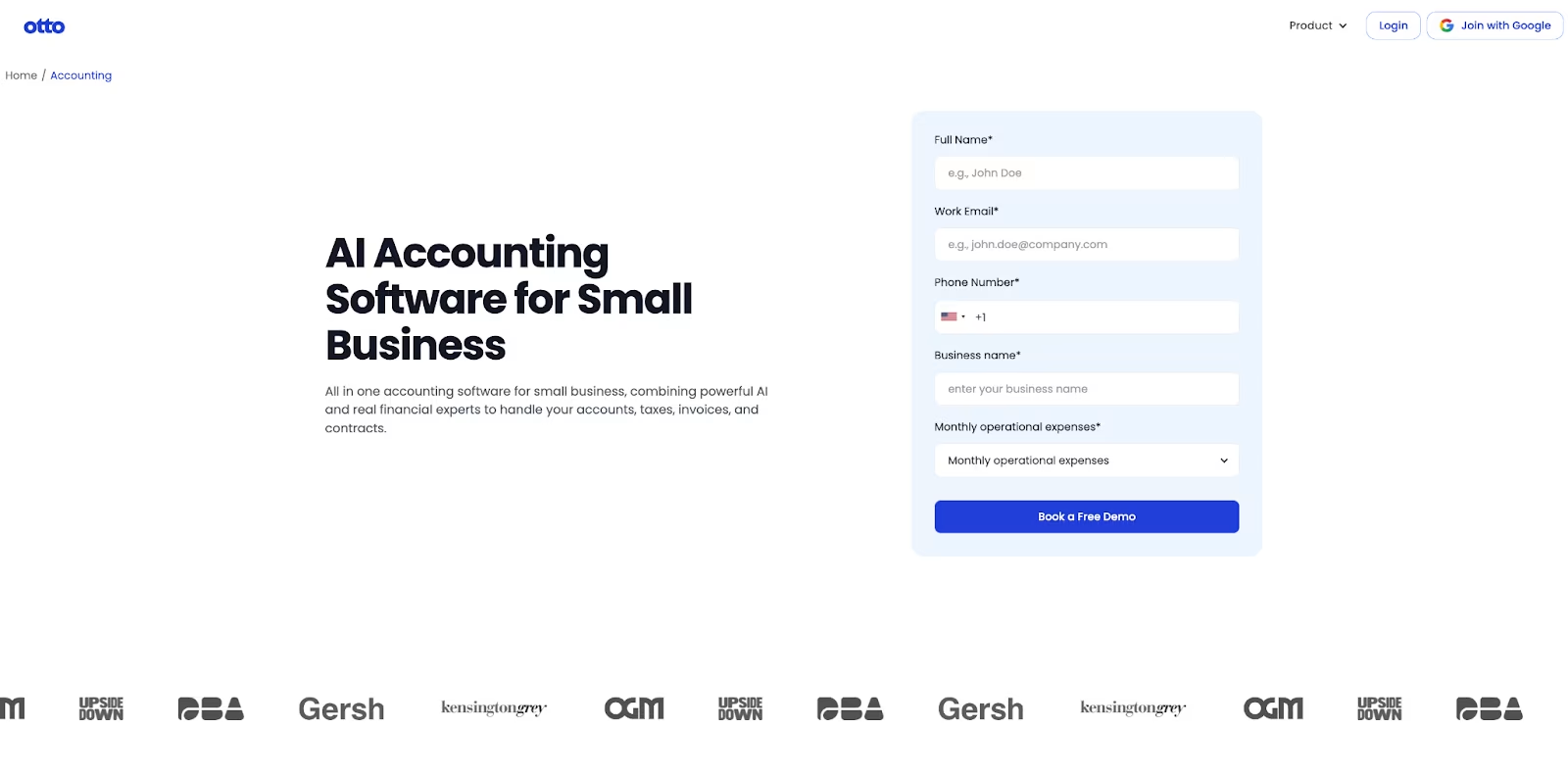
Best for: AI-powered bookkeeping and small to mid-sized nonprofits
- Automated categorization saves time
- Affordable pricing for nonprofits
- Handles compliance reporting seamlessly
- Excellent for nonprofits with limited accounting staff
2. QuickBooks for Nonprofits
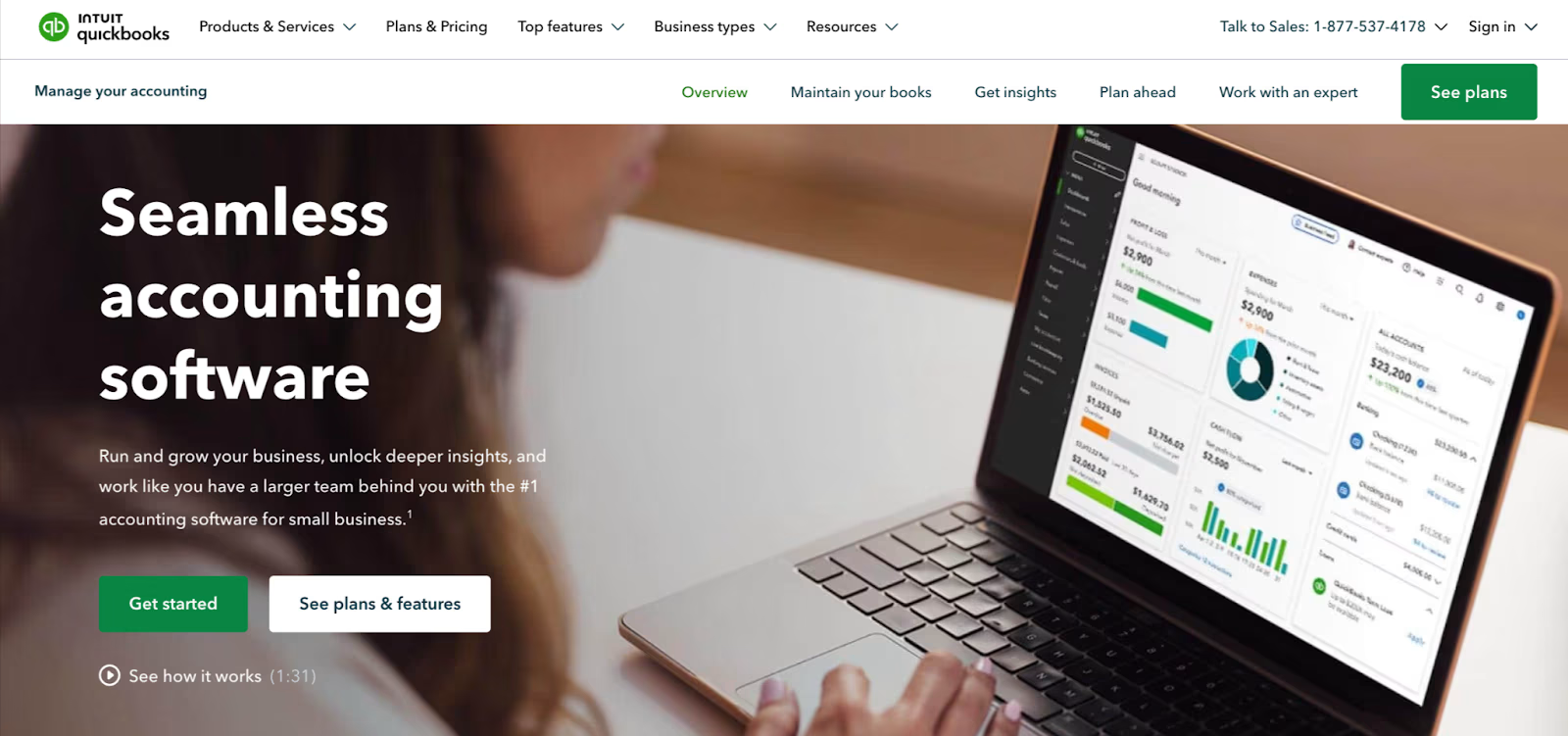
QuickBooks for Nonprofits
Best for: Organizations familiar with QuickBooks
- Custom nonprofit chart of accounts
- Donor and grant tracking
- Widely used, with many accountants trained on it
- Downsides: Can get expensive with add-ons
3. Wave
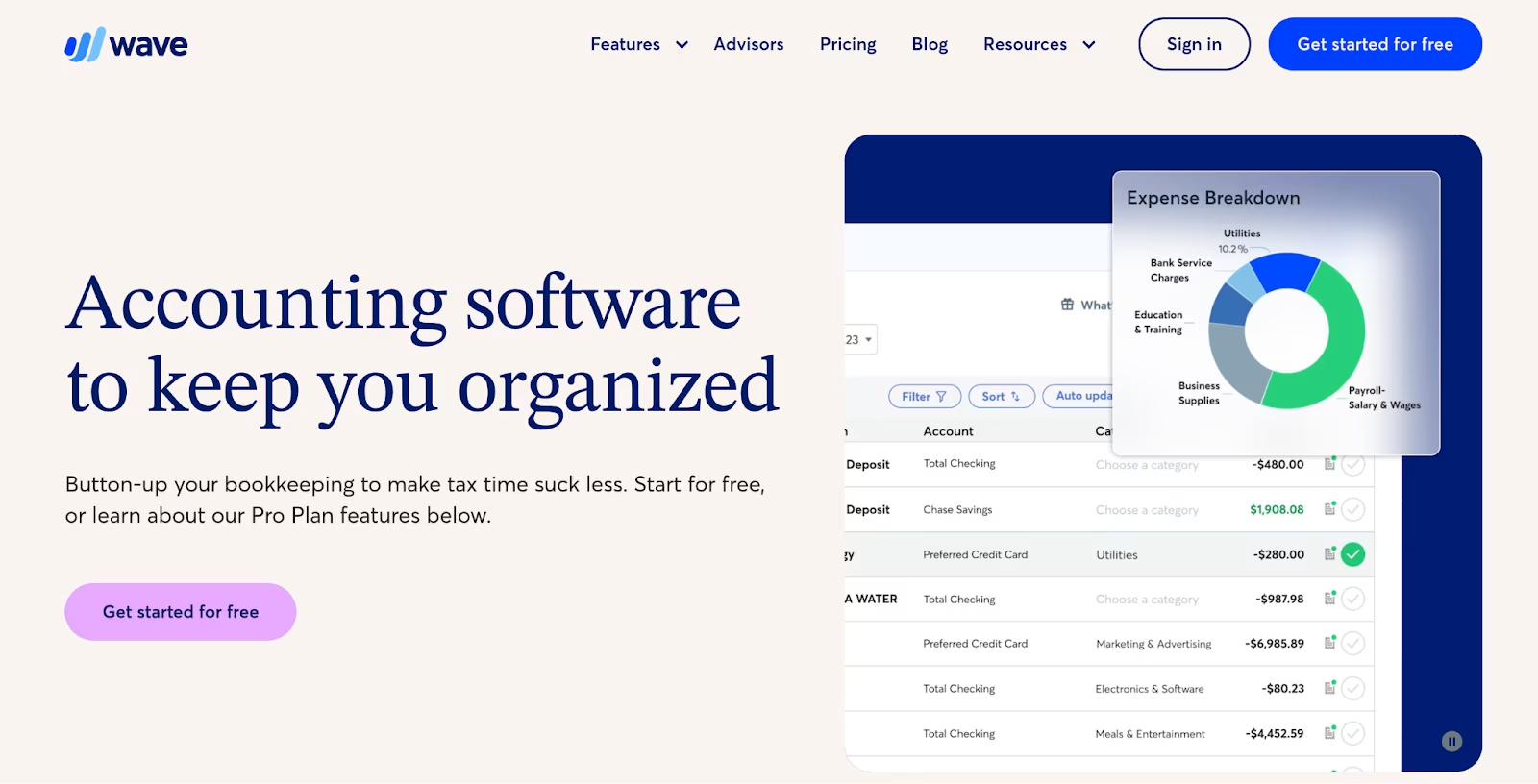
Best for: Nonprofits on a budget
- Free accounting and invoicing software
- Simple to use for basic bookkeeping
- Lacks advanced nonprofit-specific features
- Good starting point for very small nonprofits
4. Aplos
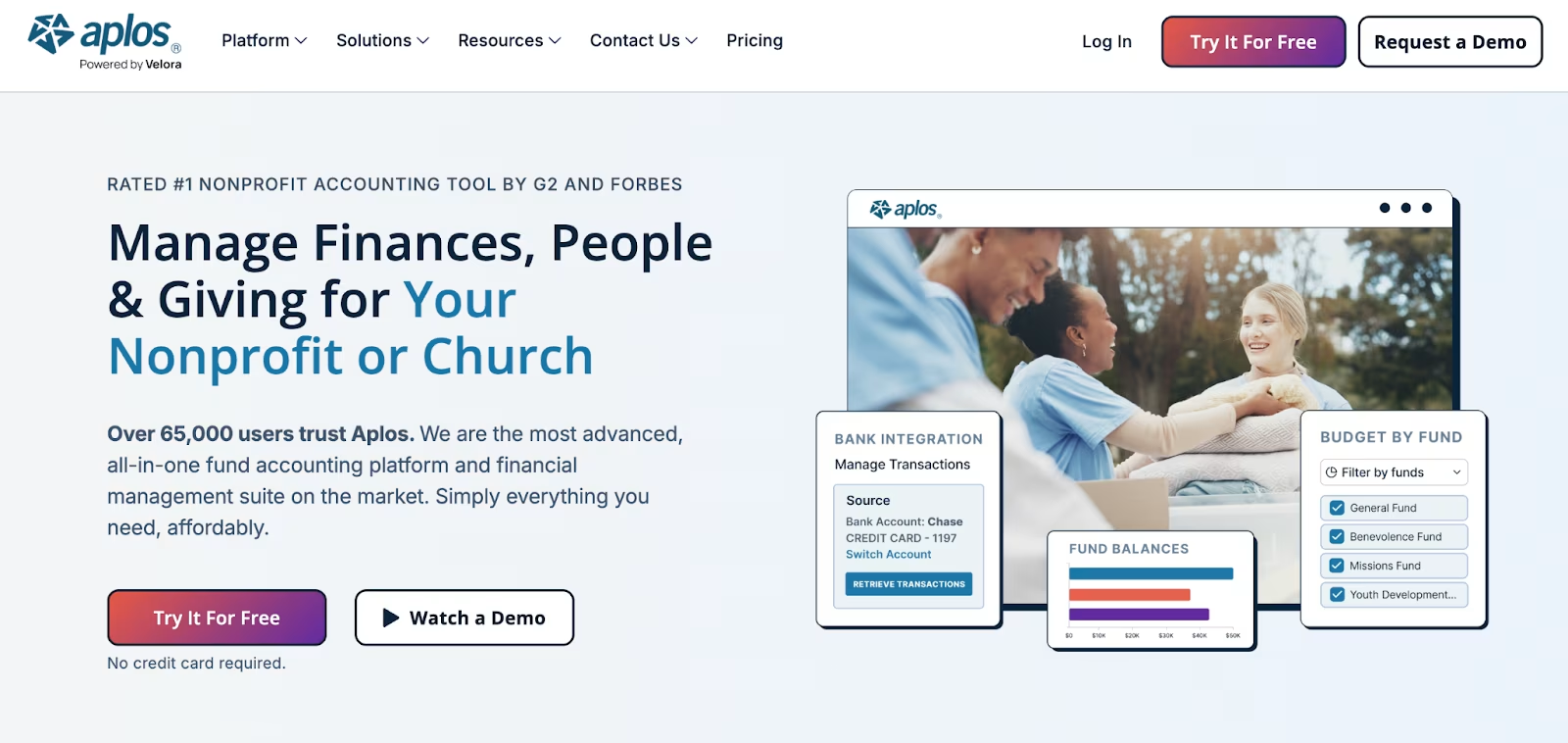
Best for: Churches and faith-based nonprofits
- Built specifically for nonprofits
- Includes donor management and event registration
- Subscription pricing may be high for smaller orgs
5. FreshBooks
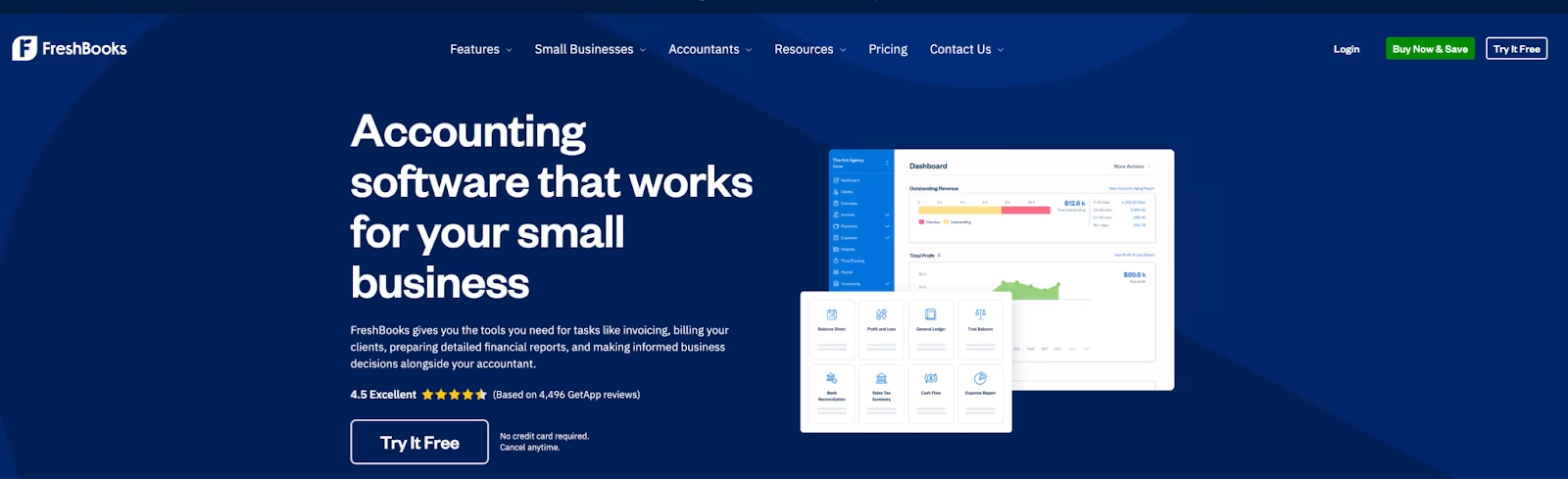
Best for: Service-oriented nonprofits
- Simple invoicing and expense tracking
- User-friendly design
- Not tailored to nonprofit compliance needs
6. Zoho Books
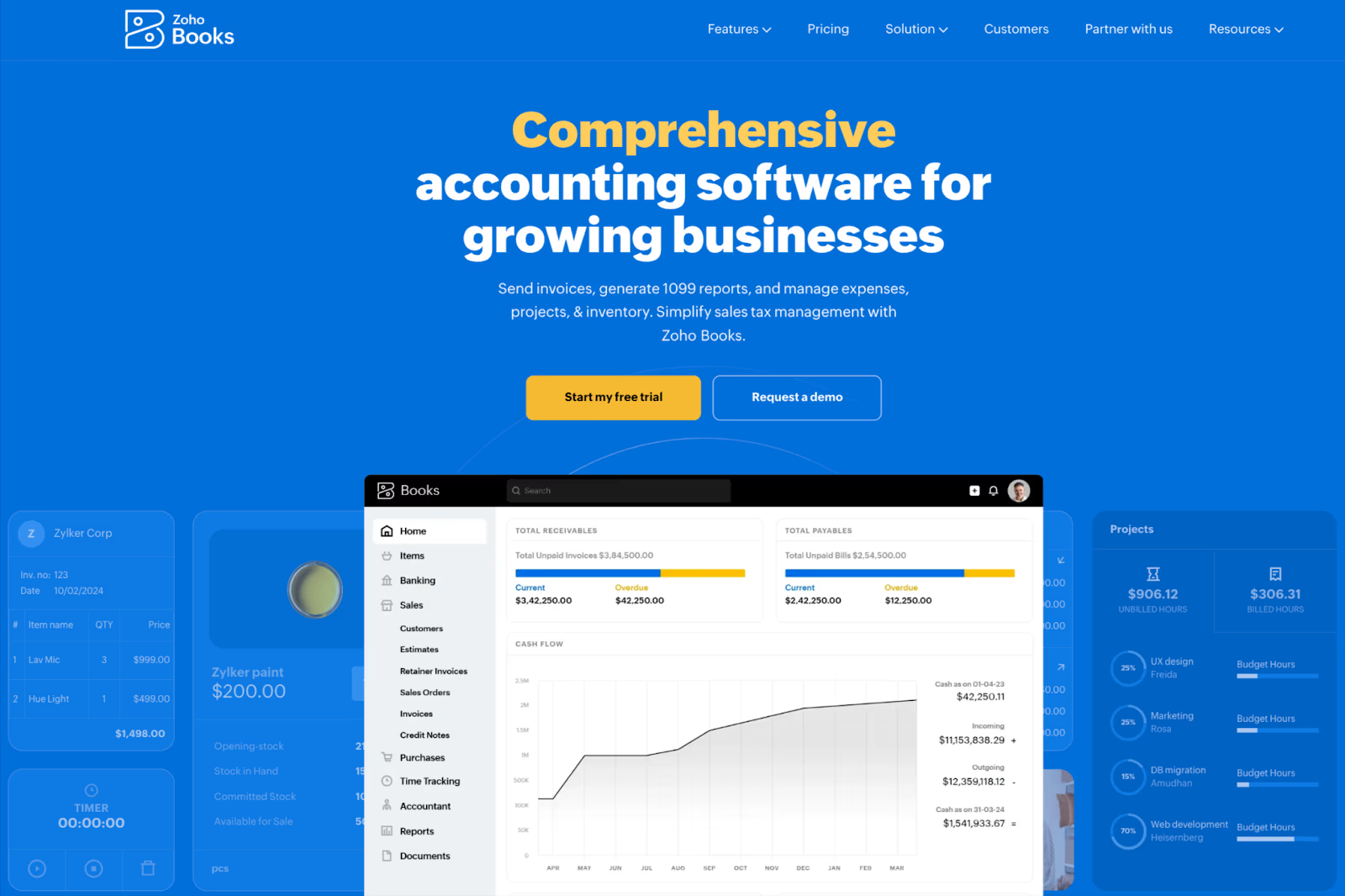
Best for: Tech-savvy nonprofits
- Affordable with robust features
- Automates workflows
- Doesn’t have built-in nonprofit fund accounting, but can be customized
Best Free Accounting Software for Nonprofits
If your nonprofit is operating on a shoestring budget, free options may be appealing.
- Wave Accounting – Best all-around free tool.
- Excel or Google Sheets – While not ideal, some nonprofits still use spreadsheets (but this carries higher risk of errors).
- Otto AI (Free Trial) – Allows nonprofits to test AI-powered accounting before committing.
Read More: Best AI Accounting Software of 2025
Online Accounting Software for Nonprofits
In 2025, most organizations are moving to cloud-based solutions. Benefits include:
- Access from anywhere (great for remote boards or volunteers)
- Automatic updates and backups
- Easier collaboration with accountants and auditors
Otto AI, QuickBooks, Zoho, and Aplos all provide online accounting access.
How to Choose the Right Software for Your Nonprofit
Here’s a quick framework to guide your decision:
- Define Your Needs
- Do you need advanced donor management or just simple bookkeeping?
- Do you need advanced donor management or just simple bookkeeping?
- Set a Budget
- Small nonprofits may need to stick with affordable options like Otto AI or Wave.
- Small nonprofits may need to stick with affordable options like Otto AI or Wave.
- Consider Your Team
- Choose software that’s user-friendly for volunteers and staff with limited accounting expertise.
- Choose software that’s user-friendly for volunteers and staff with limited accounting expertise.
- Check for Integrations
- Ensure it connects with your CRM, fundraising tools, or payroll system.
- Ensure it connects with your CRM, fundraising tools, or payroll system.
- Test with a Trial
- Most platforms offer free trials, use this time to evaluate usability.
- Most platforms offer free trials, use this time to evaluate usability.
Cash Flow Management Tips for Nonprofits
Even the best software won’t fix poor financial practices. Here are some tips nonprofits can implement:
- Track restricted vs. unrestricted funds separately
- Create a rolling budget updated monthly
- Automate donation tracking for accuracy
- Prepare cash flow forecasts to avoid surprises
- Generate board-ready reports to keep leadership informed
Real-World Examples of Nonprofits Using Accounting Software
- Small Community Theater: Switched from Excel to Otto AI to track donations and ticket sales. Improved reporting accuracy by 40%.
- Animal Rescue Organization: Used QuickBooks to manage grants and donor funds, reducing compliance risks.
- Local Food Bank: Adopted Aplos to streamline donor receipts and church-related reporting.
These examples show that the right software can free up time, reduce stress, and allow nonprofits to focus on their mission.
Conclusion
Choosing the best accounting software for nonprofits is about more than bookkeeping, it’s about transparency, trust, and sustainability. Whether you’re a small nonprofit just starting out or a growing organization managing multiple grants, the right tools can make all the difference.