Free Video Creator Tools
Essential video conversion and editing tools to help you convert, compress, trim, and optimize your videos for any platform with ease and efficiency.
AVI to MP4 Converter
Convert AVI video files to MP4 format quickly and easily for better compatibility across all devices and platforms.
MOV to MP4 Converter
Transform MOV files to MP4 format for universal compatibility and easier sharing across all platforms.
MP4 to MOV Converter
Convert MP4 video files to MOV format for Apple ecosystem compatibility with QuickTime and iOS devices.
MKV to MP4 Converter
Convert MKV video files to MP4 format for better compatibility with media players and sharing platforms.
WebM to MP4 Converter
Convert WebM files to MP4 format for broader compatibility and easier sharing across all devices.
FLV to MP4 Converter
Convert FLV video files to MP4 format for better compatibility across devices and platforms.
M4A to MP4 Converter
Convert M4A audio files to MP4 video format for easy sharing and compatibility across platforms.
M4A to WAV Converter
Convert M4A audio files to WAV format for lossless quality and universal compatibility across all devices.
WAV to MP4 Converter
Convert WAV audio to MP4 video format for better compatibility with YouTube, Instagram, and other platforms.
OGG to MP3 Converter
Convert OGG audio files to MP3 format for better compatibility across devices and platforms.
MP3 to MP4 Converter
Convert MP3 audio to MP4 video with custom backgrounds for YouTube, Instagram, and Facebook.
MP4 to MP3 Converter
Extract audio from MP4 videos and convert to MP3 format for easy listening and audio sharing.
M4A to MP3 Converter
Convert M4A audio files to MP3 format for universal compatibility and high-quality audio output.
WAV to MP3 Converter
Convert WAV audio files to MP3 format for easier sharing and storage with quality control settings.
MP3 to WAV Converter
Convert MP3 audio files to WAV format for uncompressed high-quality audio suitable for professional editing and archiving.
FLAC to MP3 Converter
Convert FLAC audio files to MP3 format for better compatibility with adjustable bitrate and sample rate settings.
MOV to MP3 Converter
Extract high-quality audio from MOV video files and convert to MP3 format instantly with this fast and secure converter.
Video Compressor
Compress video files to reduce file size while maintaining quality for faster uploads and sharing.
Video Trimmer
Trim and cut video files to remove unwanted sections and create perfect clips for sharing.
Video Cropper
Crop and resize videos for Instagram, TikTok, YouTube, and Facebook with platform-specific aspect ratios.
Audio Trimmer
Cut and trim audio files with waveform visualization for social media, podcasts, and content creation.
Video to GIF Converter
Convert video clips to animated GIF format for easy sharing on social media and messaging platforms.
Why Choose Otto AI Tools?
AI-powered LinkedIn tools designed to help you grow your professional presence, create engaging content, and maximize your career opportunities.

Customizable to match your brand.
Personalize designs with your branding, colors, fonts, and content to match your business identity.

Time-Saving & Efficient Process
Reduce manual work with OTTO's smart templates, automation, and seamless formatting.

One-click download & sharing.
Instantly share or download templates in multiple formats for easy access and record-keeping.
From Formation to Tax Filing,
Otto AI Takes
Care of It All
Everything you need to manage, organize, and grow your business with ease.
Entity Management
Easily handle formation, incorporation, S Corp setup, and compliance.
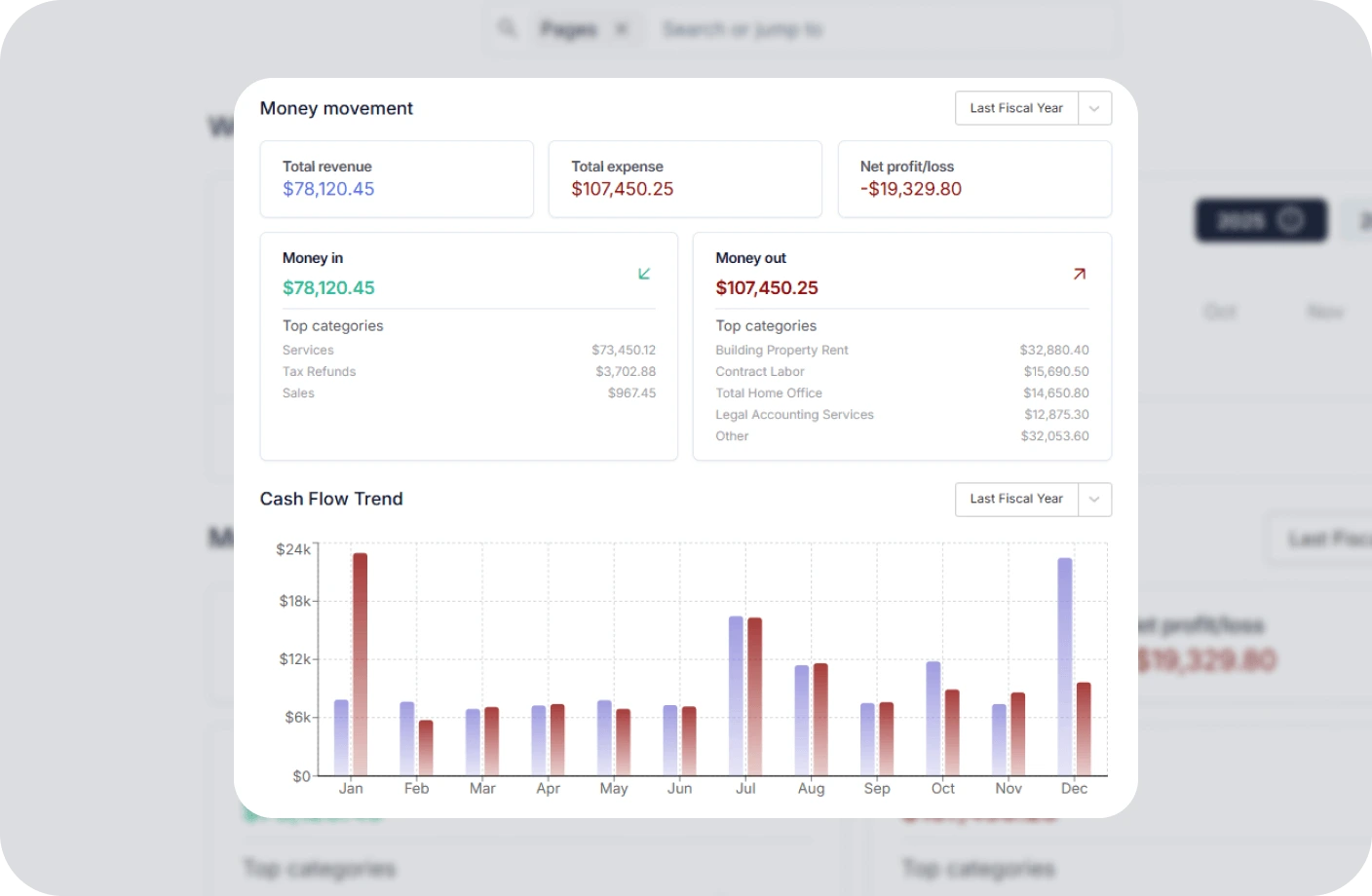
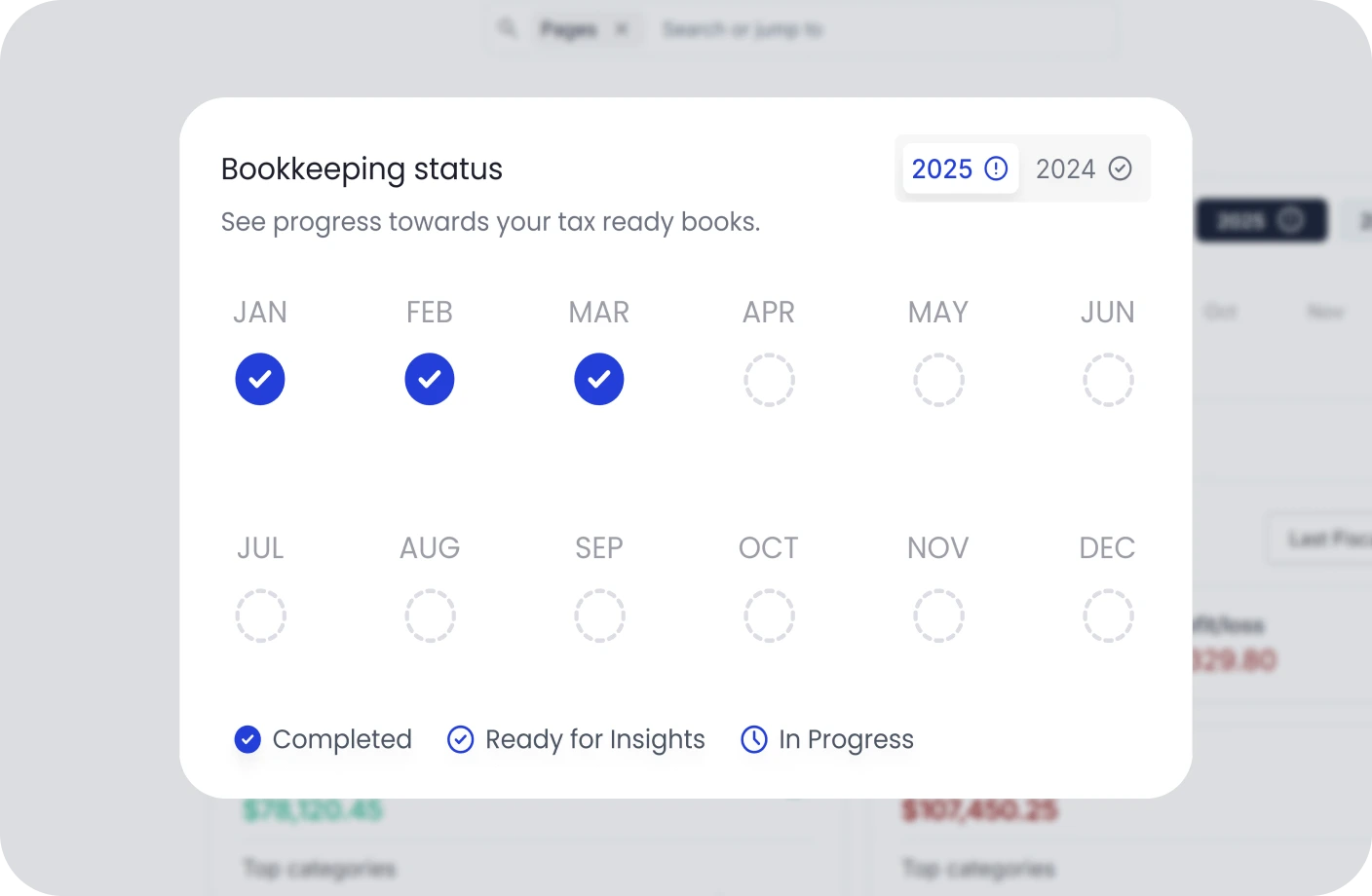
Bookkeeping
Smart financial assistant with a dedicated bookkeeping team and bookkeeper.
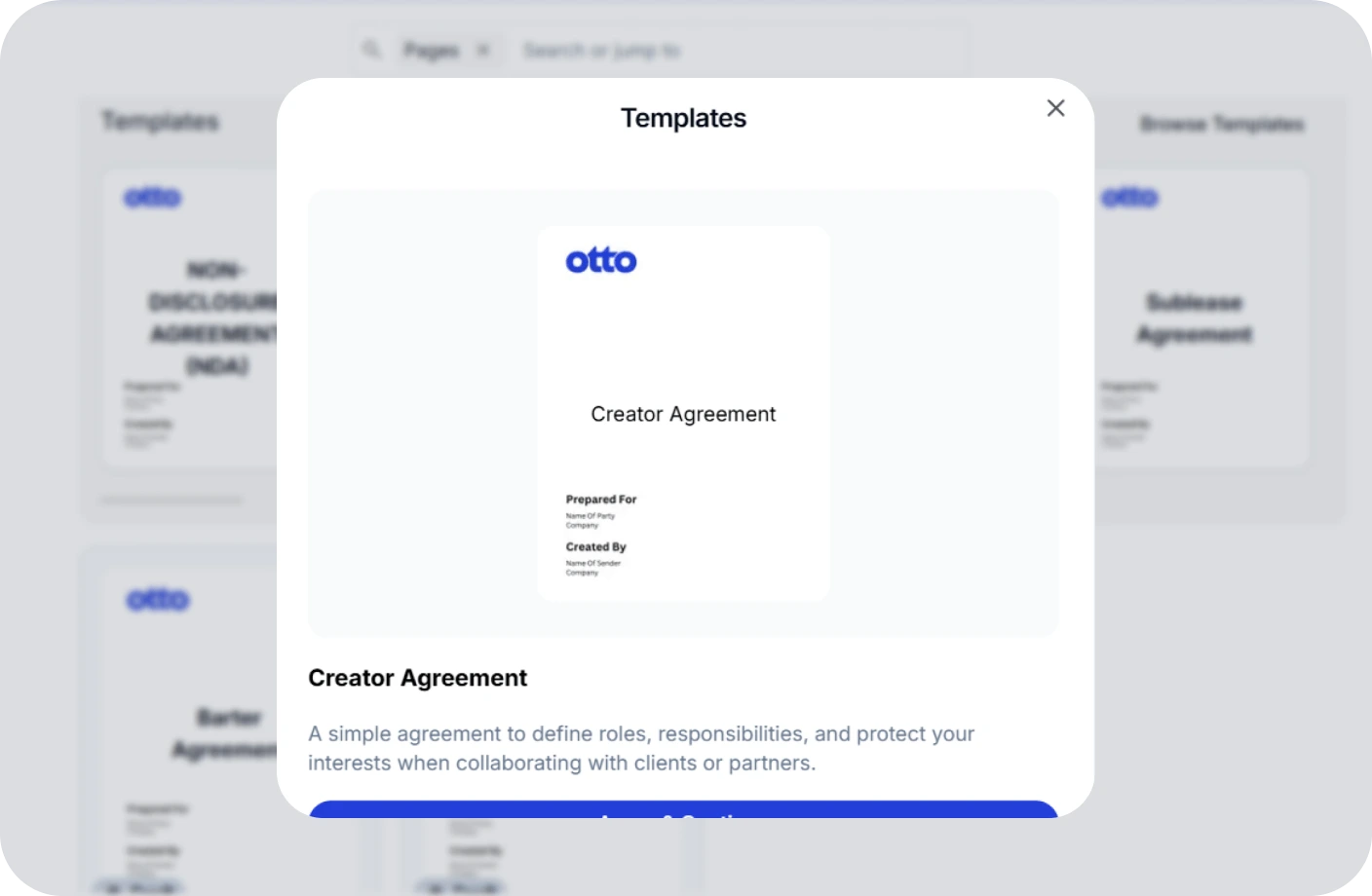
Contracts
Create, track, and securely e-sign contracts to ensure compliance and deadlines.
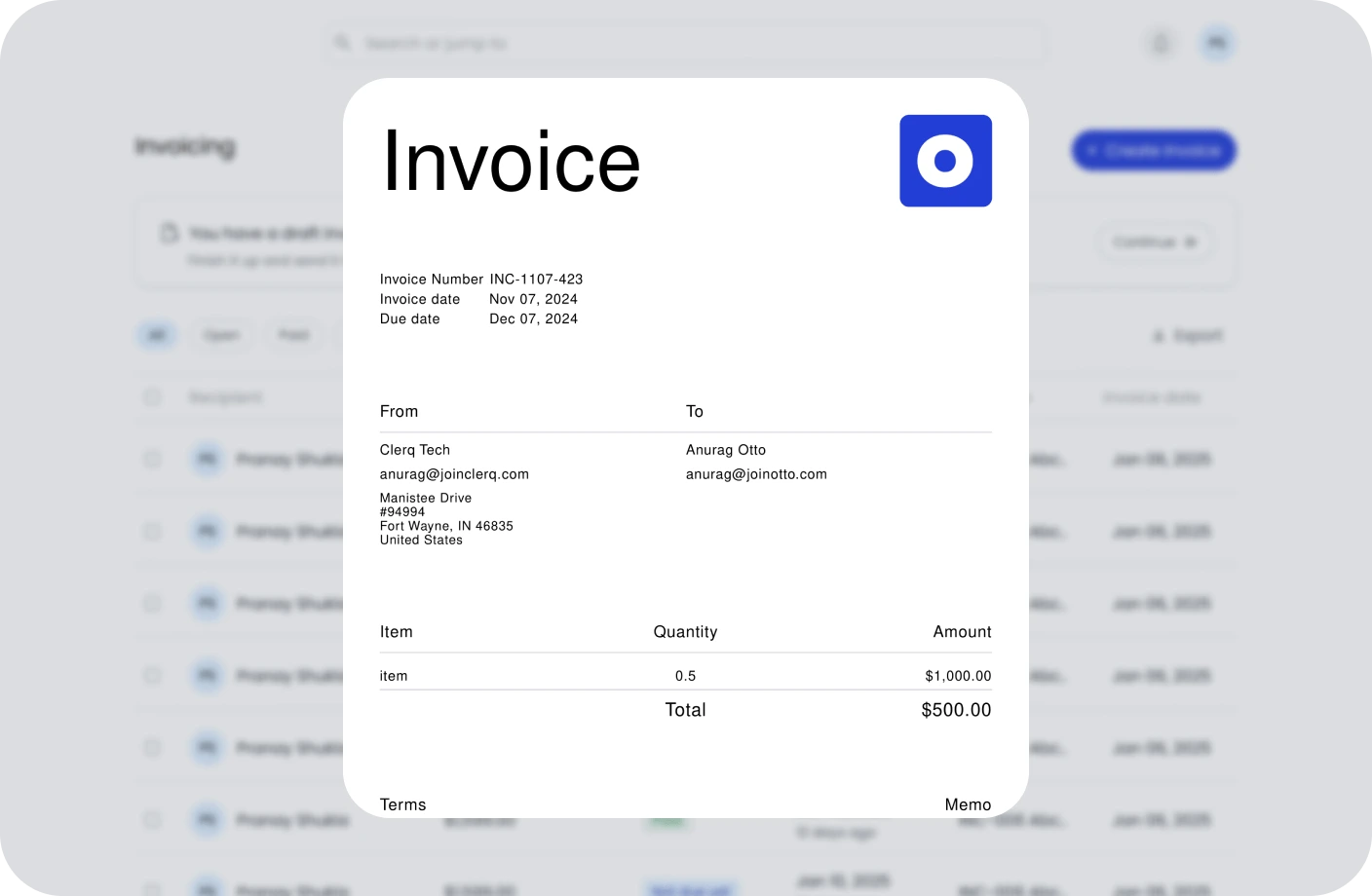
Invoicing
Create, send, and manage invoices. Track payments and assure timely cash flow.
Taxes
Confidently plan taxes with expert CPAs and smart tools to track deductions.
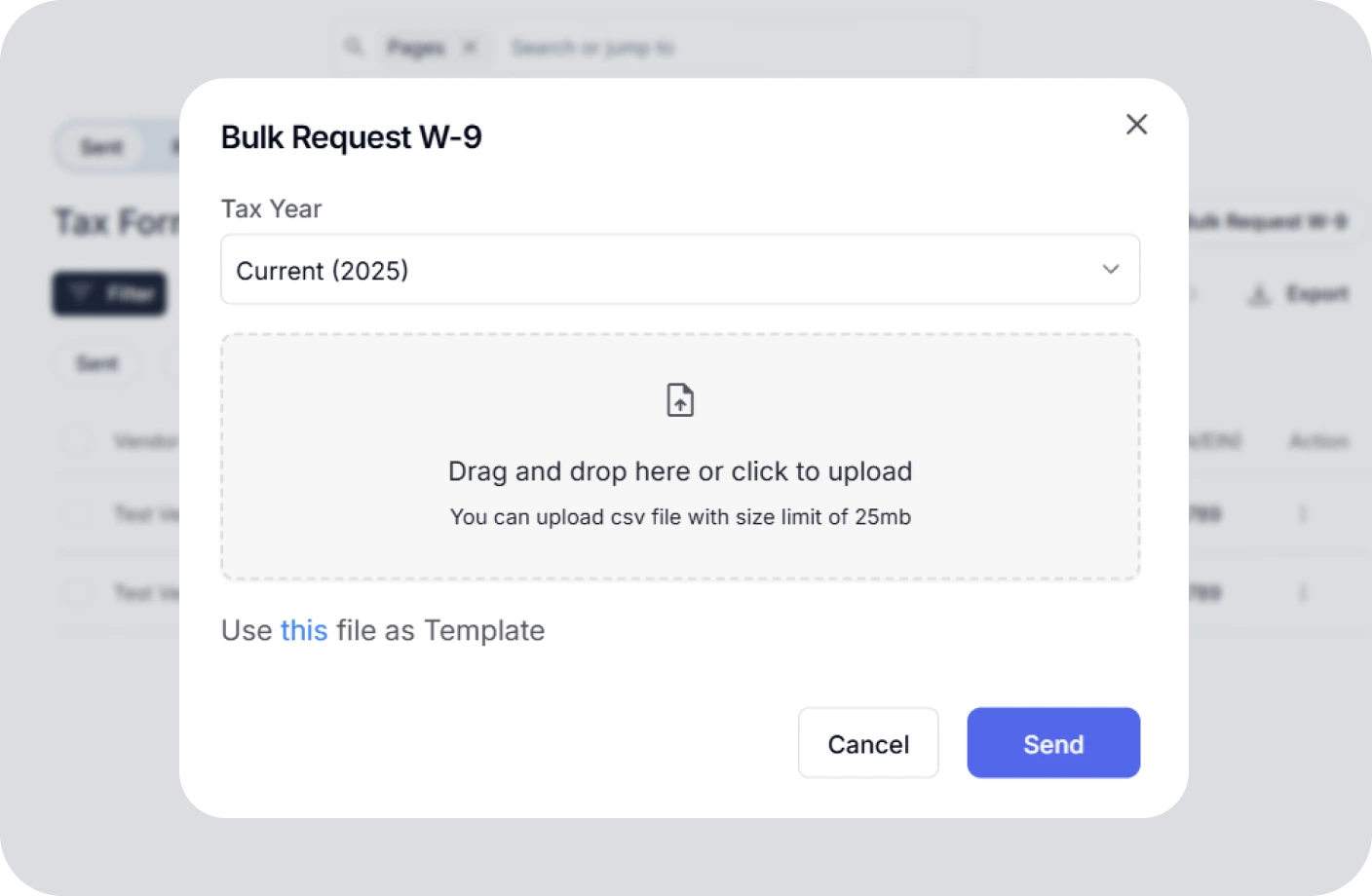
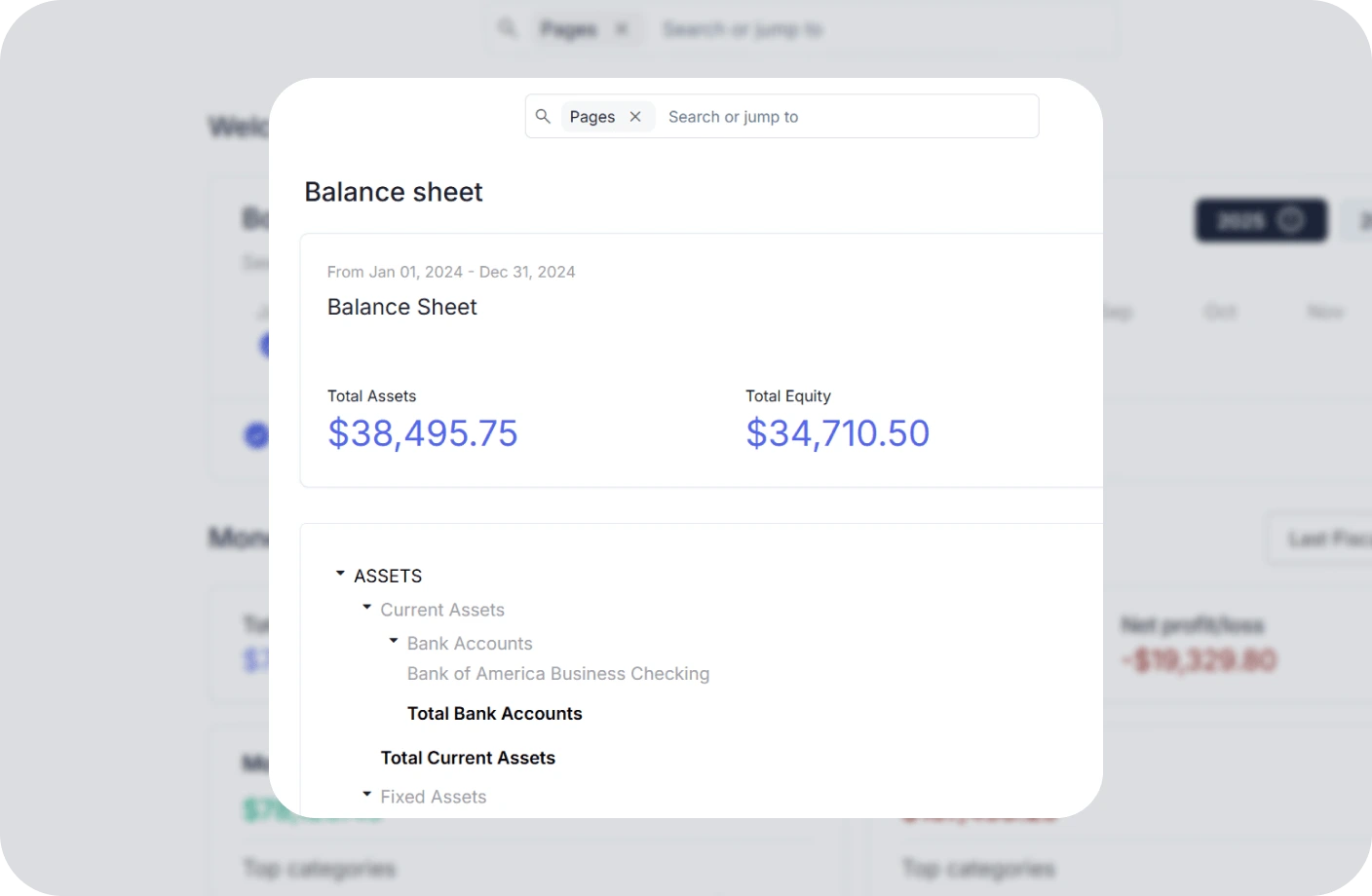
AI Accounting Software
All-in-one accounting for small businesses—handle books, taxes, invoices, and more.
Video Creator Tools FAQs
What video creator tools are available on Otto AI?
Otto AI provides essential video conversion and editing tools for video creators, including AVI to MP4 converter, MOV to MP4 converter, MKV to MP4 converter, WebM to MP4 converter, M4A to MP4 converter, MP4 to MP3 converter, video compressor, video trimmer, and video to GIF converter, designed to help you convert, compress, trim, and optimize your videos for any platform with ease.
How do I convert video files to MP4 format?
Our video converter tools (AVI to MP4, MOV to MP4, MKV to MP4, WebM to MP4) allow you to upload your video file and instantly convert it to MP4 format. Simply select the appropriate converter based on your source file format, upload your video, and download the converted MP4 file. The process is fast, free, and maintains high video quality.
How can the video compressor help me?
The video compressor reduces your video file size while maintaining quality, making it perfect for faster uploads to social media, email attachments, and cloud storage. It helps you save bandwidth and storage space without sacrificing visual quality, ideal for content creators who need to share large video files efficiently.
Are these video creator tools free to use?
Yes, all video creator tools provided by Otto AI are completely free to use. You don't need an account to access and utilize them for your video conversion, compression, and editing needs.
Who can benefit from these video creator tools?
These tools are ideal for video creators, content creators, marketers, social media managers, educators, and anyone who works with video files. Whether you're creating content for YouTube, Instagram, TikTok, or professional presentations, you'll find these tools valuable for optimizing your video workflow.
How can I extract audio from MP4 videos?
Our MP4 to MP3 converter allows you to extract audio tracks from MP4 videos and save them as high-quality MP3 files. Simply upload your MP4 video, and the tool will separate the audio for you to download. This is perfect for creating podcasts, extracting music from videos, or saving audio content for easy listening.
Is my data safe when using these video creator tools?
Absolutely. Your video files and personal information are never stored or shared. All conversions and processing run securely without saving your data, ensuring your privacy and content remain protected. Files are processed in your browser or temporarily during conversion and are deleted after the process is complete.
 Join with
Google
Join with
Google