Quickly add a digital signature to any PDF document, secure, free, and no sign-up required. Leverage our free tool for seamless and efficient document signing, ideal for the self-employed.
Designed for Canadian freelancers. Otto AI helps Canadian creators sign PDFs, manage contracts, and track income in CAD.
Upload any PDF document, add your
digital signature, and download the signed file instantly. No printing, scanning, or mailing
required.
Quick and easy PDF signing at your fingertips. Upload your document, add your signature, and download the completed file in moments. The ideal online tool for fast document signing and completion, tailored for freelancers.
Import PDFs Easily from Your Device or Cloud Services
Flexible Signature Creation Options
Download Signed PDFs Instantly
Enjoy Free Access with No Registration Required
Fill out PDF forms completely before signing. Otto AI provides
form filling features alongside signature tools for seamless document
processing. Trustworthy and free solution for signing and completing all your PDF documents.
Add Text, Dates, and Notes to PDFs with Precision
Precisely Position Your Signatures
Works with All PDF Document Types
Optimize Your Document Workflow
Privacy-Centric PDF Signing Experience. Your files are processed entirely on your device, never uploaded to any server or cloud storage. Perfect for secure and confidential digital document signing.
Local Processing Ensures Maximum Security
No External File Transfers
Ideal for Sensitive Legal Documents
Full Privacy Protection
Works seamlessly on any device with universal compatibility. Sign PDFs on your laptop, tablet, or smartphone using any modern web browser. Otto AI—Reliable PDF Signing for Any Device.
Compatible with All Modern Browsers
Works with Touch and Stylus Inputs
Designed for Mobile and Tablet Use
Enjoy Unlimited Free Use
For freelancers and self-employed creators in Canada, managing client agreements, proposals, and invoices in CAD requires fast, reliable document signing. Under local e-signature regulations like PIPEDA and provincial electronic transactions acts, digital PDF signatures are legally binding.
Legally compliant PDF signatures in Canada
Faster contract turnaround for payments in CAD
Zero installation — 100% browser-based security
Free for independent contractors & small business owners
Upload your PDF, add your signature, and download the signed
document in seconds with our intuitive PDF signing tool, no printer or scanner required.
Select Your PDF Document
Upload your contract, invoice, or PDF form directly from your device in Canada with zero sign-up required.
Sign Your Document
Draw, type, or upload your digital signature to execute contracts with clients paying in CAD.
Save Your Signed PDF
Instantly download your signed, legally compliant PDF document ready to send to clients across Canada and globally.
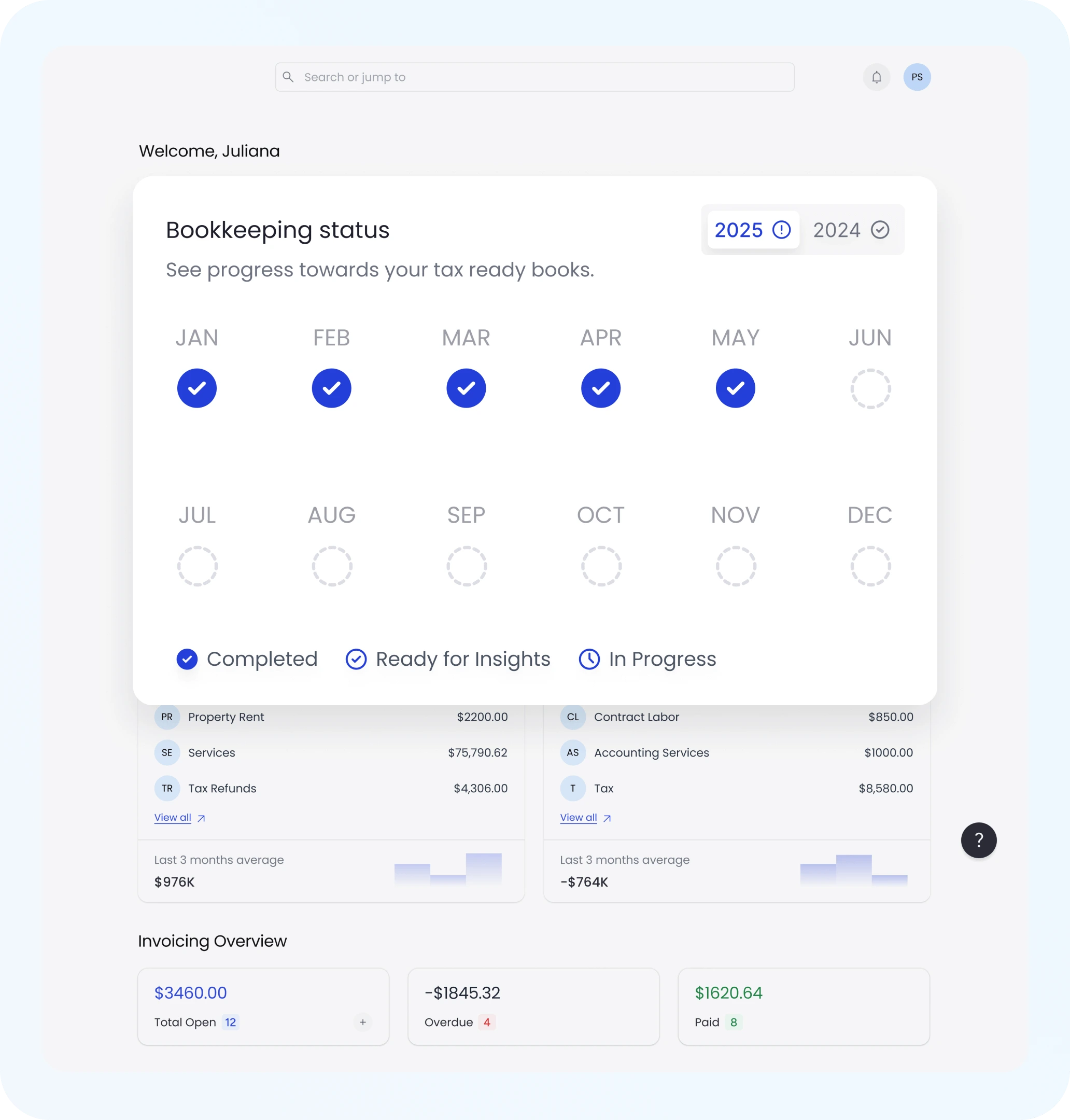
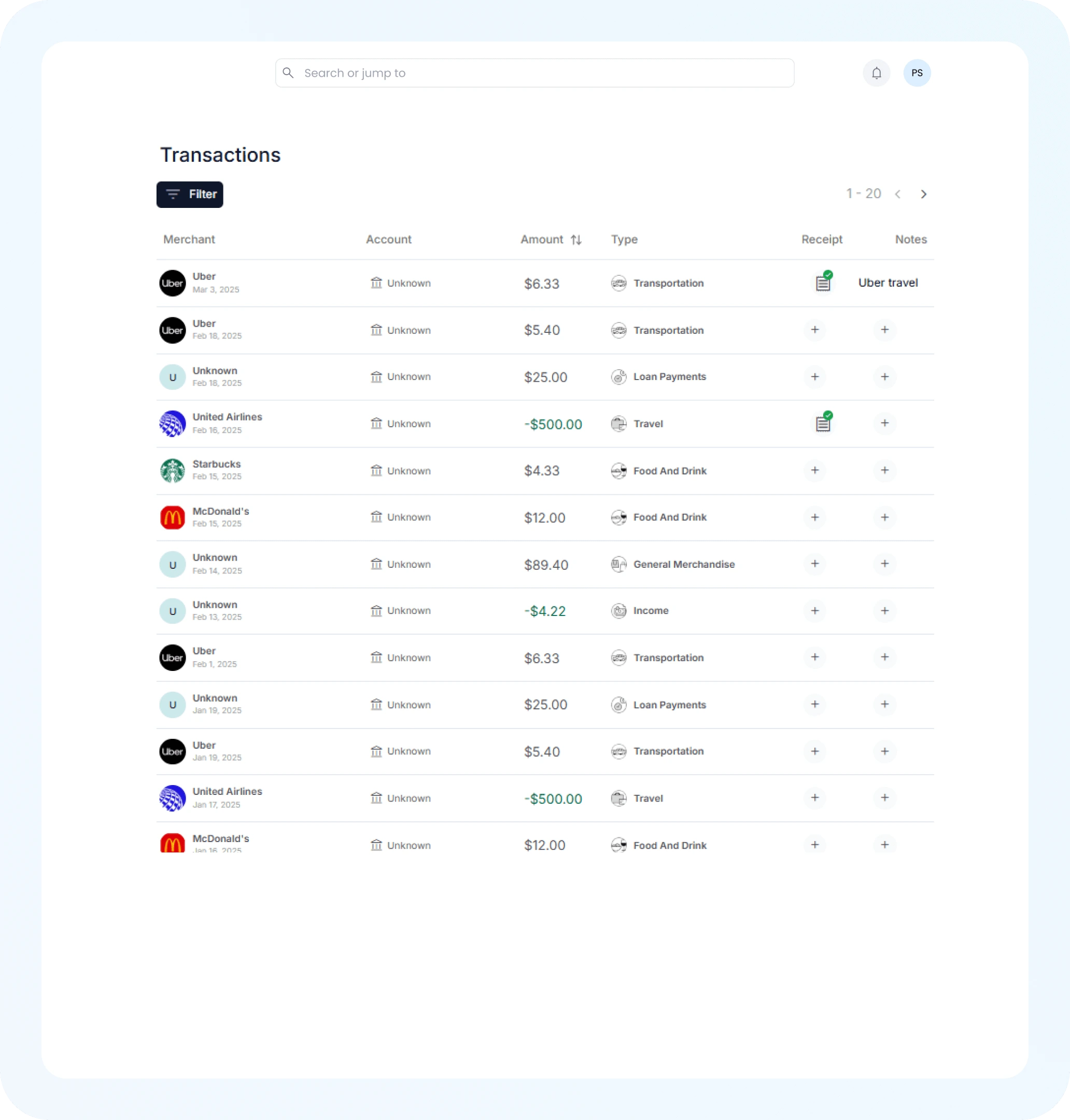
Comprehensive financial solutions crafted for freelancers and the self-employed.
Easily manage legal entities, compliance, and ownership in one platform.
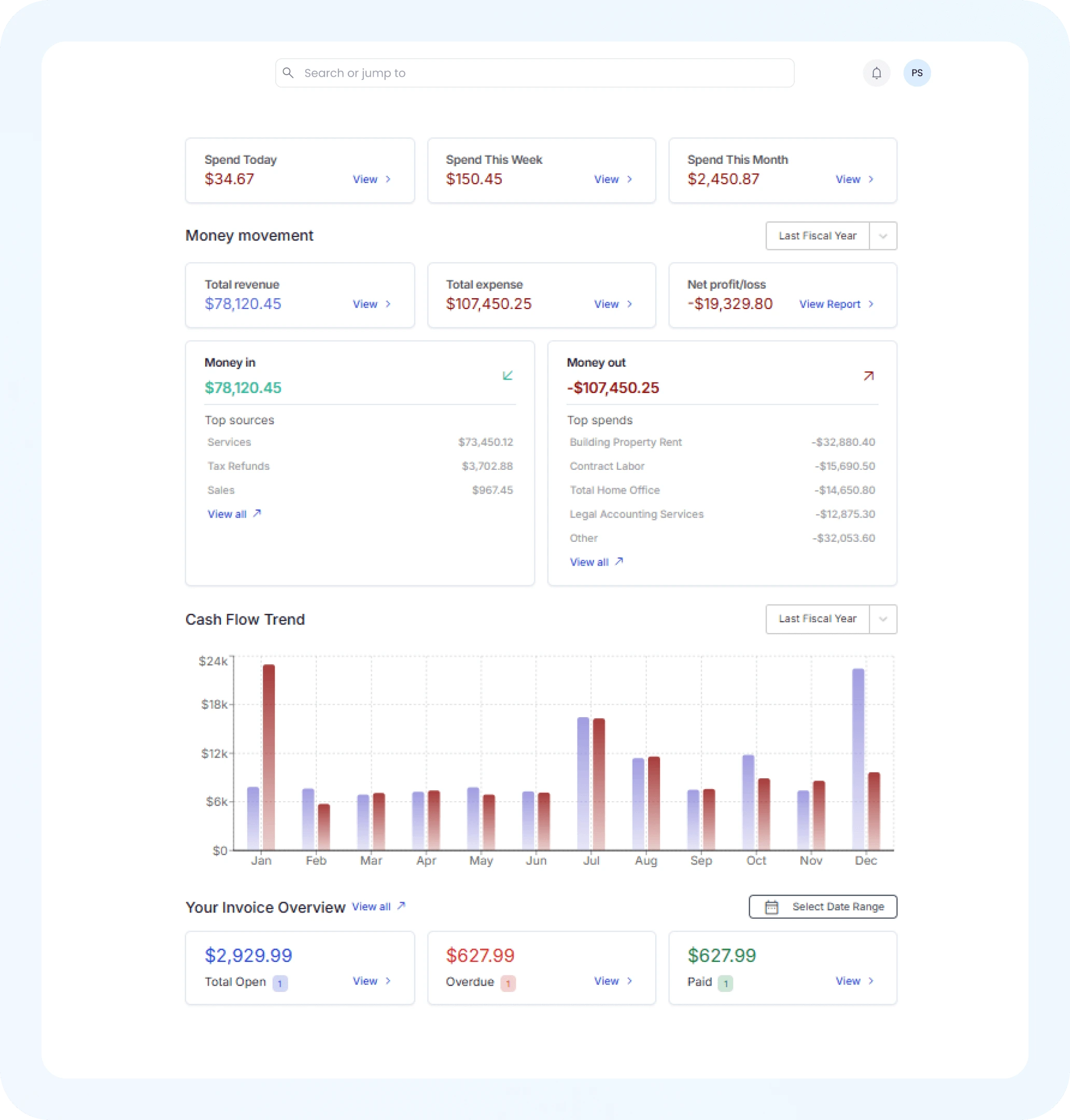
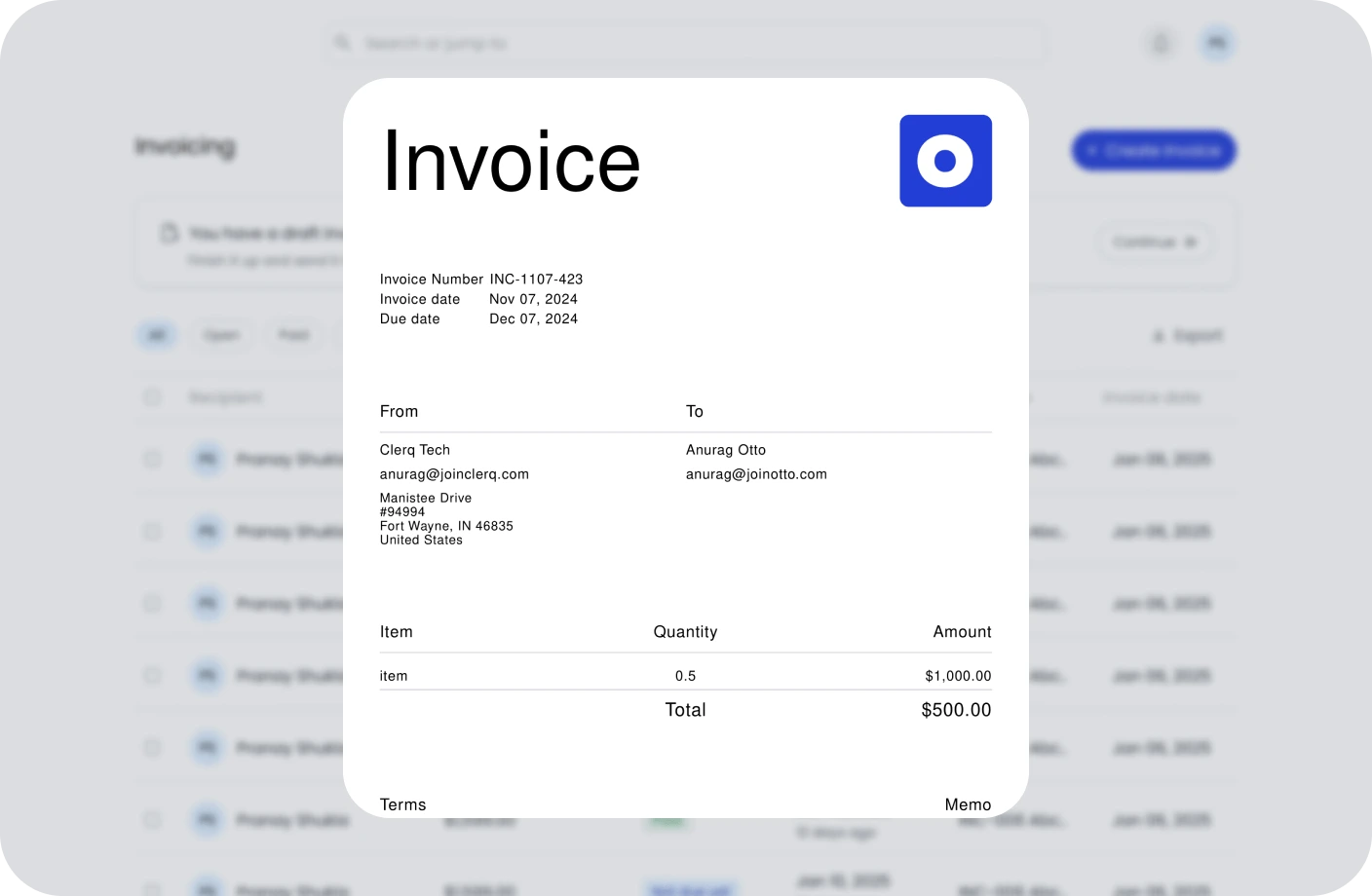
Create, send, and manage invoices. Track payments and assure timely cash flow.
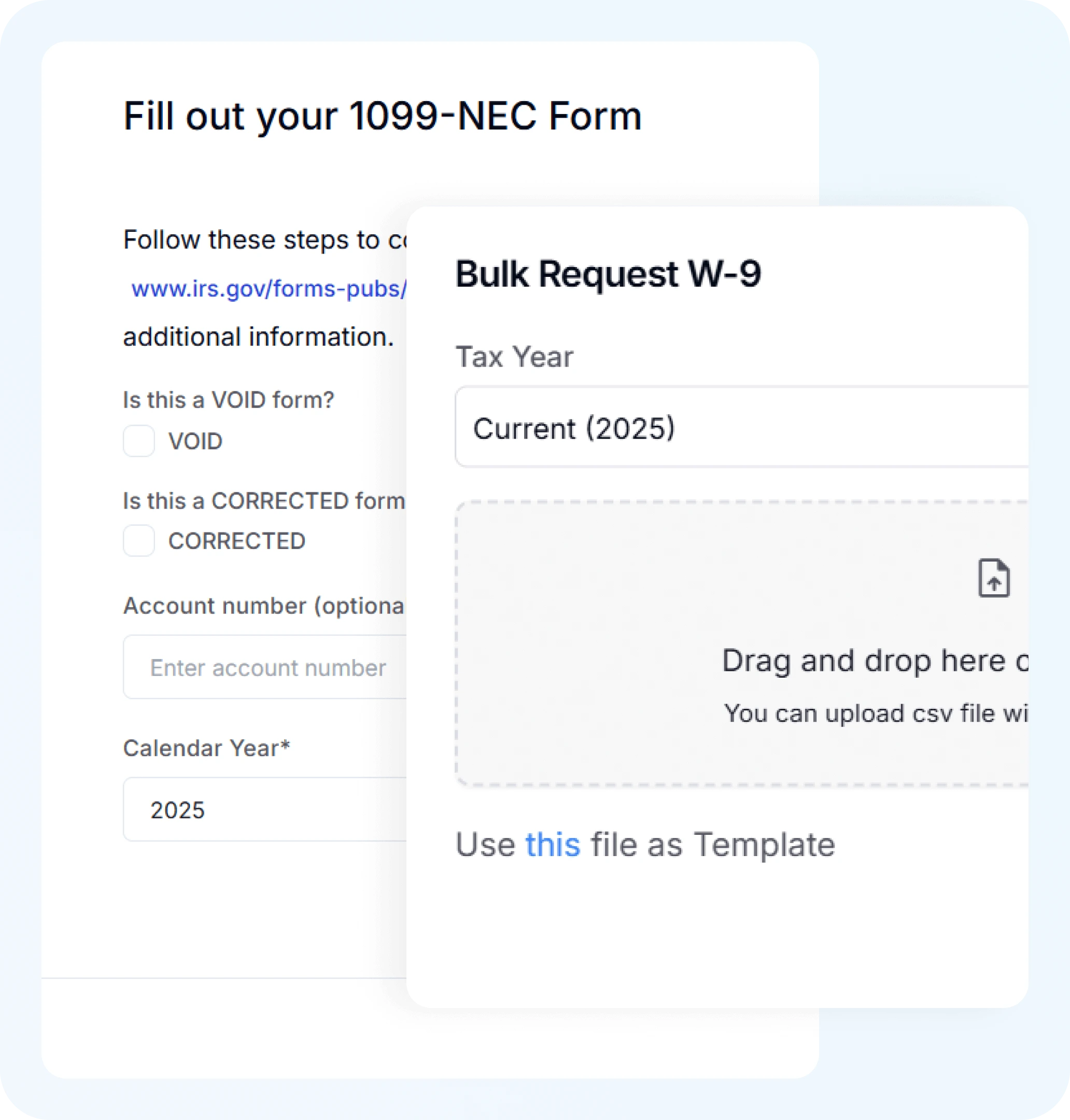
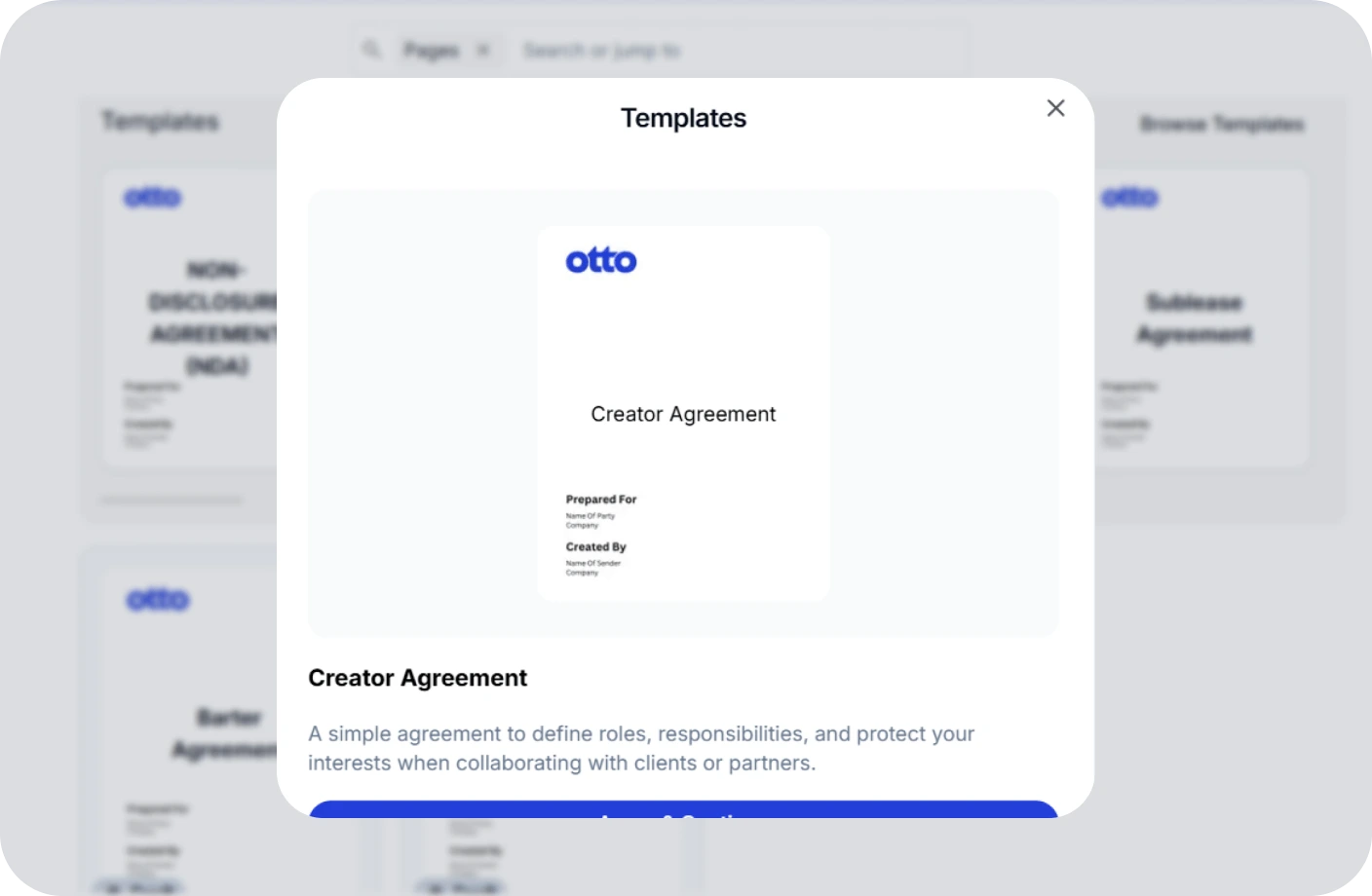
Create, track, and e-sign
contracts to ensure
compliance
and deadlines.
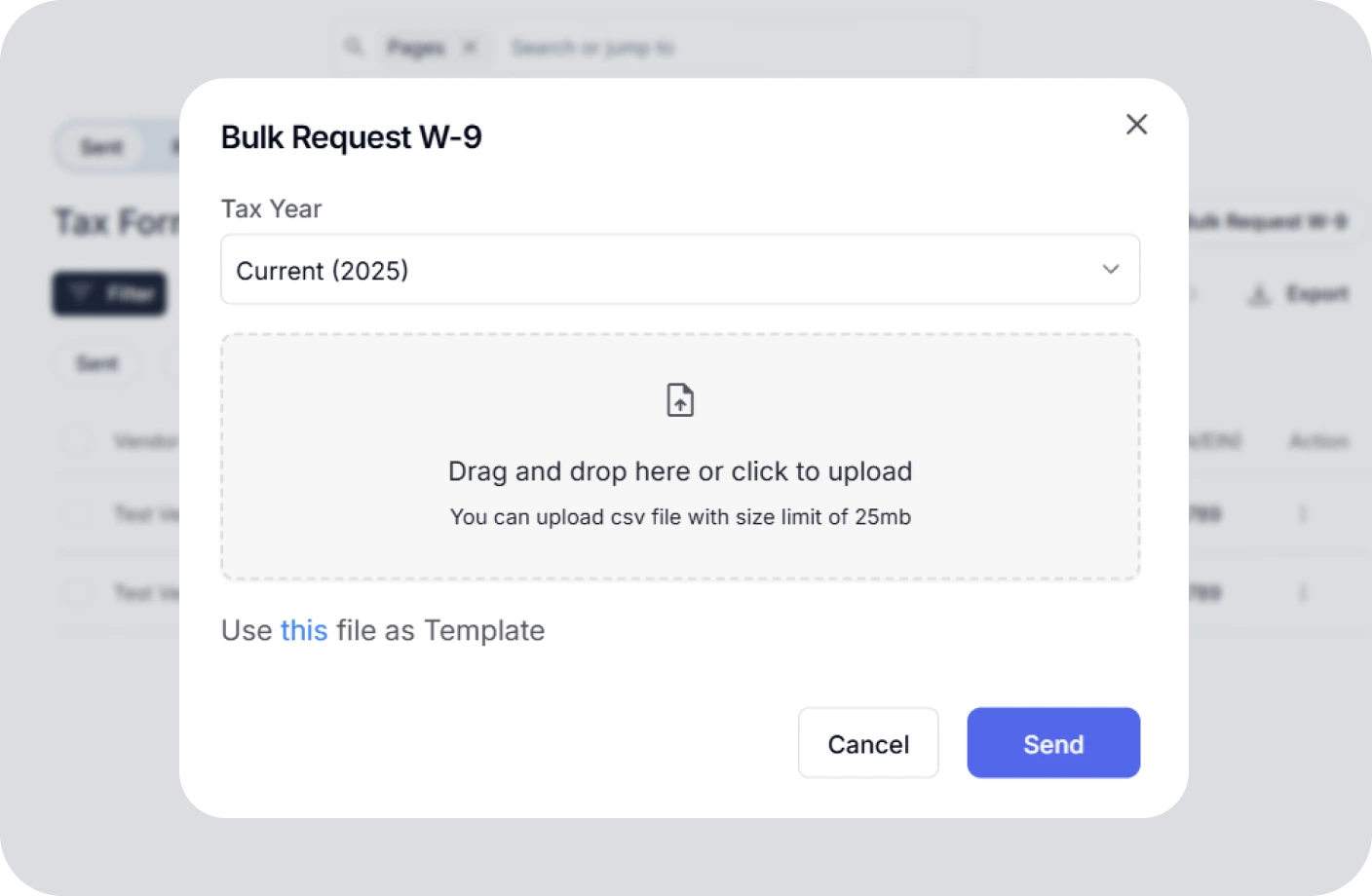
Confidently plan taxes with expert CPAs and smart tools to track deductions.
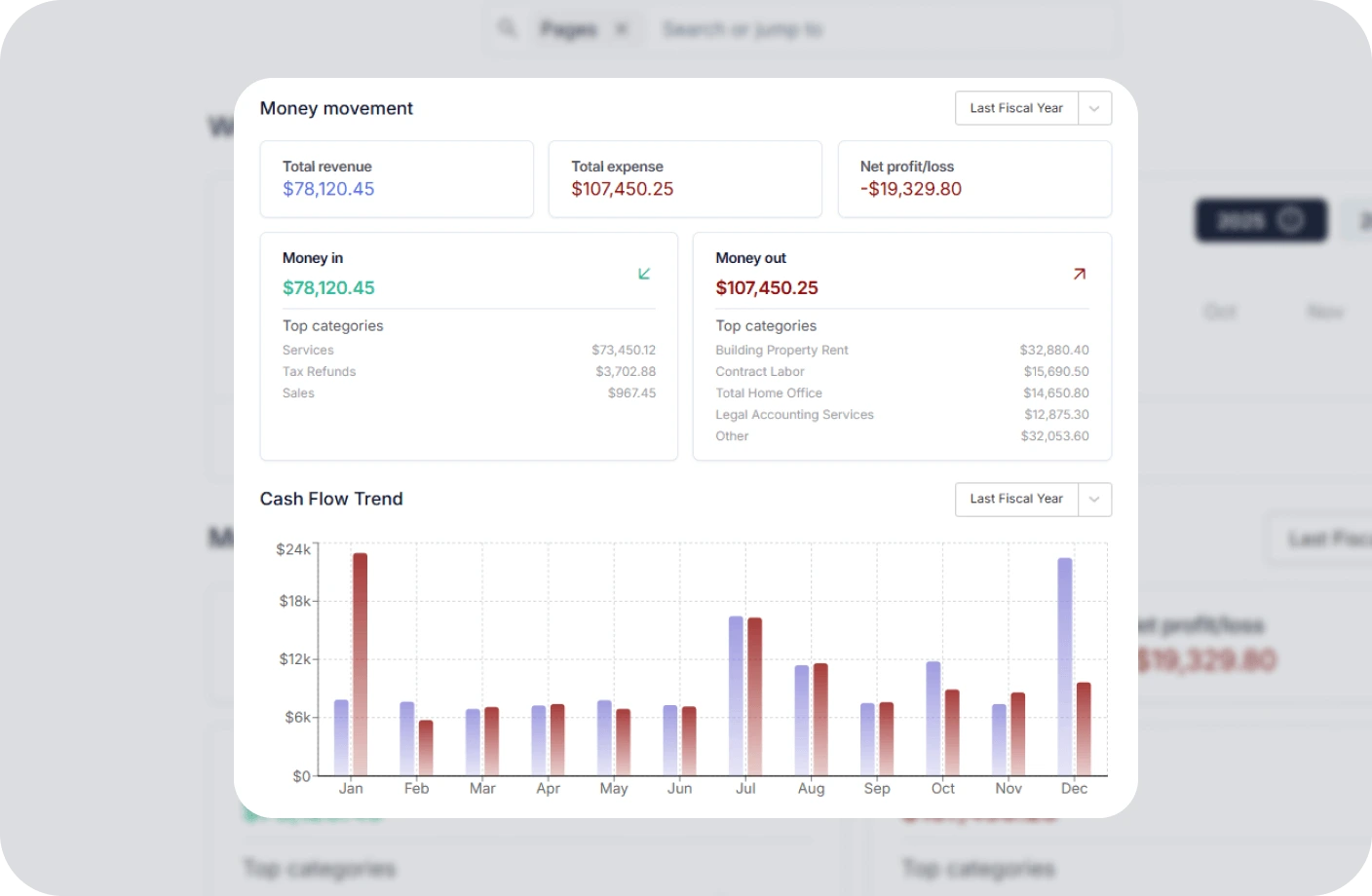
Real time business reports show where you stand today and what to do next.
All in one accounting software for small businesses to handle your books, taxes, invoices, and contracts.
You can sign a PDF online for free with Otto AI Sign PDF tool. Just upload your document, add your signature by drawing, typing, or uploading it, and download the signed version instantly, no account needed. It also doubles as a free PDF signature service for everyday use.
Completely safe. Otto AI processes all files locally in your browser without uploading them to any server, so your documents remain private and secure.
Yes, you can sign PDFs entirely digitally with Otto AI. No printer, scanner, or physical documents needed—everything happens online in your browser.
Otto AI offers multiple signature methods: type your name with different fonts, draw your signature with a mouse or finger, or upload an existing signature image.
Yes, you can fill out PDF forms with Otto AI. Add text, dates, checkboxes, and other fields before adding your signature to complete the document.
Not at all. Otto AI's PDF signing tool works immediately without any sign-up, registration, or account creation required. It’s also available as a pdf signer free tool with no restrictions.
Absolutely. Otto AI's PDF signing tool is optimized for mobile and tablet devices, so you can sign documents on the go.
You can sign any PDF document including contracts, forms, applications, legal papers, tax forms, and other official documents. Otto AI supports all standard PDF formats. It’s ideal when you need a free PDF document signer for professional or personal tasks.
Yes, digital PDF signatures are legally recognized and enforceable for business contracts, freelancer agreements, and invoices in Canada under local electronic signature regulations.
Having signed contracts protects freelancers in Canada by clearly defining project scope, payment terms in CAD, and intellectual property rights, ensuring smooth business operations and legal clarity.