Sign PDF Documents in Trinidad & Tobago — Free Digital Tool

Quickly add a digital signature to any PDF document, secure, free, and no sign-up required.

Designed for Trinidadian freelancers. Otto AI helps Trinidad & Tobago creators sign PDFs and manage their business.

Free PDF Signing for Trinidad & Tobago Freelancers | Otto AI
📄
Drop your PDF file here or click to browse
Supports PDF files up to 10MB
Page 1 of 1 Zoom: 100%

Sign PDFs on Phone, Tablet, or Desktop

Upload any PDF document, add your digital signature, and download the signed file instantly. No printing, scanning, or mailing required.

Skip the Printer. Sign PDFs Digitally in Seconds

Our PDF signature tool simplifies document signing. Upload your PDF, place your signature, and download the completed document immediately—no printing or scanning required.

  • Upload any PDF file directly from your device

  • Draw, type, or upload your signature

  • Download your signed document instantly

  • Free to use with no account required

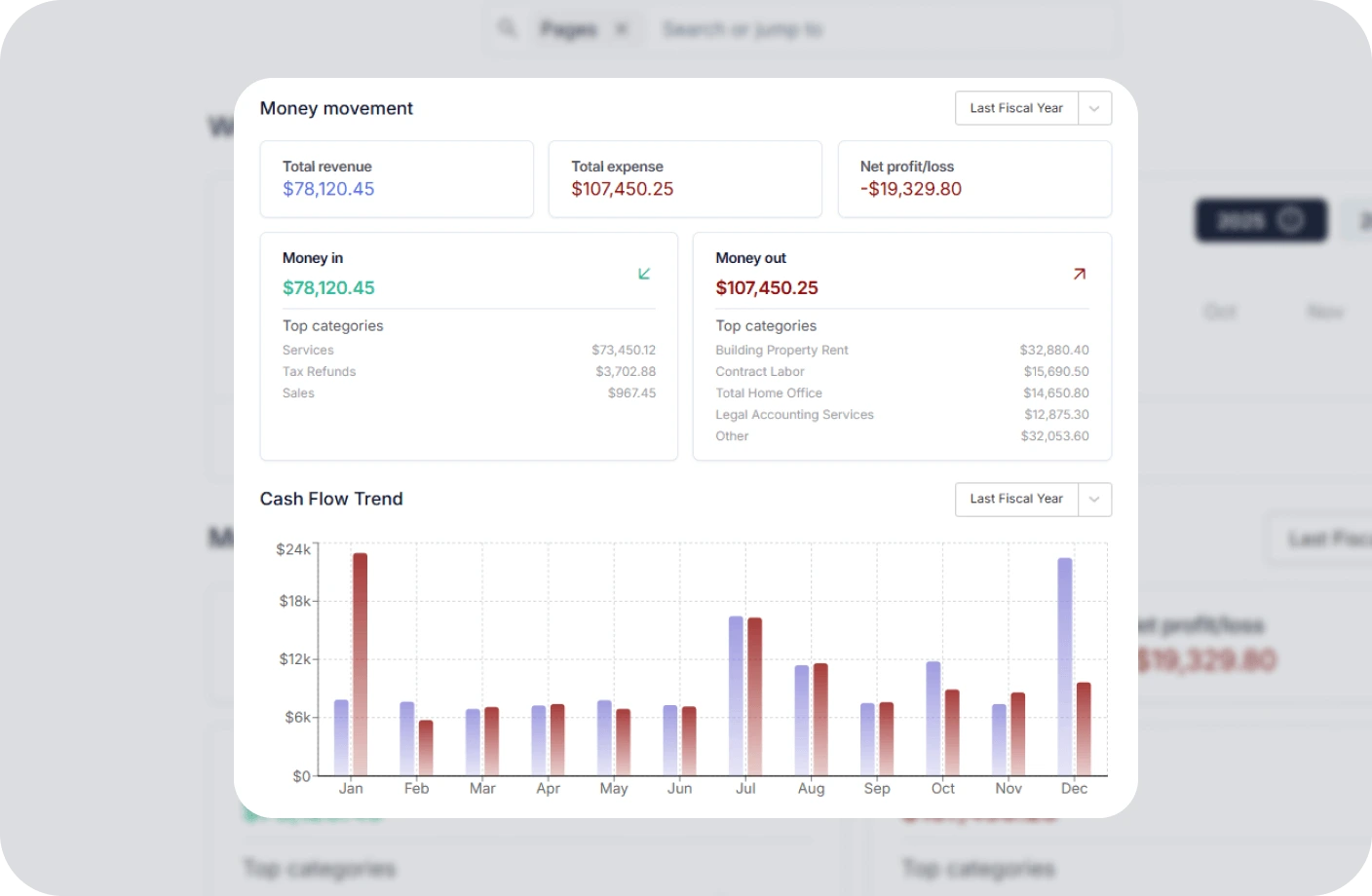
Otto AI Bookkeeping Software
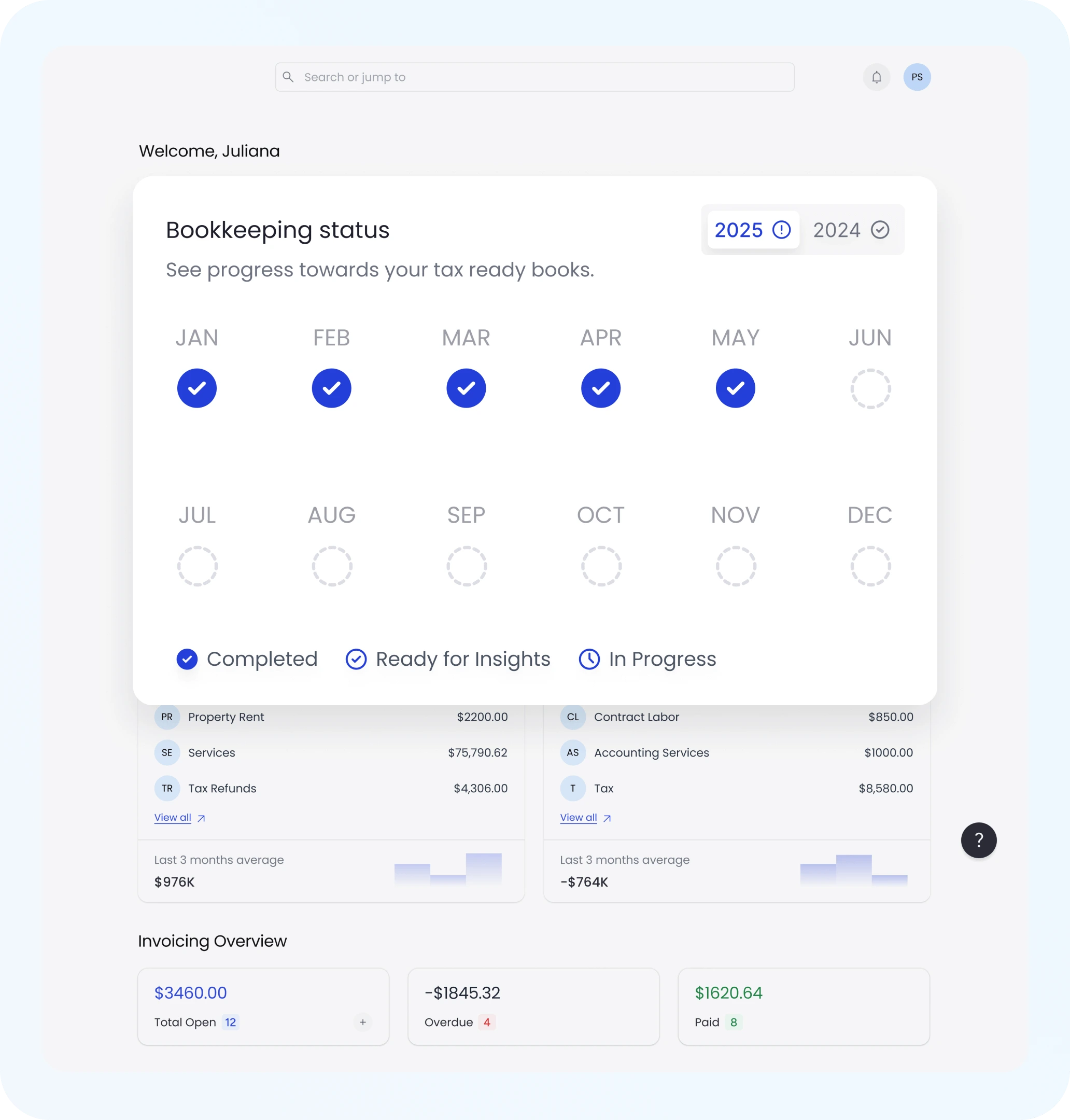
Bookkeeping Status

All-in-One PDF Filler and Signature Tool

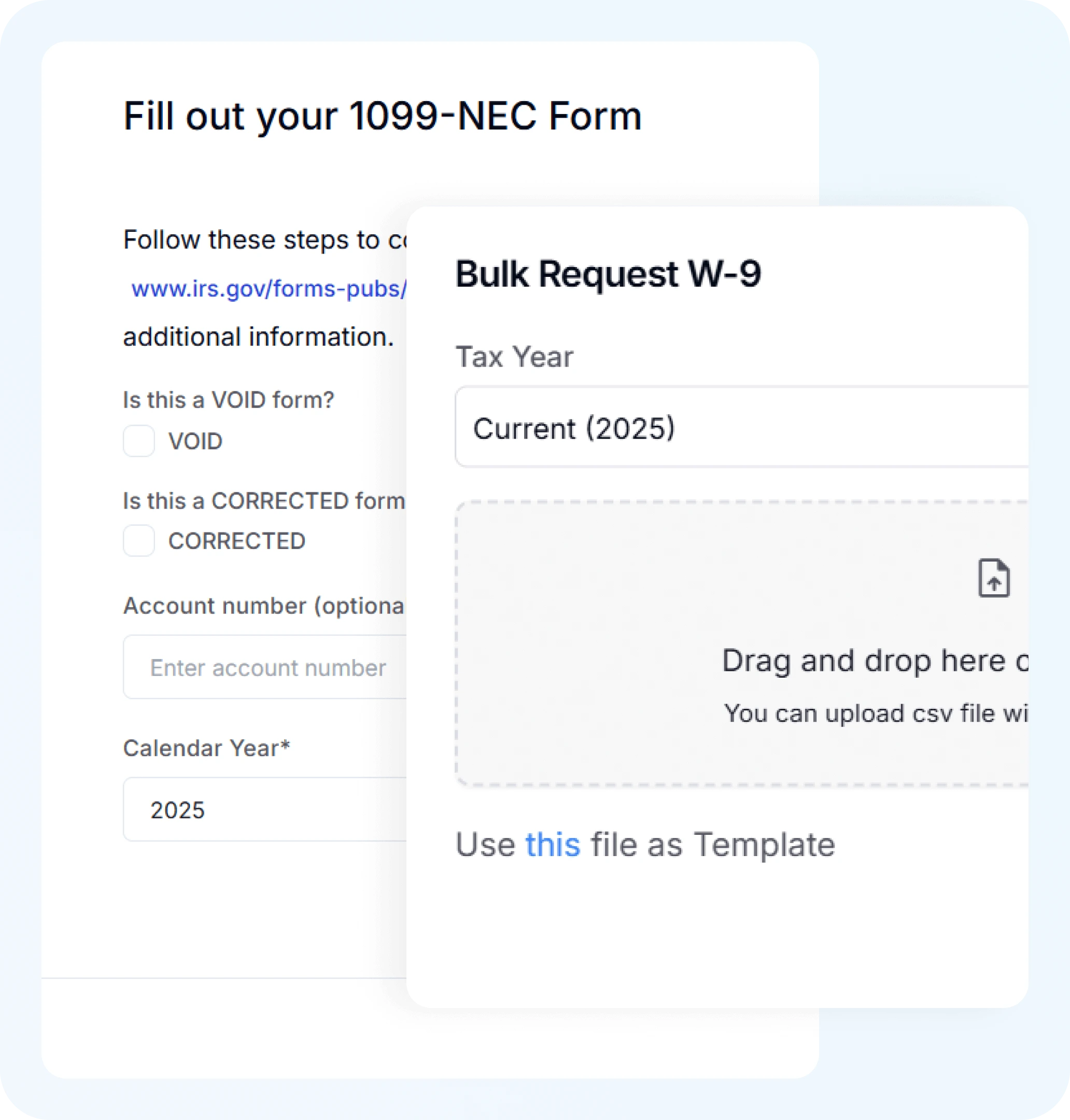
Complete forms and add signatures in one tool. Otto AI lets you fill out PDF forms with text, dates, and checkmarks before signing your document.

  • Fill out forms, add dates, checkmarks, or notes

  • Place signatures exactly where needed

  • Works on contracts, applications, waivers, and more

  • Save time and skip the paperwork hassle

Secure Digital Signature You Can Trust

Your documents are protected with secure local processing. Otto AI processes files in your browser without uploading them to servers, ensuring complete privacy.

  • Fully secure with local file processing

  • No data stored or shared ever

  • Ideal for legal forms, freelance contracts, NDAs

  • Peace of mind with every signature

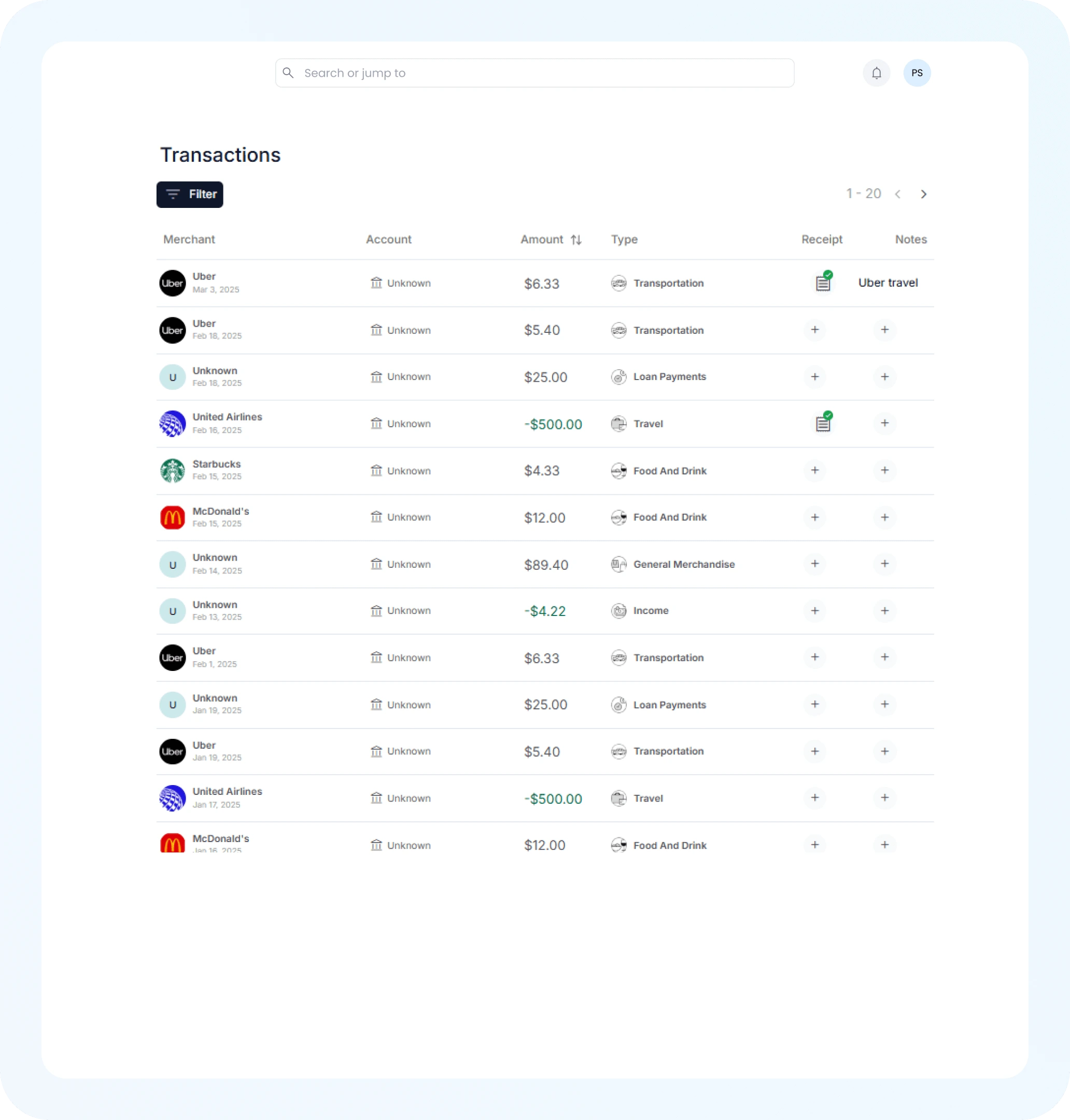
AI Expense Tracking
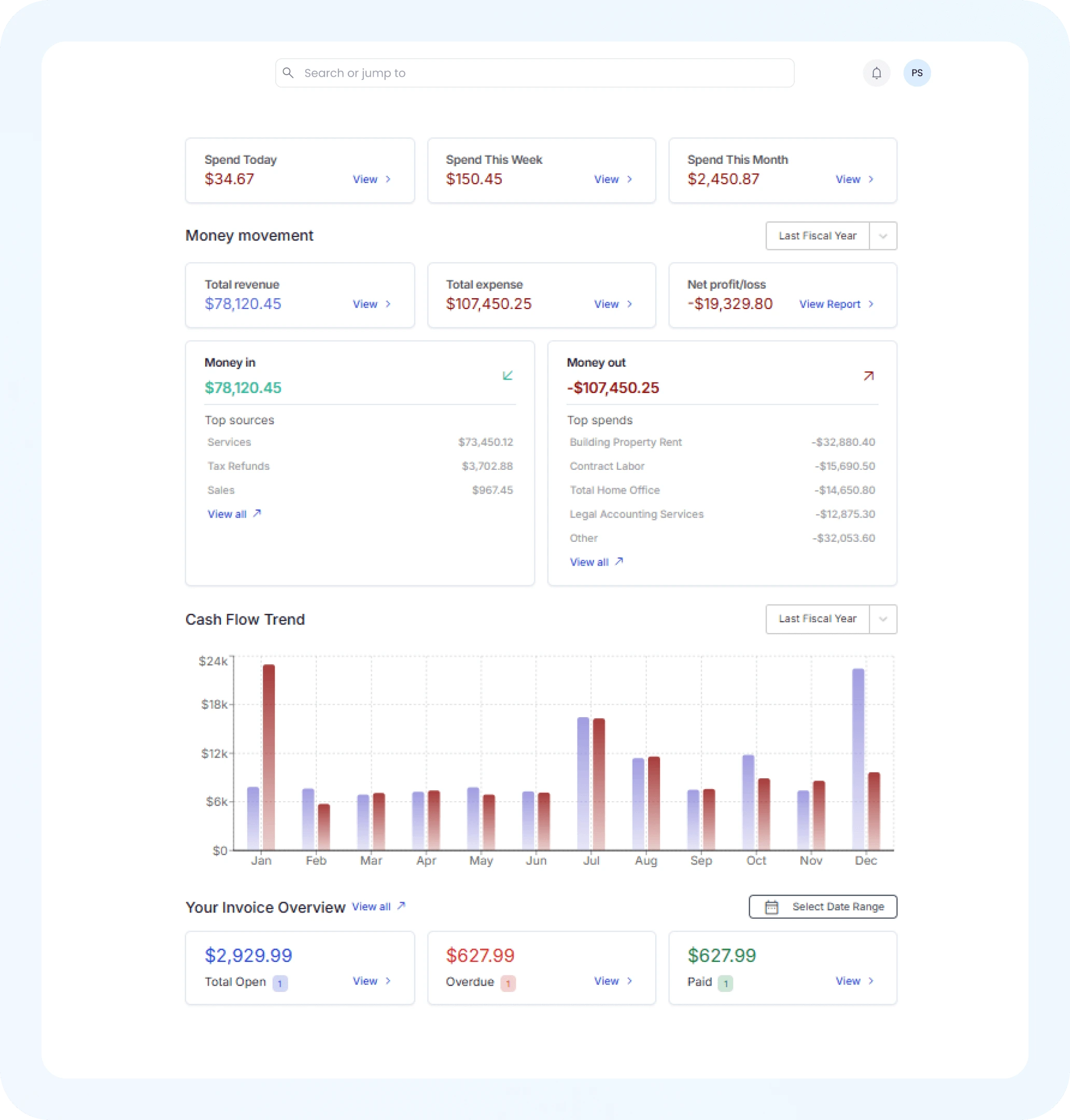
Financial Insights

Works on Any Device, Anytime

Sign PDFs from any device, anywhere. Otto AI works seamlessly on desktop computers, tablets, and smartphones without requiring any software installation.

  • Compatible with Chrome, Safari, Firefox, and more

  • Touchscreen-friendly for drawing signatures

  • Mobile-optimized for signing on the go

  • Always free and accessible 24/7

Streamline Freelance Contracts & Agreements in Trinidad & Tobago

For freelancers and self-employed creators in Trinidad & Tobago, managing client agreements, proposals, and invoices in TTD requires fast, reliable document signing. Under local e-signature regulations like the Electronic Transactions Act 2011, digital PDF signatures are legally binding.

  • Legally compliant PDF signatures in Trinidad & Tobago

  • Faster contract turnaround for payments in TTD

  • Zero installation — 100% browser-based security

  • Free for independent contractors & small business owners

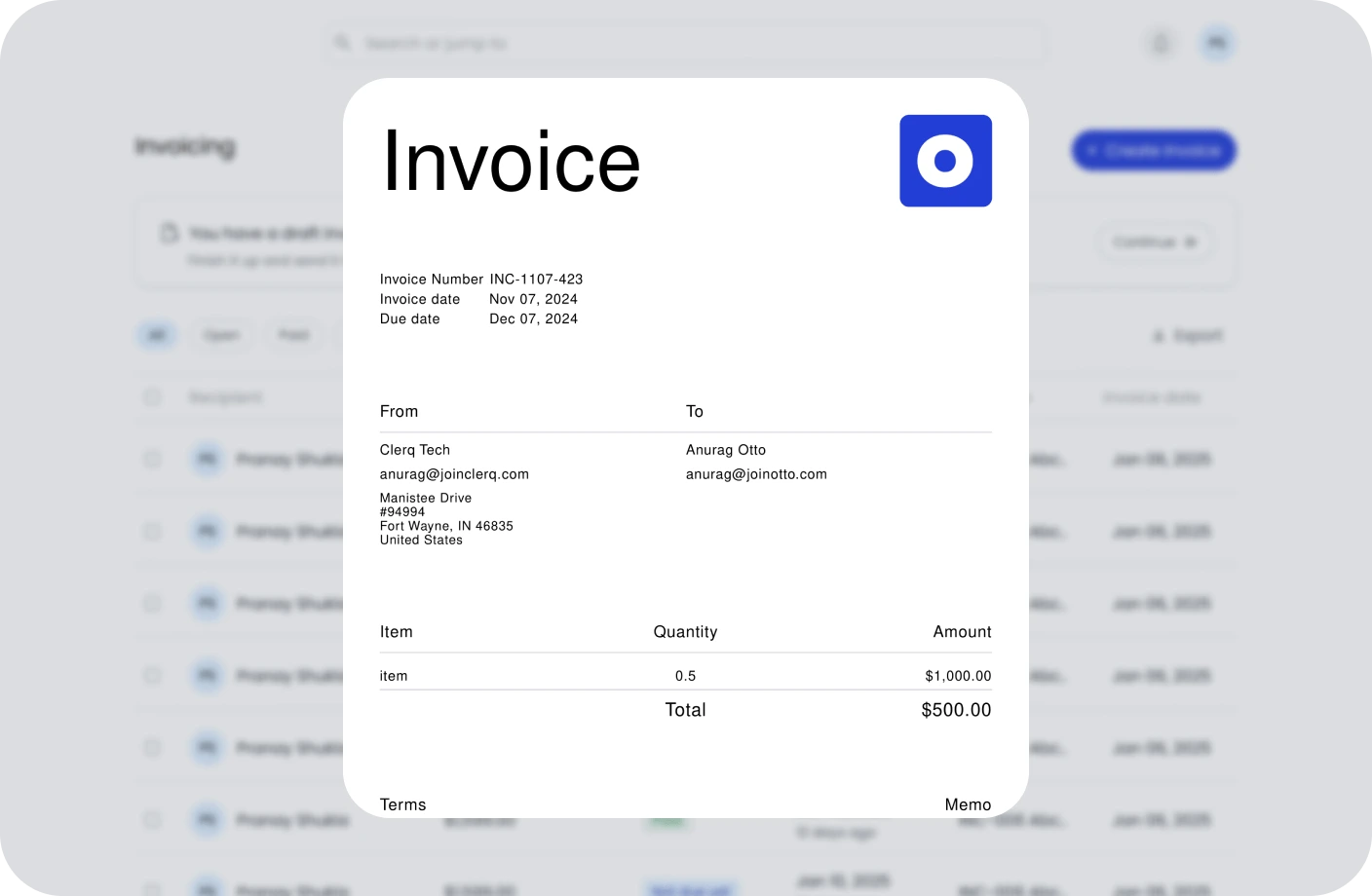
Otto AI Bookkeeping Software

How to Sign PDFs Online with Otto – 3 Simple Steps

Upload your PDF, add your signature, and download the signed document in seconds with our intuitive PDF signing tool, no printer or scanner required.

1
Step

Upload Your PDF Document

Upload your contract, invoice, or PDF form directly from your device in Trinidad & Tobago with zero sign-up required.

2
Step

Add Your Digital Signature

Draw, type, or upload your digital signature to execute contracts with clients paying in TTD.

3
Step

Download Your Signed PDF

Instantly download your signed, legally compliant PDF document ready to send to clients across Trinidad & Tobago and globally.

Sign PDF FAQs

Is PDF signing available for free?

Yes, Otto AI provides free PDF signing services. Upload your document, add your signature, and download the completed PDF without any charges or account creation.

Is online PDF signing safe?

Yes, Otto AI ensures complete safety by processing all files locally in your browser. Your documents are never uploaded to servers, maintaining total privacy.

Can I sign PDFs without using a printer?

No registration needed. Otto AI's PDF signing tool is free to use without creating an account or providing any personal information.

Can I use different signature styles?

Absolutely. Choose from typing your name in various fonts, drawing your signature freehand, or uploading a pre-made signature image—all options are available.

Can I edit PDF forms before signing?

Yes, you can fill out PDF forms with Otto AI. Add text, dates, checkboxes, and other fields before adding your signature to complete the document.

Is registration required to use the PDF signing tool?

No registration needed. Otto AI's PDF signing tool is free to use without creating an account or providing any personal information.

Will it work on my mobile phone?

Yes, Otto AI is designed for mobile devices. You can sign PDFs on your phone or tablet using any web browser without installing an app.

What kinds of PDFs can I sign with Otto AI?

You can sign any type of PDF, contracts, freelance agreements, NDAs, lease documents, tax forms, and more. Otto AI is perfect for professionals, students, and small business owners alike.

Is digital PDF signing legally valid in Trinidad & Tobago?

Yes, digital PDF signatures are legally recognized and enforceable for business contracts, freelancer agreements, and invoices in Trinidad & Tobago under local electronic signature regulations.

Do Trinidad & Tobago freelancers need signed contracts with clients?

Having signed contracts protects freelancers in Trinidad & Tobago by clearly defining project scope, payment terms in TTD, and intellectual property rights, ensuring smooth business operations and legal clarity.