Convert HEIC to PNG Instantly
Convert HEIC images to PNG format securely in your browser. Maintain image quality while ensuring universal compatibility. No downloads, no sign-ups, and zero watermarks. Experience lightning-fast conversion.
Convert images in 3 simple steps
No complicated software required. Our HEIC to PNG converter has your universally compatible PNG ready for sharing in seconds.
Upload your HEIC
Simply drag and drop your Apple HEIC image files directly into our secure dropzone.
Choose your settings
Select metadata preservation and transparency options for your specific needs.
One-click download
Hit convert, wait briefly, and grab your universally compatible PNG file instantly.
Why photographers choose our HEIC to PNG converter
Engineered strictly for Apple device compatibility, universal format support, and absolute flawless output quality.
Apple Device Support
Perfect conversion from Apple devices that use HEIC format by default for efficient storage.
- iPhone and iPad photo conversion
- Mac screenshot and image support
- Universal compatibility after conversion
Universal Compatibility
Convert Apple HEIC files to PNG for maximum compatibility across all platforms and applications.
- Works everywhere PNG is supported
- Perfect for web and print applications
- Maintains transparency when present
Quality Preservation
Maintain original image quality while converting to more compatible PNG format.
- Lossless conversion process
- Preserve image metadata when possible
- Maintain original resolution
Built for professional photographers
Our HEIC to PNG converter gives you exact technical features you need for universal compatibility.
Metadata Preservation
Choose to preserve important image metadata like date, location, and camera settings.
- Preserve EXIF data when possible
- Keep creation and modification dates
- Maintain camera settings information
Transparency Support
Maintain transparency from HEIC files or choose to handle it appropriately for your use case.
- Keep original transparency when present
- Perfect for web graphics and overlays
- Compatible with design software
Bulk Processing
Convert multiple HEIC files at once and download them as a convenient ZIP archive.
- Upload multiple files simultaneously
- Process all images with same settings
- Download all as ZIP for easy sharing
Apple Device Support
Perfect conversion from Apple devices that use HEIC format by default for efficient storage.
- iPhone and iPad photo conversion
- Mac screenshot and image support
- Universal compatibility after conversion
More Image Format Converters
Convert between all popular image formats with our complete suite of converter tools.
Free Photographers Templates
Professional photographer templates designed for every type of creator and freelancer.
Payment Receipt Template
Professional template for photographers to document client payments and maintain accurate financial records.
Business Expense Tracker
Track photography business expenses efficiently with categories for equipment, travel, and operational costs.
Photography Brief Template
Comprehensive photography brief template to outline project scope, deliverables, and creative direction with clients.
Mileage Log Template
Track business mileage for tax deductions with detailed logs for photography shoots and client meetings.
Equipment Rental Template
Professional equipment rental agreement template for photographers renting cameras, lenses, and lighting gear.
Booking Confirmation
Professional booking confirmation template to confirm photography sessions, dates, times, with clients.
Real Photographer Questions From the Community
Explore Reddit-backed Otto photographer guides based on real conversations about image formats, editing workflows, color correction, and file optimization.
One Platform: From Entity Setup to Closing Reports
Comprehensive financial solutions for your business needs.
Entity Management
Easily manage legal entities, compliance, and ownership in one platform.
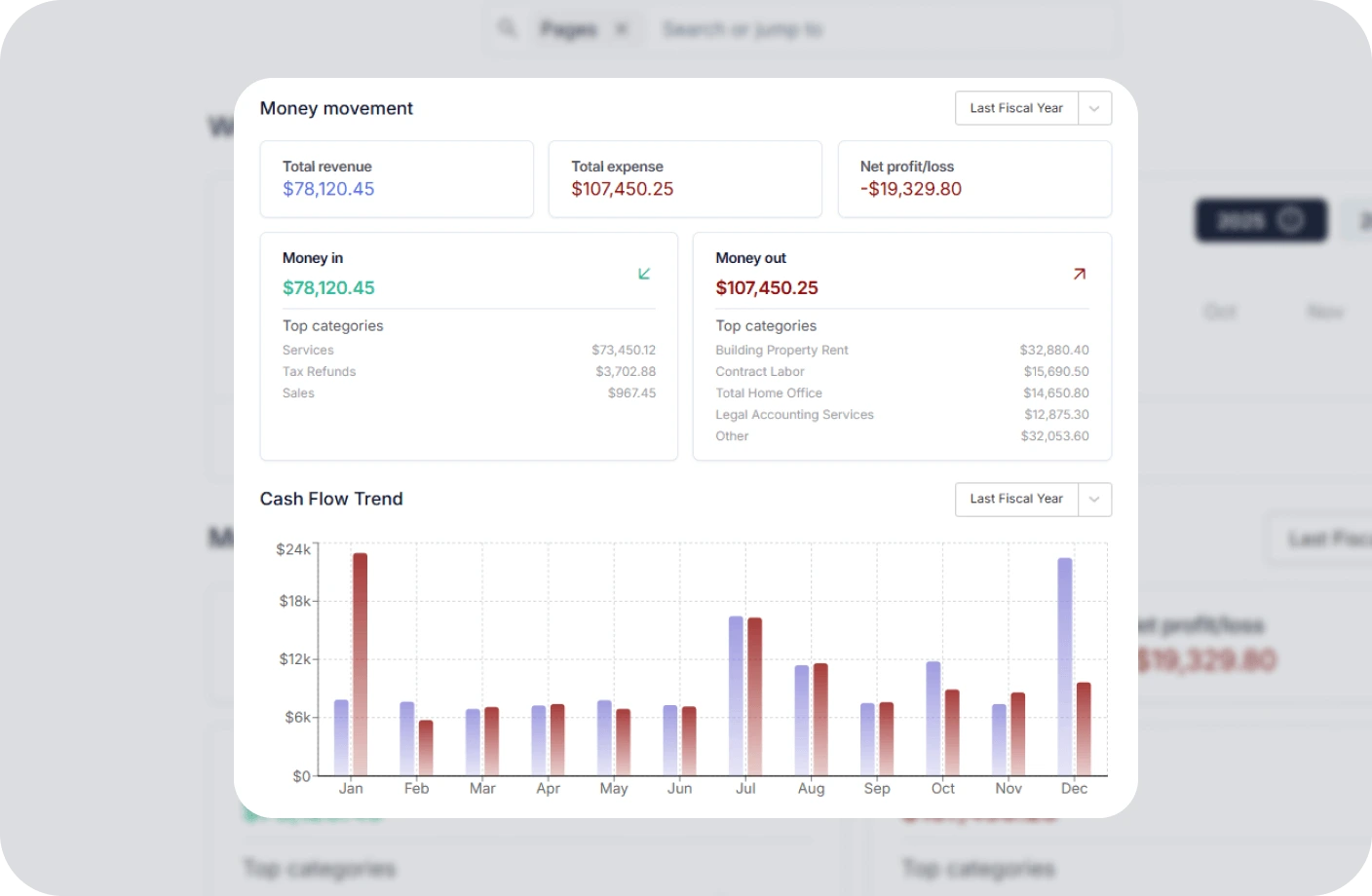
Invoicing
Create, send, and manage invoices. Track payments and assure timely cash flow.
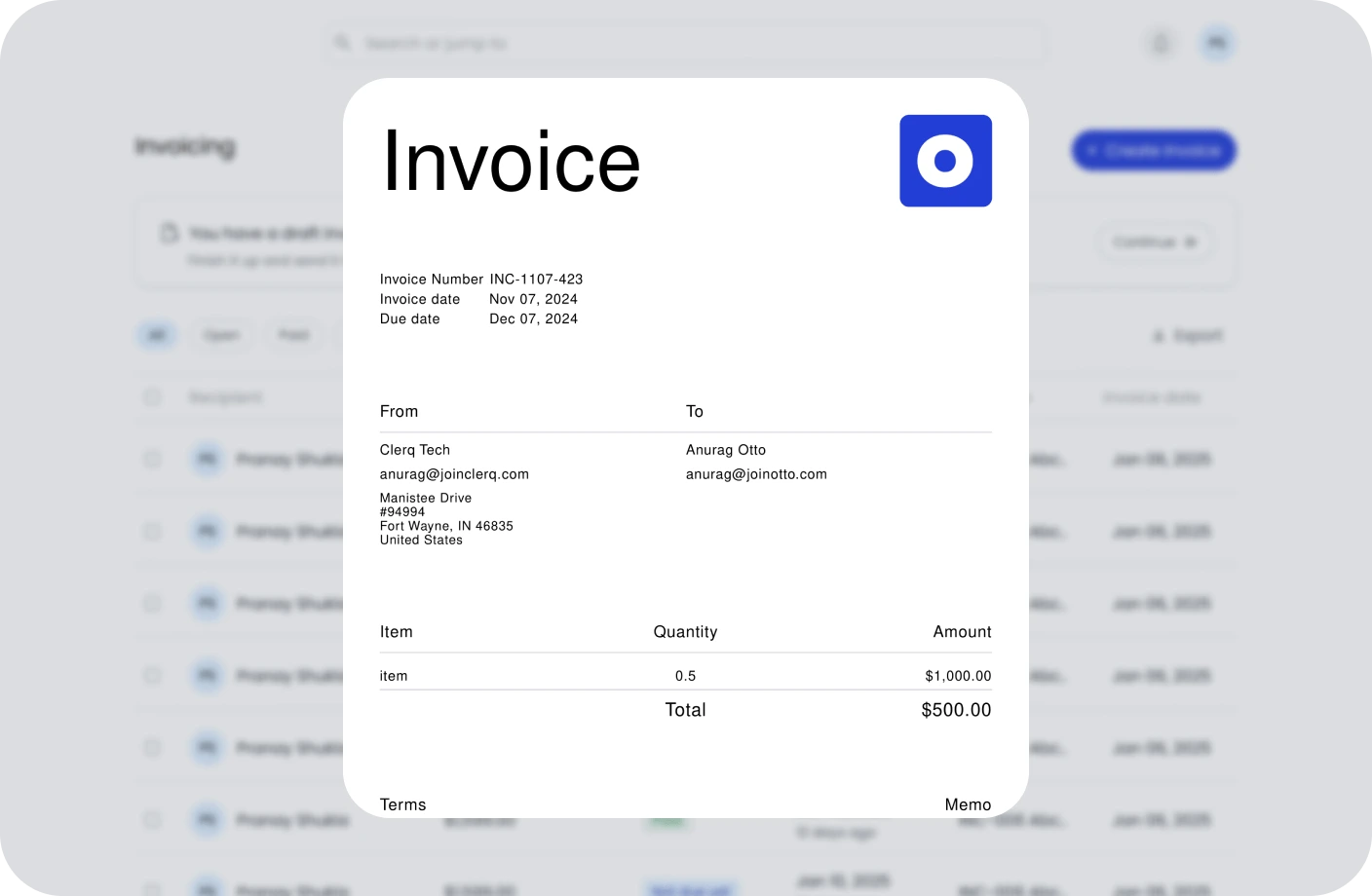
Contracts
Create, track, and e-sign contracts to ensure compliance and deadlines.

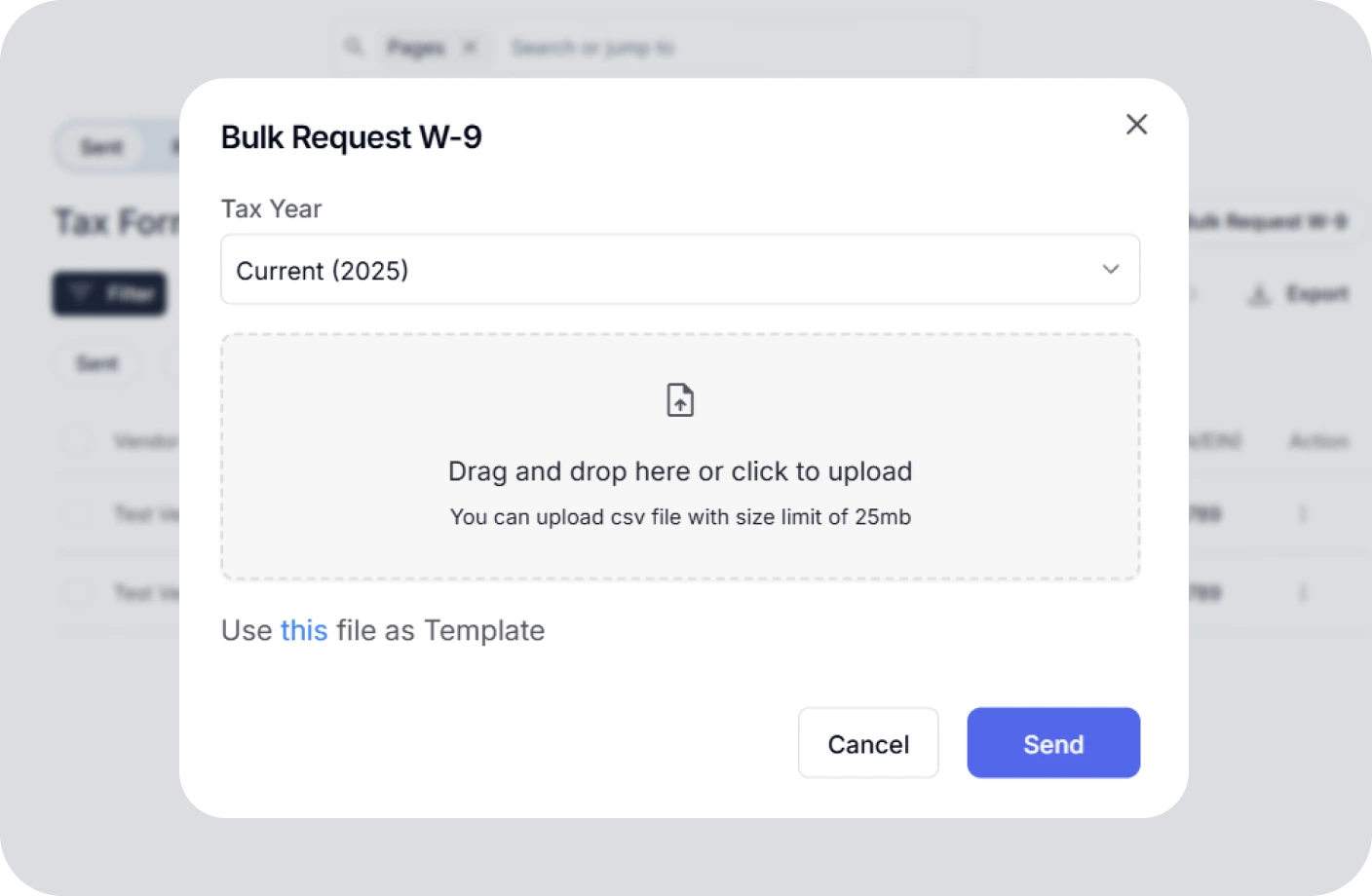
Taxes
Confidently plan taxes with expert CPAs and smart tools to track deductions.
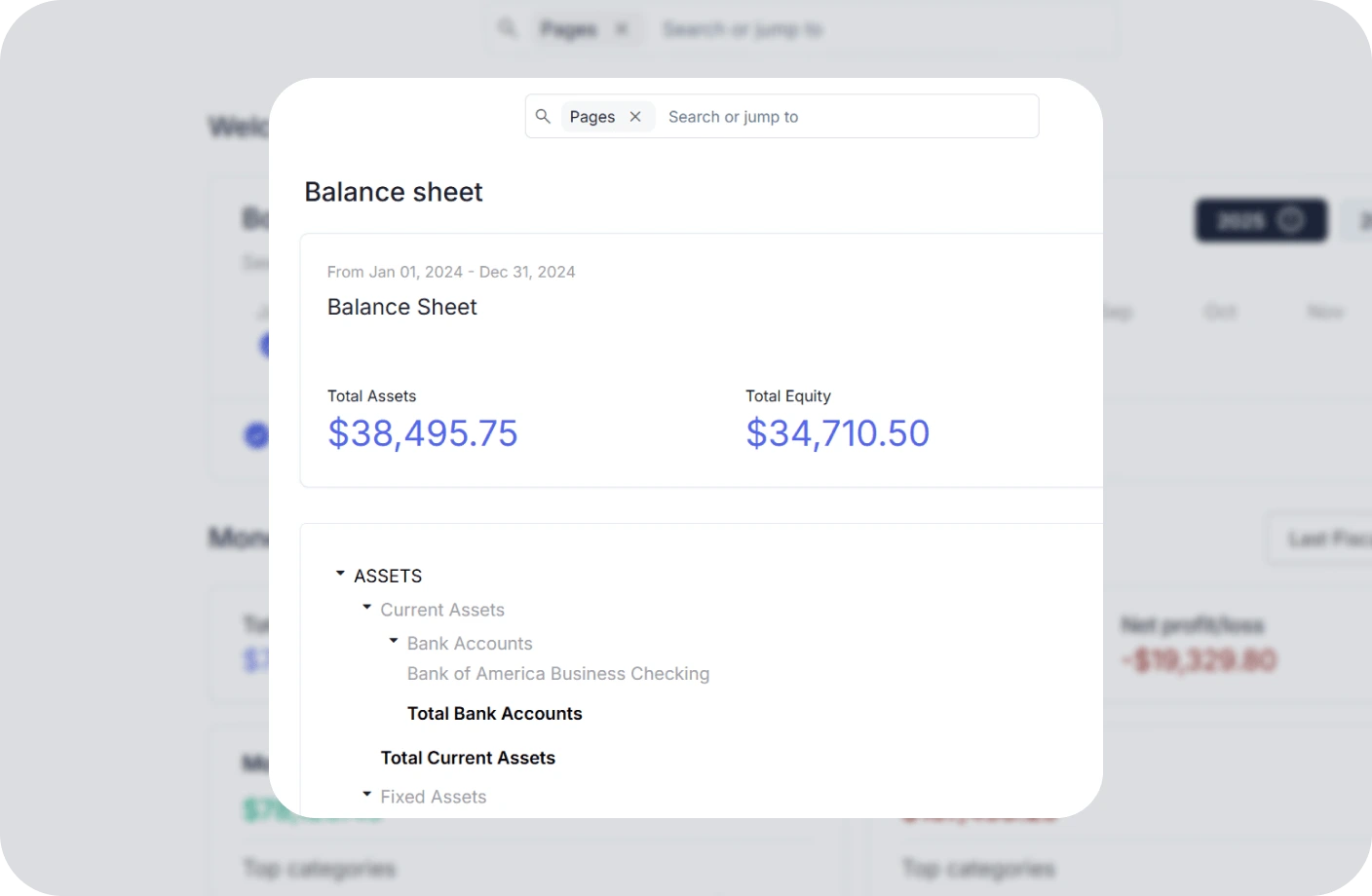
Reports
Real time business reports show where you stand today and what to do next.
Accounting
All in one accounting software for creators to handle your books, taxes, invoices, contracts.

Related Photography Resources
Expert guides and tips to grow your photography business and skills
10 Best Car Photography Locations in Los Angeles
Discover the most stunning spots in LA for capturing automotive photography, from urban backdrops to scenic coastal views.
What is the IRS business code for photography?
Learn the correct NAICS and IRS business codes for your photography business to ensure proper tax classification and compliance.
Best Online Marketplaces for Selling Drone Photos
Explore the top platforms to monetize your aerial photography, from stock photo sites to direct marketplaces for drone imagery.
HEIC to PNG Converter FAQs
Everything you need to know about our HEIC to PNG conversion tool.
What exactly does HEIC to PNG Converter do?
It is a high-speed online utility that converts HEIC image files to PNG format. This converts Apple's efficient HEIC format to the universally compatible PNG format, ensuring your images work everywhere while maintaining original quality.
How are my uploaded image files internally secured?
Security is our paramount concern. Your files are processed entirely in your browser using client-side JavaScript. We do not upload or store your images on any server—your data never leaves your device.
Are there any unexpected account required walls?
None. Our converter is explicitly built to be a friction-free experience. You don't have to input an email, create a password, or pass through paywalls to convert your images.
Can I convert multiple files at once?
Yes! Our tool supports bulk conversion. Simply select multiple HEIC files, and we'll convert them all with your chosen settings. You can then download them individually or as a convenient ZIP archive.
What happens to transparency from HEIC files?
PNG supports transparency, so we preserve any transparency information present in your HEIC files. This ensures your converted PNGs maintain the same transparency characteristics as the original HEIC images.
Is there a watermark added to final images?
Absolutely not. We believe that creator tools should be genuinely useful, which means we do not inject, overlay, or force any deceptive watermarks onto your final converted images.
What devices create HEIC files?
HEIC is primarily created by Apple devices including iPhones, iPads, and Mac computers. It's Apple's default format for photos to save storage space while maintaining image quality.
Do I need to install any software to use this tool?
No installation is required. This utility is 100% browser-based, meaning you can convert images directly in your web browser without downloading any applications or plugins.
What devices are supported for conversion?
Since this is a web-based converter, it works flawlessly across all devices. Whether you're on a Mac, Windows PC, iOS device, or Android smartphone, our conversion engine processes files natively in your browser.
Will there be any quality loss during conversion?
No. Our HEIC to PNG conversion is lossless, meaning your converted PNG files maintain the exact same image quality as your original HEIC files. No quality degradation occurs during the conversion process.
Why convert HEIC to PNG instead of JPG?
PNG offers better quality and supports transparency, making it ideal for design work, web graphics, and situations where image fidelity is crucial. While JPG files are smaller, PNG preserves every pixel of your original image.
Can I preserve metadata from my HEIC files?
Yes! Our tool includes an option to preserve EXIF metadata including camera settings, location data, creation dates, and other important information embedded in your HEIC files.
Convert HEIC to PNG in Seconds
Start using Otto AI's HEIC to PNG converter to convert your Apple images to universally compatible format—fast, secure, and completely free.