Digital Signatures for PDFs Online

Quickly add a digital signature to any PDF document, secure, free, and no sign-up required.

📄
Drop your PDF file here or click to browse
Supports PDF files up to 10MB
Page 1 of 1 Zoom: 100%

Sign PDFs Anytime, On Any Device

Upload any PDF document, add your digital signature, and download the signed file instantly. No printing, scanning, or mailing required.

Go Paperless: Sign PDFs Instantly with Precision

Otto AI Sign PDF tool makes it easy to fill out and sign documents online. Just upload your PDF, add your digital signature, and download the signed file instantly, no need for printing, scanning, or mailing.

  • Upload PDFs from Your Device Freely

  • Customize Your Signature: Draw, Type, or Upload

  • Receive Your Signed Document Instantly

  • Completely Free, No Account Necessary

Otto AI Bookkeeping Software
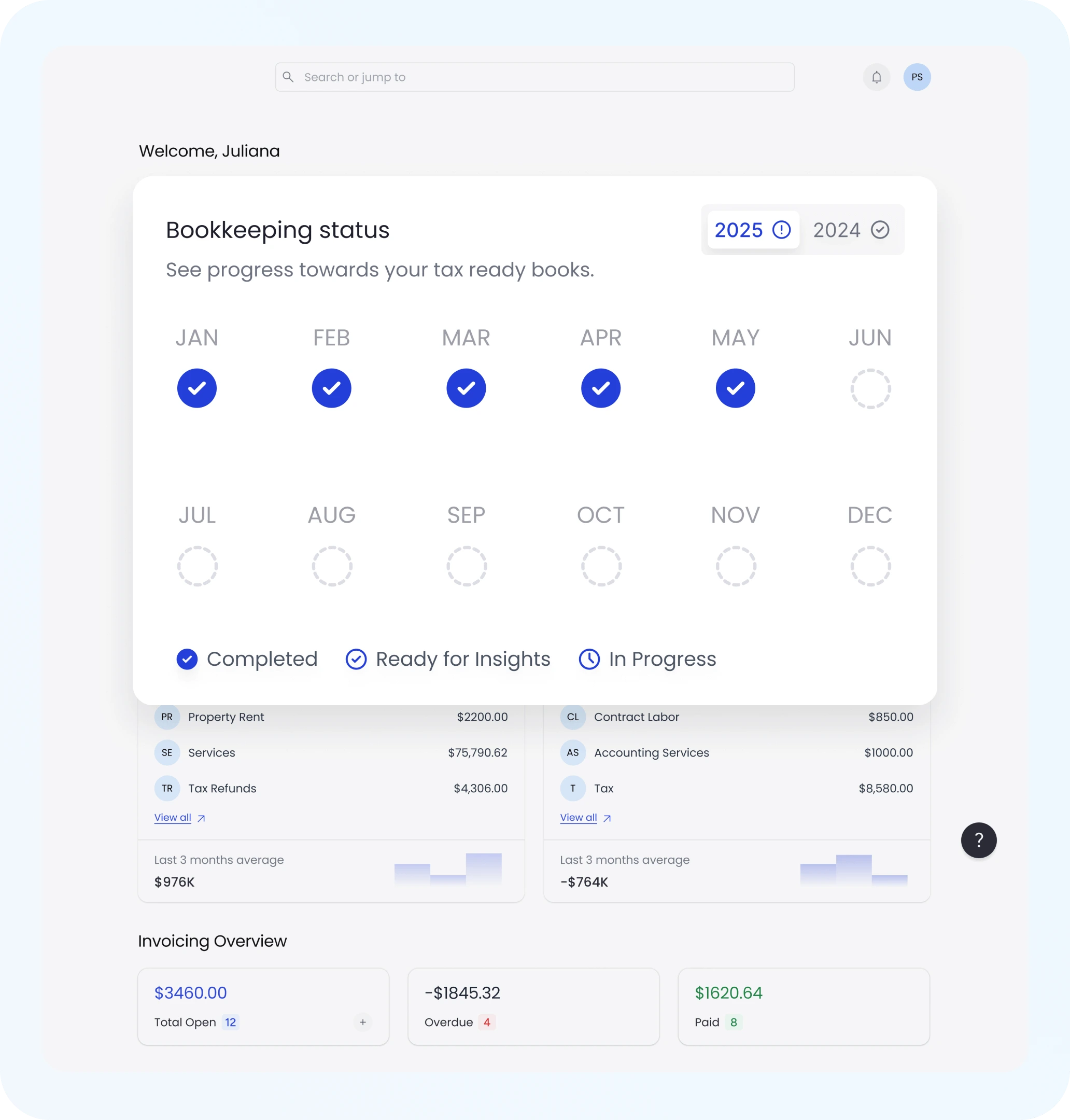
Bookkeeping Status

Comprehensive PDF Filler and Signature Solution

Need to complete and sign a form? Otto AI acts as a PDF filler too. Add text, checkboxes, and custom annotations before signing, making it the perfect all-in-one document editor.

  • Enhance Forms: Add Text, Dates, and Annotations

  • Position Signatures Precisely Where Required

  • Works on contracts, applications, waivers, and more

  • Optimize Your Time: Eliminate Paperwork Hassles

Reliable and Secure Digital Signatures

Otto AI digital signature online feature uses secure processing to ensure your documents stay private and tamper-proof. Files are processed locally and not stored on any server.

  • 100% Secure: Local Processing Only

  • Absolute Privacy: No Data Stored or Shared

  • Perfect for Legal Forms, Freelance Expert Contract Management, and NDAs

  • Sign with Confidence Every Time

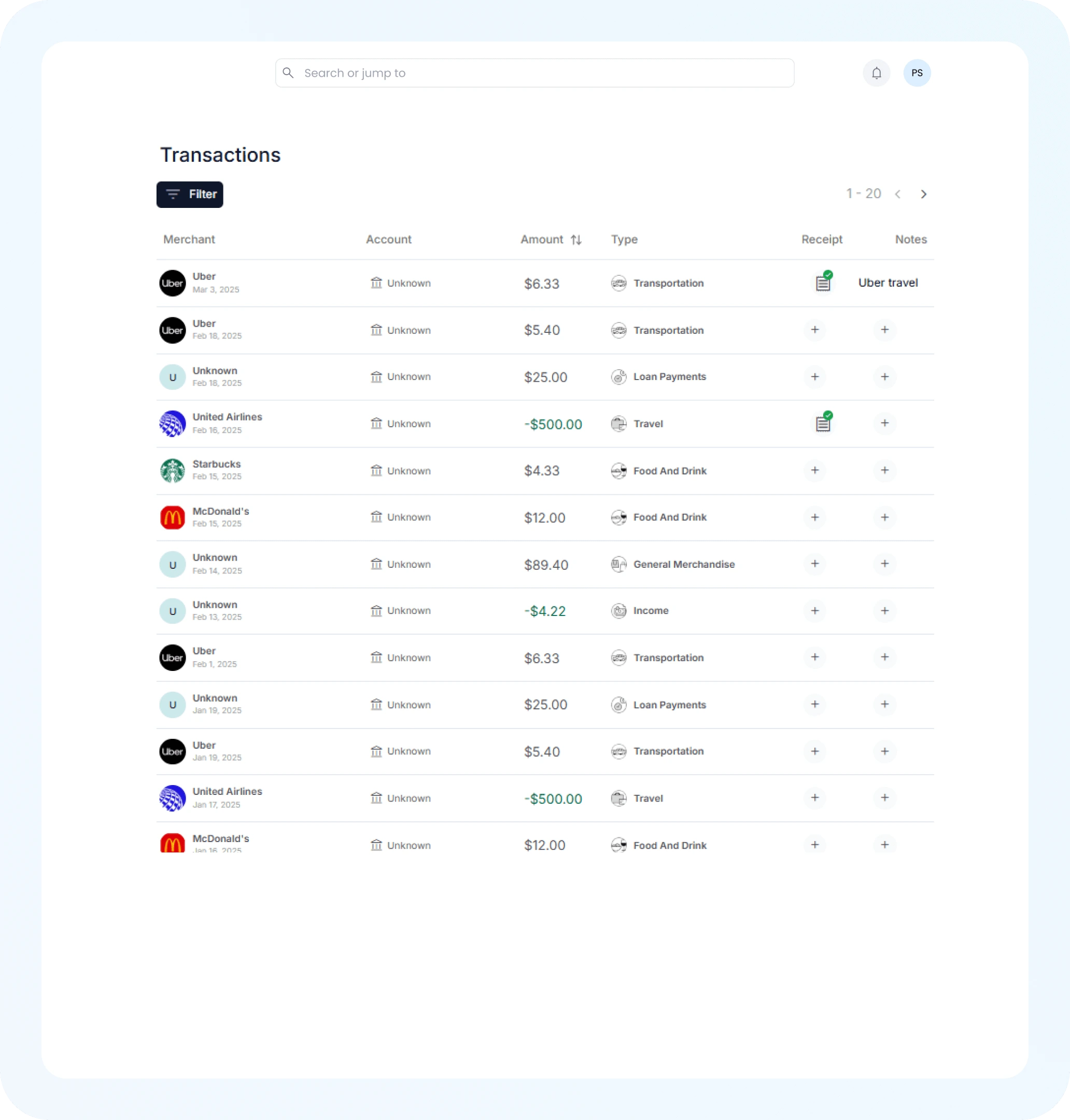
AI Expense Tracking
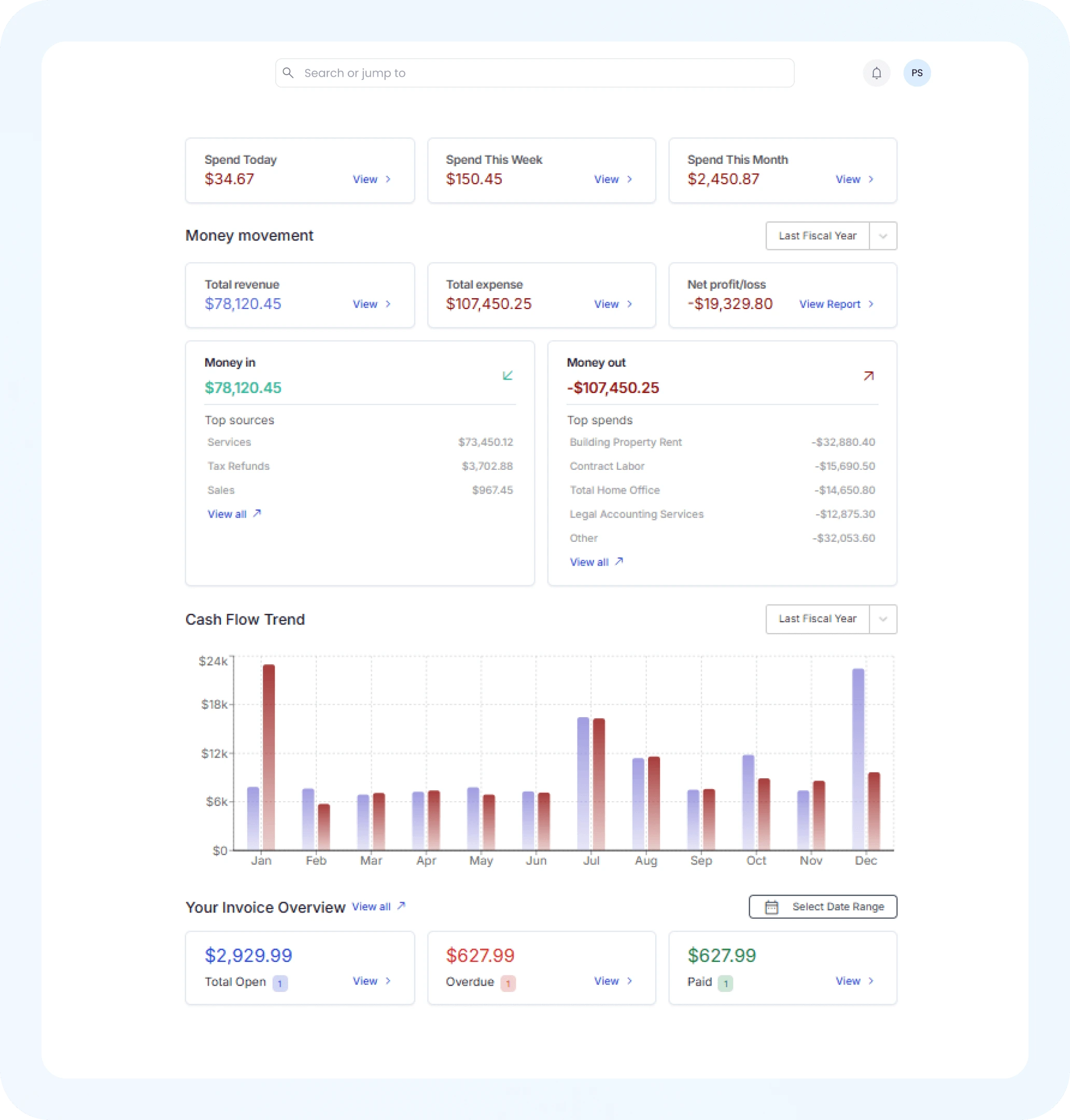
Financial Insights

PDF Signing On-the-Go for Any Device

Whether you're on desktop, tablet, or mobile, Otto AI PDF signer is built for speed and flexibility. Sign documents on the go, no software download or installation needed.

  • Works Seamlessly with Chrome, Safari, Firefox & More

  • Touchscreen Optimized for Seamless Signing

  • Mobile-Friendly Signing: Anytime, Anywhere

  • Always Free, Always Available

Sign PDFs Easily with Otto AI – 3 Simple Steps

Upload your PDF, add your signature, and download the signed document in seconds with our intuitive PDF signing tool, no printer or scanner required.

1
Step

Upload Your PDF Document

Click "Sign PDF" and upload your document directly from your device. Otto AI supports all PDF formats and works with contracts, forms, applications, and more.

2
Step

Add Your Digital Signature

Draw your signature with a mouse or finger, type your name, or upload a pre-saved signature image. Position it exactly where needed on your document.

3
Step

Download Your Signed PDF

Once satisfied with your signature placement, download your signed PDF instantly. Use it for contracts, legal documents, or any business paperwork.

Frequently Asked Questions about PDF Signatures

How do I sign a PDF online for free?

You can sign a PDF online for free with Otto AI Sign PDF tool. Just upload your document, add your signature by drawing, typing, or uploading it, and download the signed version instantly, no account needed.

Is Otto AI PDF signature tool secure?

Yes, Otto AI PDF signer is fully secure. Your file is processed locally in your browser and never uploaded or stored on any server, ensuring 100% privacy and safety.

Can I add a digital signature to a PDF without printing or scanning?

Absolutely. Otto AI digital signature tool eliminates the need for printing or scanning. Simply upload your PDF, insert your signature, and download your signed document in seconds.

Does Otto AI support typed and drawn signatures?

Yes, you can either type your name using various fonts, draw your signature using a mouse or touchscreen, or upload a pre-saved image of your signature.

Can I use Otto AI PDF filler to complete forms before signing?

Yes, Otto AI acts as a PDF filler too. You can insert text, dates, checkmarks, and notes into any section of your PDF before applying your digital signature.

Do I need to create an account to sign PDFs with Otto AI?

No login or registration is required. Otto AI sign PDF tool is completely free and does not ask for your email or personal data.

Is the tool compatible with mobile and tablet devices?

Yes, Otto AI PDF signature generator is mobile-optimized. You can upload, sign, and download PDFs from your smartphone or tablet anytime.

What kinds of PDFs can I sign with Otto AI?

You can sign any type of PDF, contracts, freelance agreements, NDAs, lease documents, tax forms, and more. Otto AI is perfect for professionals, students, and small business owners alike.