Quickly Design Your Handwritten Signature Online

Effortlessly craft a personalized handwritten signature using your mouse, finger, or stylus right in your browser—no downloads required. Design, sign, and save with ease.

Generate Your Digital Signature Right Here

Stroke Width
Signature Angle

Create Signatures on Any Device: Phone, Tablet, or Desktop

Easily design a realistic signature using your finger, stylus, or mouse directly in your browser—skip the sign-up and software, just draw and download instantly.

Design Your Signature Online Swiftly

Our intuitive tool allows you to effortlessly create a signature that embodies your unique style without the need for software. Just start sketching using your preferred device.

  • Achieve Precision with Our Smooth Digital Canvas

  • Personalize Stroke Width, Color, and Angle

  • Export Your Signature as a PNG for Efficient Contract Management, Emails, and More

  • Works Seamlessly Across Mobile, Tablet, and Desktop

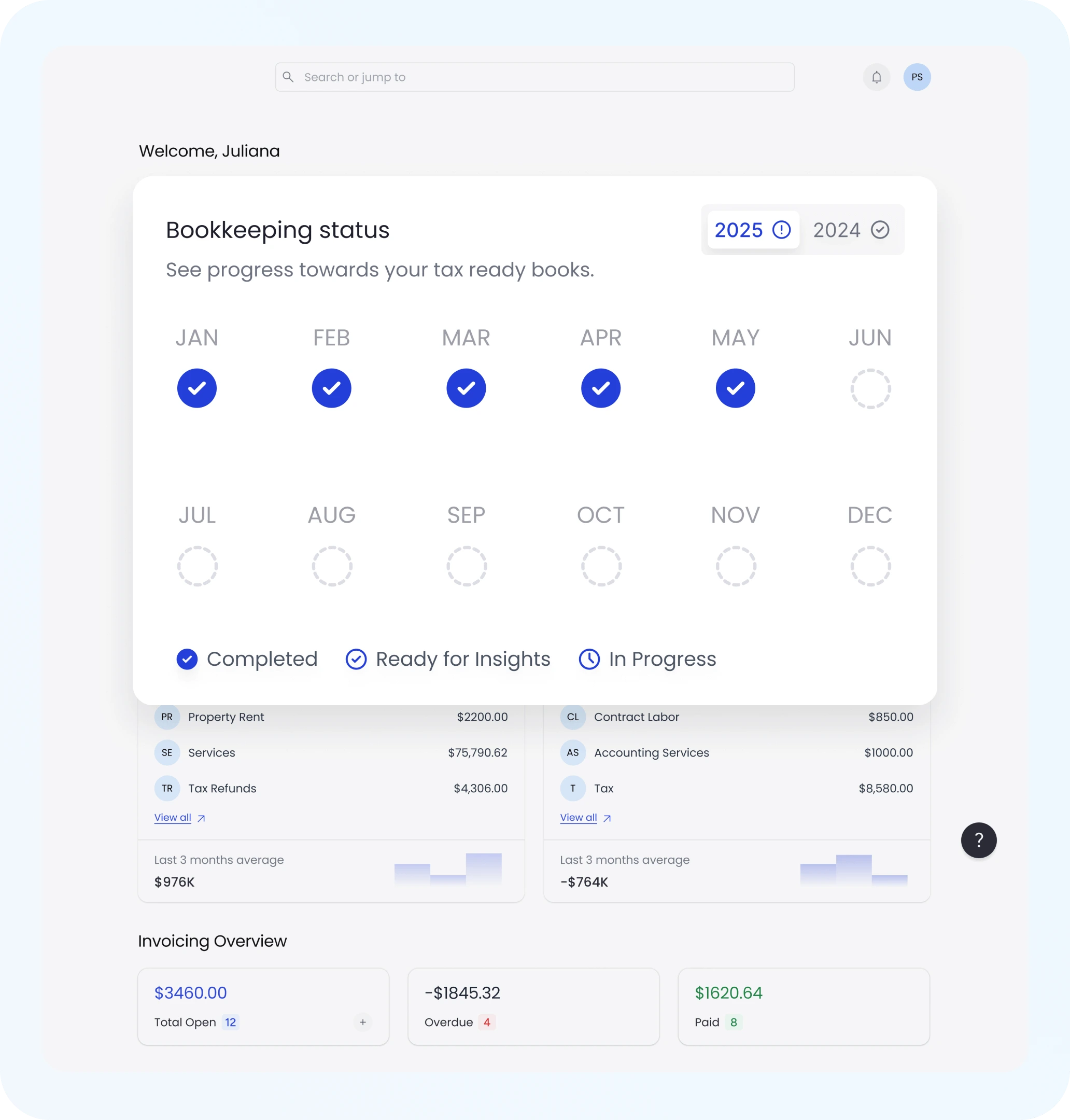
Otto AI Bookkeeping Software
Bookkeeping Status

Create Your Signature on Any Device—Including Phones

Want to sign on the go? Our Otto AI signature tool is fully responsive for easy signing with finger or stylus, download instantly without an app.

  • Optimized Mobile Interface for Seamless Real-Time Drawing

  • Create and Obtain Your Signature Anytime, Anywhere

  • Ideal for Freelancers, Remote Teams, and Creative Professionals

  • Compatible with All Browsers—No Login or Setup Needed

Never Wonder 'How to Draw a Signature' Again

Striving for a signature that exudes professionalism? We simplify the process. Whether crafting your first signature or stylizing a brand-sign off, Otto AI is here to assist.

  • Experience Live Previews of Your Signature as You Create

  • Perfect Your Signature by Redoing Until Satisfied

  • Integrate Your Signature Across All Business Documents

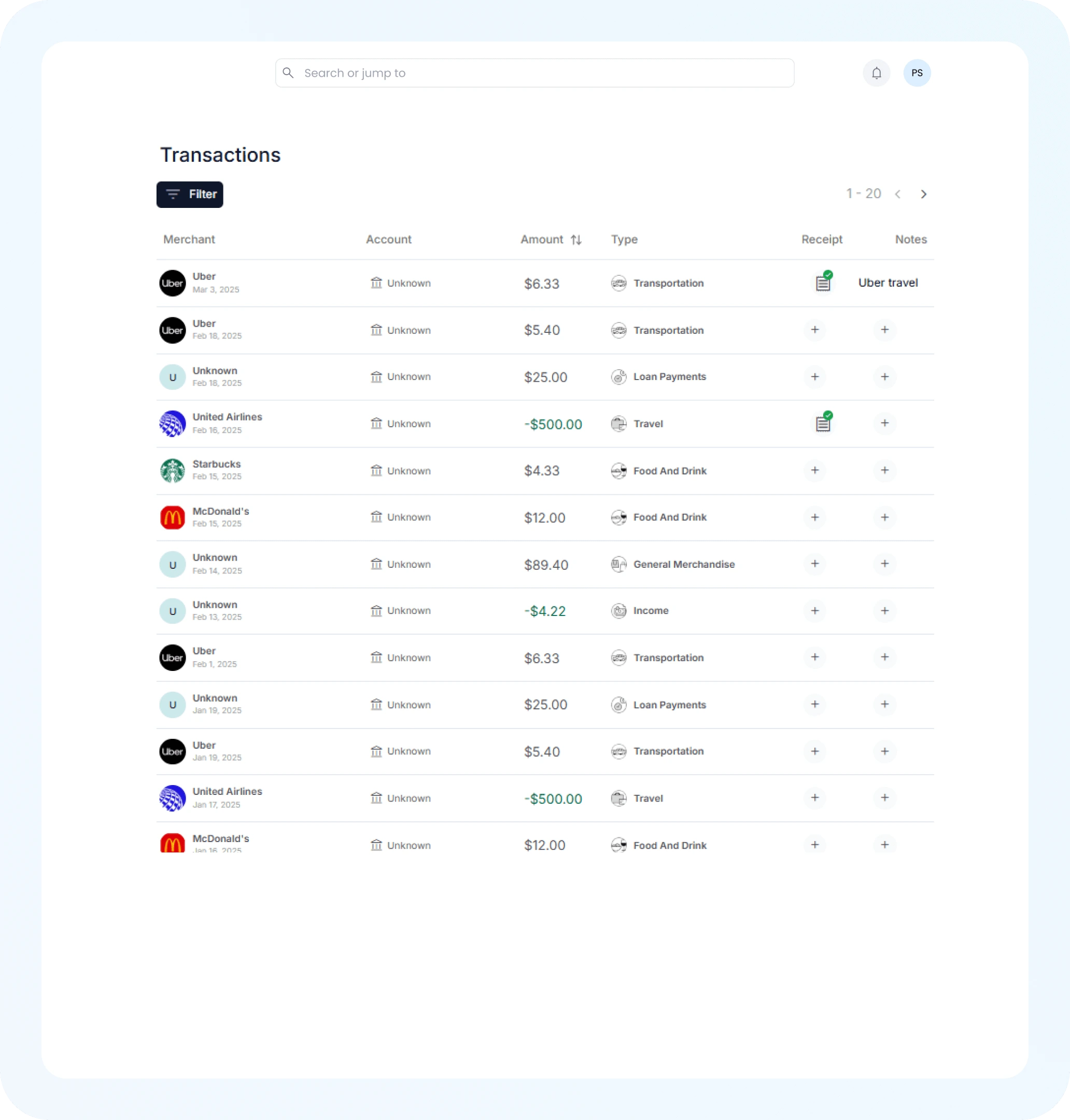
AI Expense Tracking
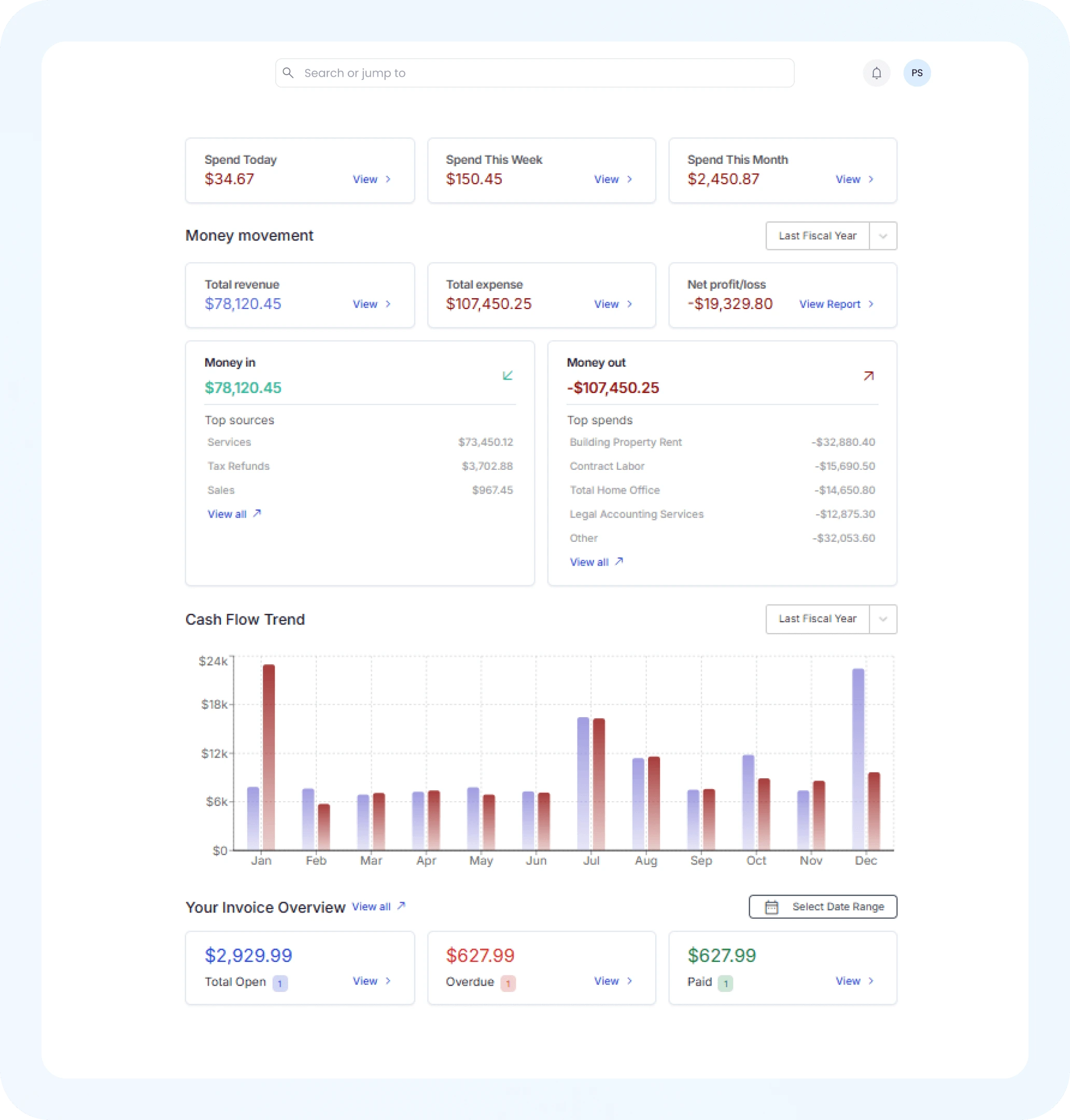
Financial Insights

Simplify Your Signature Creation and Drawing Process Online

Leave behind traditional signing. Our online signature tool allows you to craft your ideal handwritten signature in moments, whether starting anew or digitizing an existing sign-off.

  • Realistic Signature Canvas for Authentic Results

  • Enjoy Auto-Smoothing for a Natural Signature Flow

  • Create Unlimited Signatures Online for Free

  • Save High-Resolution Signatures for Professional Applications

Three Easy Steps to Creating Your Signature Online with Otto

Develop a sleek, professional signature swiftly using our intuitive drawing tool—no need for scanners, printers, or sign-ups.

1
Step

Open the Signature Canvas

Select “Draw Signature” to open the Otto drawing tool. Start sketching your signature using your preferred device directly within your browser.

2
Step

Customize & Refine

Fine-tune your signature by modifying stroke thickness, color, and angle. Rework until achieving your ideal look.

3
Step

Download & Use Anywhere

When content with your creation, save your signature as a high-resolution PNG, ready to sign documents, emails, and more with assurance.

Frequently Asked Questions About Drawing Signatures

How Can I Create My Signature Online for Free?

Utilize the Otto AI free signature drawing tool to digitalize your handwritten signature effortlessly by opening the canvas, sketching with any device, and downloading instantly without any registration.

Can I Create a Signature Using My Phone?

Absolutely! The Otto AI signature tool is optimized for mobile use, allowing you to tap “Draw Signature,” sketch using your device, and save your creation instantly.

Is It Secure to Create My Signature on Otto?

Definitely. Your privacy is secure; we do not retain your signatures or personal data—they remain on your device until downloaded.

In What Format is the Drawn Signature Saved?

Your signature is saved as a high-resolution PNG with a transparent background, perfect for integration into PDFs, emails, and contracts.

How Can I Edit or Refine My Signature?

Once you've drawn your signature, adjust line thickness, stroke color, and iterate as desired until it meets your satisfaction.

Is an App Required to Draw My Signature Online?

No application is required. The Otto AI signature generator functions directly within your browser on any device without necessitating downloads or extensions.

Am I Able to Create Multiple Signature Versions?

Yes, create numerous variations to suit personal or professional styles and save the preferred one.

How Do Typed and Drawn Signatures Differ?

Typed signatures use font styles, while drawn ones depict your handwriting. Hand-drawn signatures add personal, authentic flair ideal for legal and branded documents.