Convert Text to Signature in One Click

Use your mouse, finger, or stylus to create a custom handwritten signature, right in your browser. No downloads. No limits. Just sign and save.

Create Your Digital Signature

Instant Digital Signature Creation Online

Input Name, Choose Style, and Instantly Download a Sleek Signature. Fast, free, and perfect for business documents, emails, and contracts.

Transform Text to Signature Instantly

Convert Text to Signature Seamlessly with Otto AI Generator. Simply Type, Style, and Watch Your Signature Emerge Instantly.

  • Create Realistic, Cursive Signatures from Text

  • Select from Elegant Fonts and Signature Templates

  • Immediate Signature Preview and Customization

  • Ideal for Business Emails, Contract Management Simplified, and Documentation

Otto AI Bookkeeping Software
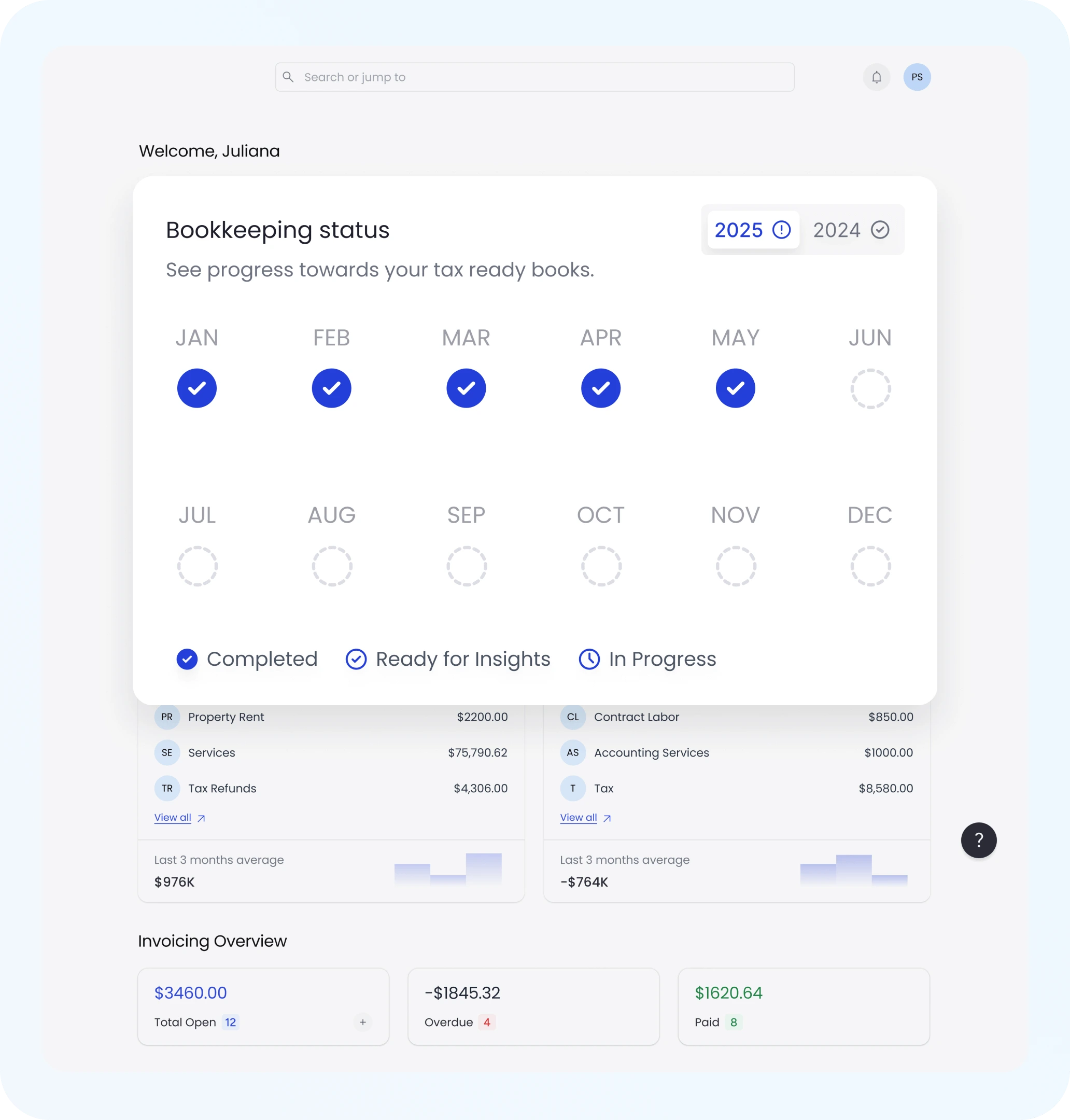
Bookkeeping Status

Smart & Simple Text to Signature Converter

Otto AI Converter Transforms Names into Polished Handwritten Signatures. Ensures Speed and Consistency Across Correspondence.

  • Effortless Signature Creation from Text

  • Customize Font Style, Slant, and Thickness

  • Reliable Output for Various Uses

  • Instant Browser-Based Functionality, No Installation Required

Professional Signatures in Seconds

No Drawing Needed - Create Professional Signatures with Otto AI. Design Refined Signatures for Invoices or Emails, Customized to Perfection.

  • Real-Time Preview Text to Signature Generator

  • Automatic Kerning and Flow for Natural Look

  • Download in PNG or SVG Formats

  • Utilize in Digital Documents, Branding, and Emails

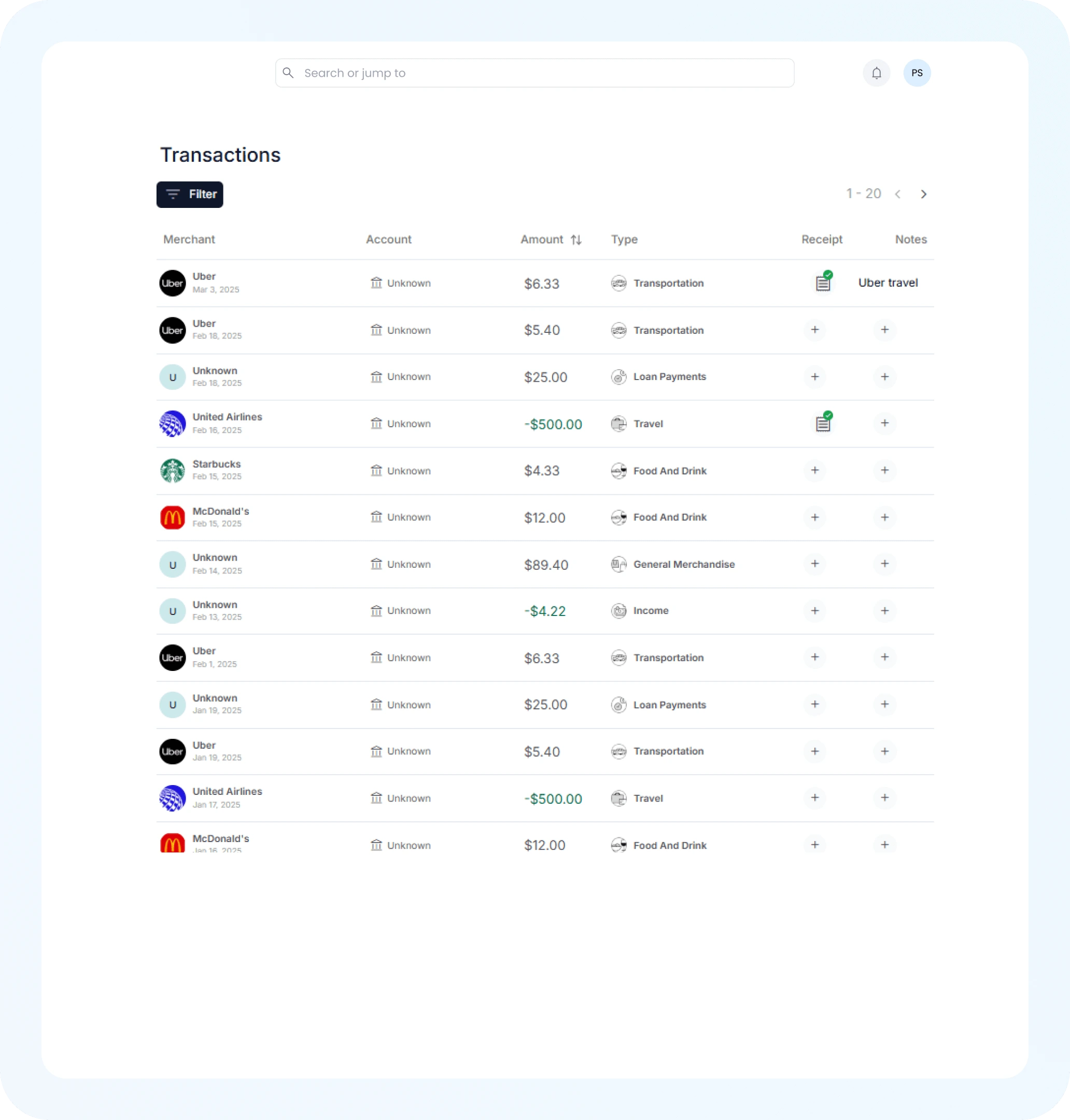
AI Expense Tracking
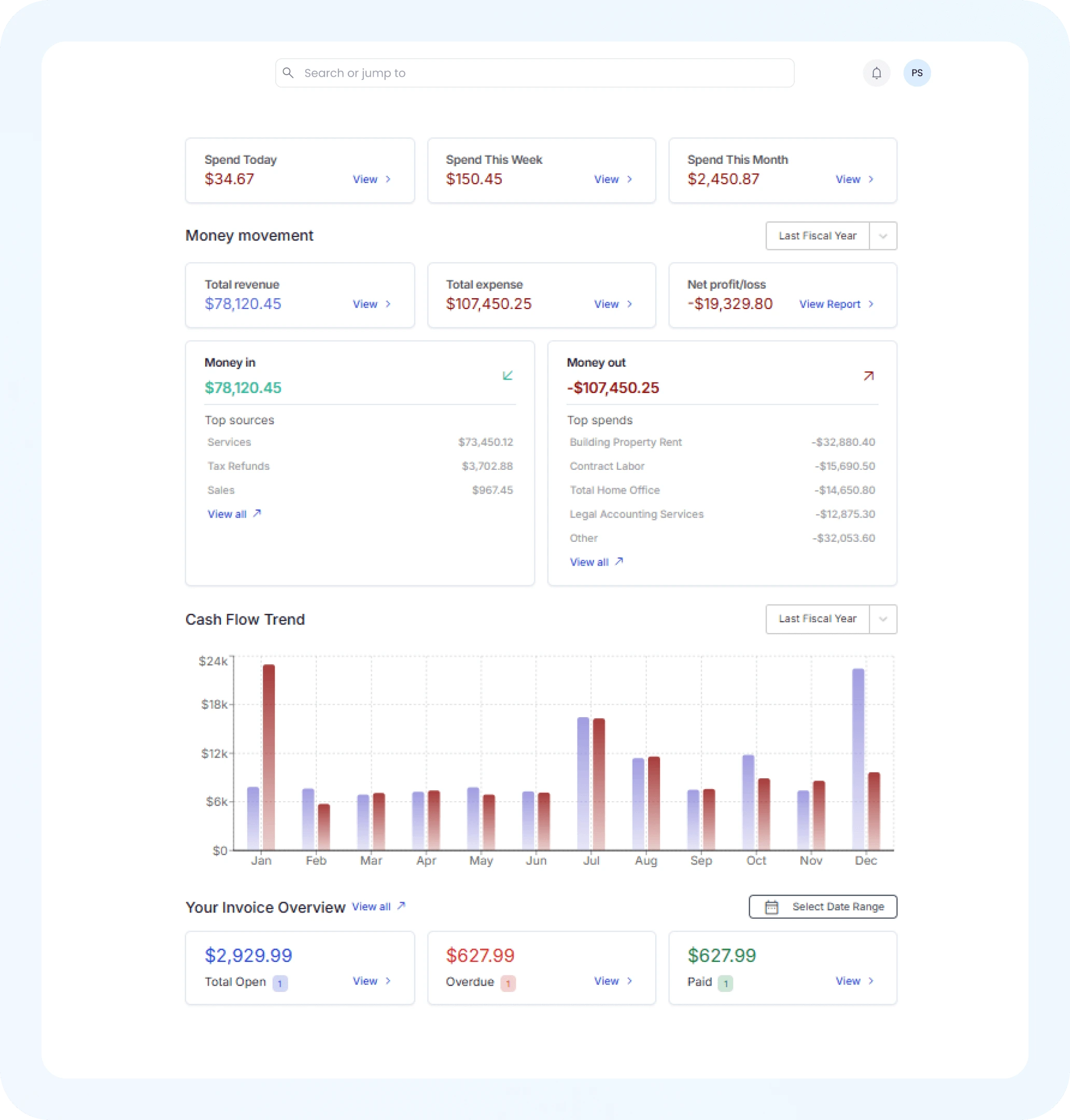
Financial Insights

Rapid and Free Online Signature Tool

Create Professional Signatures Instantly with Otto AI - Free, No Signup, No Limits.

  • Unlimited Signature Conversions

  • Choose from Varied Signature Styles and Sizes

  • Export as High-Resolution PNG with Transparent Background

  • Immediate Use in Emails, PDFs, and Workflows

3 Easy Steps to Signature Creation with Otto

Transform Your Name into a Professional Signature in Seconds with Our Generator.

1
Step

Enter Your Full Name or Text

Input Your Name or Business Name. Instantly See Signature Options.

2
Step

Customize the Style

Explore Fonts and Styles to Suit Your Brand. Adjust Settings for Perfection.

3
Step

Download & Use Anywhere

Download Your Signature in High-Resolution PNG. Easy Integration into Emails, Contract Management Simplified, and More.

Text to Signature: Frequently Asked Questions

What is a Text to Signature Converter?

Type Your Name and Instantly Generate a Handwritten-Style Digital Signature. Otto AI Delivers a Professional Look Download Ready Signature.

How to Use Otto AI for Text to Signature Conversion?

Type Your Name, Select Signature Fonts, and Download. No Drawing Needed, Otto AI Manages Everything.

Is the Otto AI Signature Generator Free?

Yes, It's Free! Generate, Customize, and Download Without Limits or Signup.

Can I Personalize My Text Signature?

Yes! Choose Among Elegant, Bold, and Modern Fonts. Tweak Size and Slant for a Natural Look.

In What Format Can I Download My Signature?

Export as a High-Resolution PNG with Transparent Background, Ideal for PDFs, Emails, and Cards.

Is Installation Required to Use This Tool?

No Installation Required. Otto Works Smoothly in Any Browser on Any Device.

Are Text-Generated Signatures Legally Binding?

Yes, Generally Accepted Legally in Digital Documents. Verify with Your Local Laws.

How Do Drawn and Text-Based Signatures Differ?

Drawn Mimics Handwriting, Text-Based Offers Font Speed and Consistency. Choose Based on Need.