Convert MOV to MP4 Instantly
Process versatile media files securely in your browser with our MOV to MP4 converter. No downloads, no sign-ups, and zero watermarks. Experience lightning-fast conversion.
Convert media in 3 simple steps
No complicated software required. Our MOV to MP4 converter has your optimized MP4 ready for production in seconds.
Upload your MOV
Simply drag and drop your file directly into the secure dropzone securely.
Choose your settings
Select quality, resolution targeting, and toggle audio track preferences effortlessly.
One-click download
Hit convert, wait briefly, and grab your universally compatible MP4 file instantly.
Why creators choose our MOV to MP4 converter
Engineered strictly for speed, total privacy, and absolute flawless output quality.
Lightning Fast
Guaranteeing blazing fast video processing capabilities.
- Skip the line, absolutely no waiting
- High performance even on mobile connections
- Frictionless drag-and-drop optimization
Granular Control
Don’t settle for bad compression. Choose exact output format.
- Keep immaculate 4K source quality
- Lock in 1080p or 720p social scaling
- Extract or mute background audio optionally
Uncompromising Privacy
Your footage thoroughly belongs to you. Zero retention tracking.
- End-to-end encrypted security tier
- Auto-deletion immediately post conversion
- Clean interface, no deceptive ad watermarks
Built for professional creators
Our MOV to MP4 converter gives you the exact technical features you need for publishing everywhere immediately.
Intelligent Quality Scaling
Choose the perfect balance between visual fidelity and file size based on your specific deployment needs.
- High quality (production-ready uncompressed exports)
- Balanced (highly optimized for fast social engagement)
- Compressed (perfectly tailored for strict file size limits)
Resolution Targeting
Lock in strict dimensions rigidly required by platforms like Instagram, TikTok, or YouTube Shorts instantly.
- Preserve pure 4K and original aspect ratio constraints
- Scale gracefully downwards to 1080p or 720p HD
- SD 480p output configurations for rapid web transfers
Audio Track Extraction
Decouple your audio safely. Strip out background noise or export clean multi-channel master tracks.
- Leave original multi-channel audio completely intact
- Mute master track perfectly for silent B-roll footage
- Zero calculated loss in overall audio fidelity
Premium Platform Allowances
Operate without arbitrary bottlenecks. Convert huge video files without waiting in a queue.
- Massive generous 500MB single-file allowance
- Unlimited rolling daily conversion processing loops
- Absolute zero hidden subscriptions or paywalls
Expand your creative workflow
Explore our complete suite of premium intelligent creator utilities.
One Platform: From Entity Setup to Closing Reports
Comprehensive financial solutions for your business needs.
Entity Management
Easily manage legal entities, compliance, and ownership in one platform.
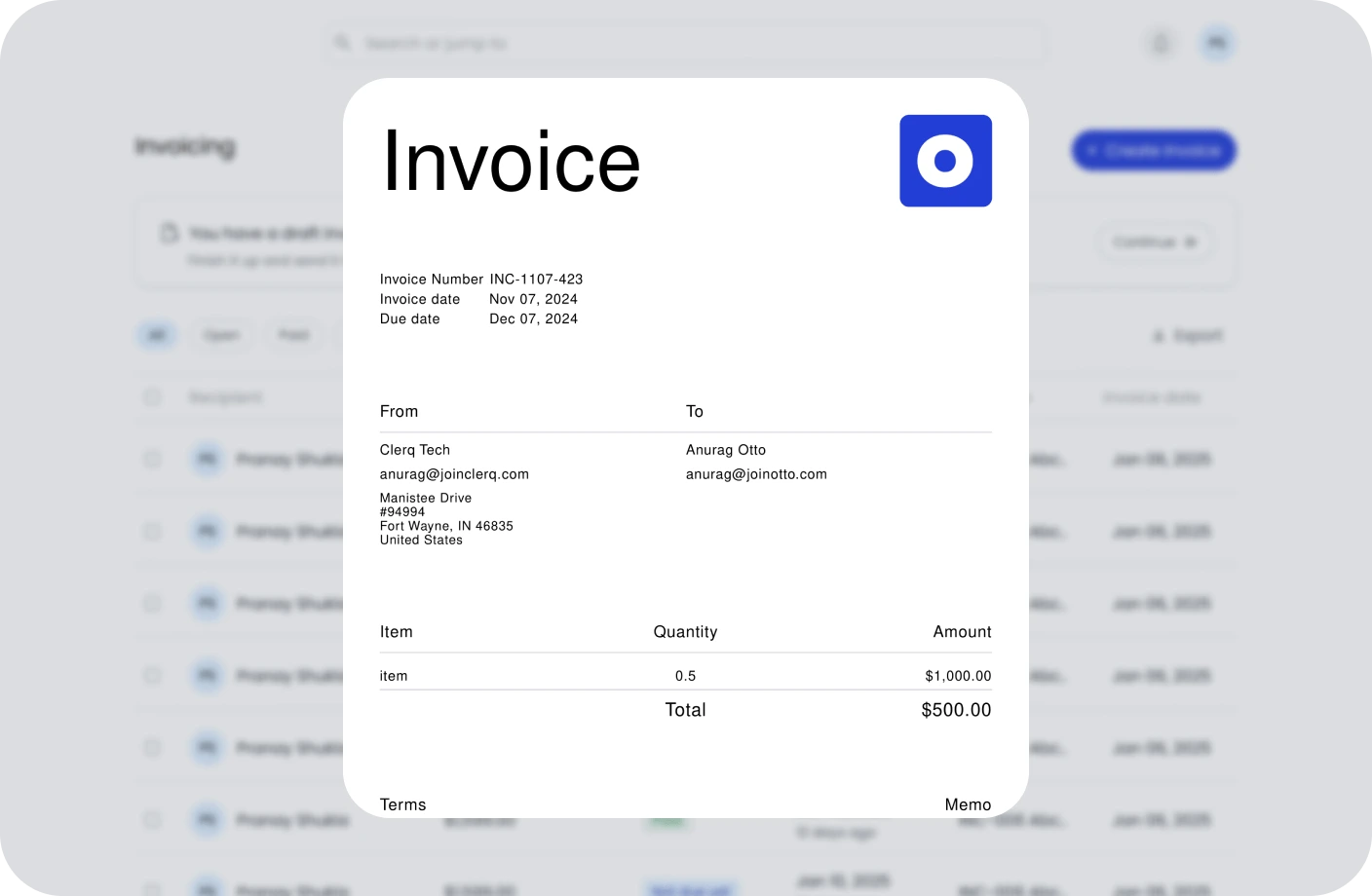
Invoicing
Create, send, and manage invoices. Track payments and assure timely cash flow.
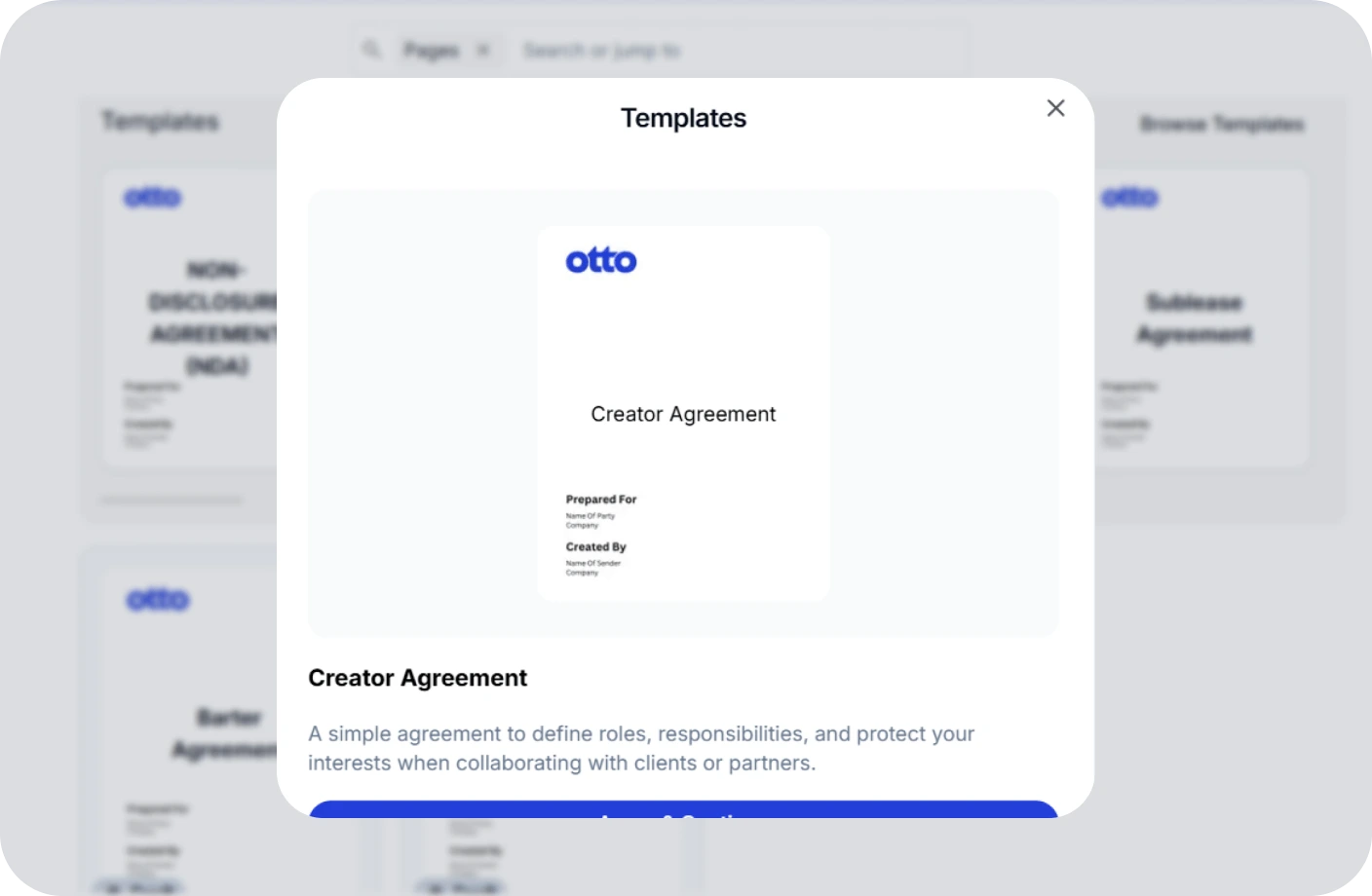
Contracts
Create, track, and e-sign contracts to ensure compliance and deadlines.
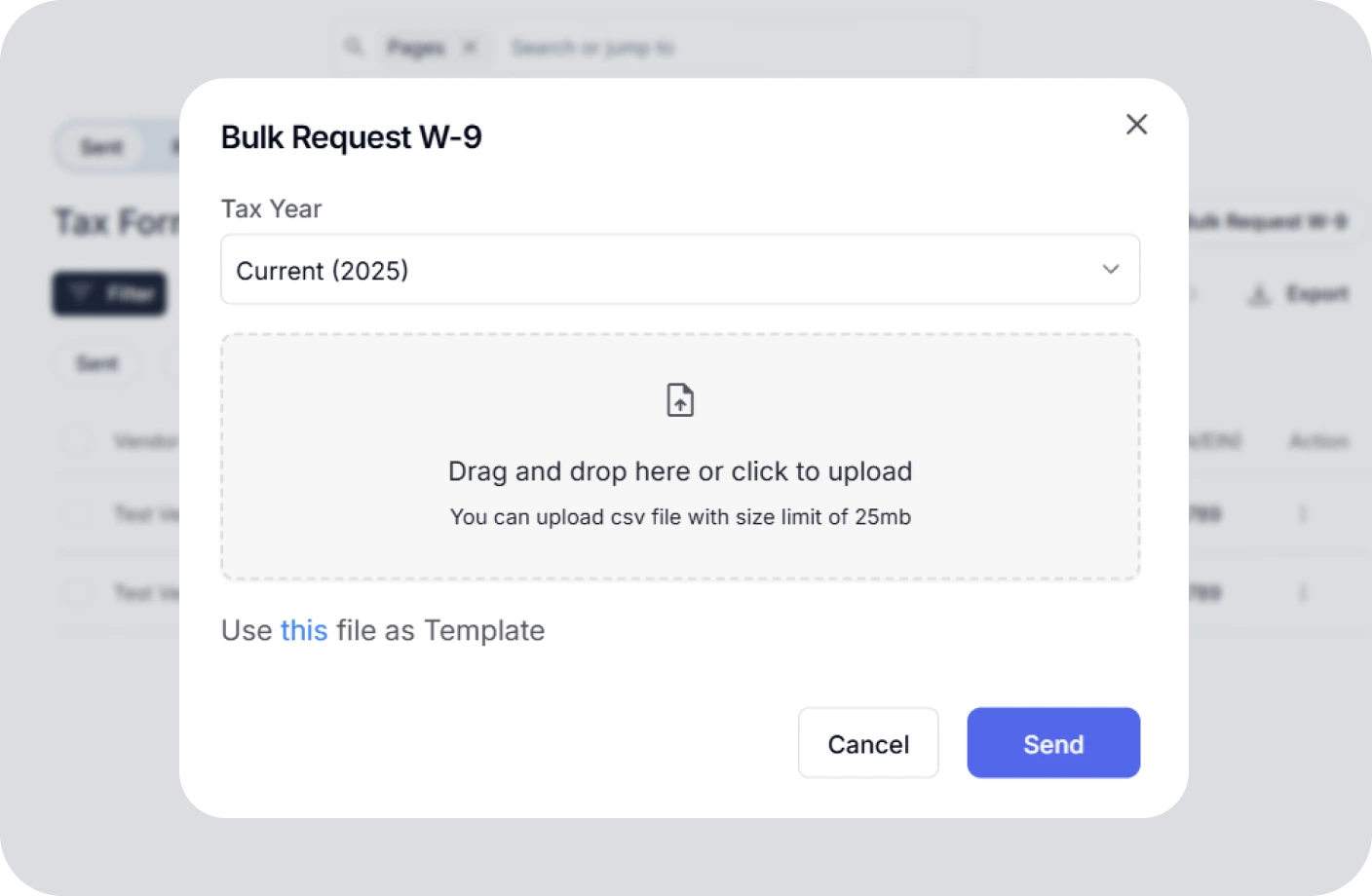
Taxes
Confidently plan taxes with expert CPAs and smart tools to track deductions.
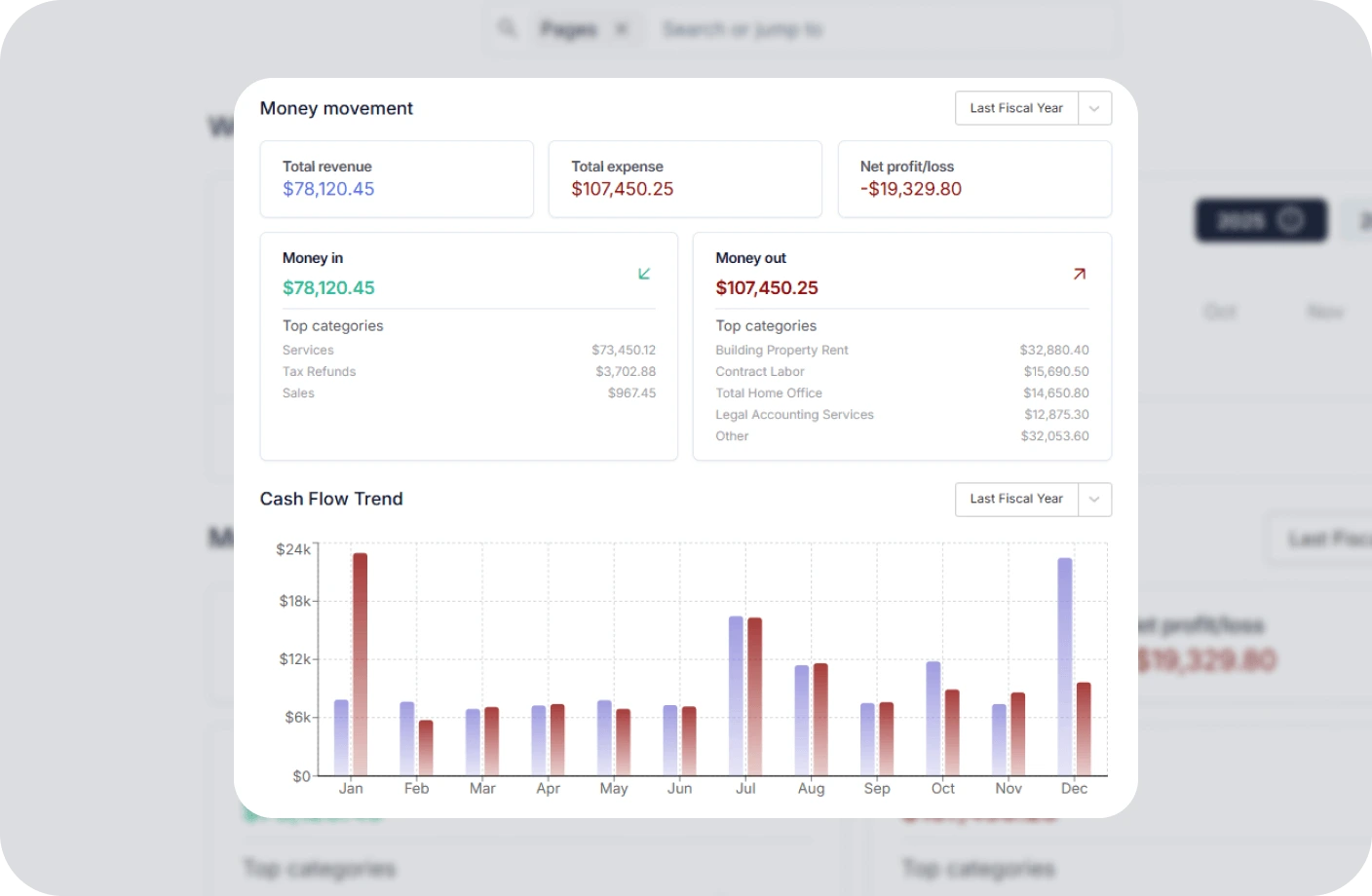
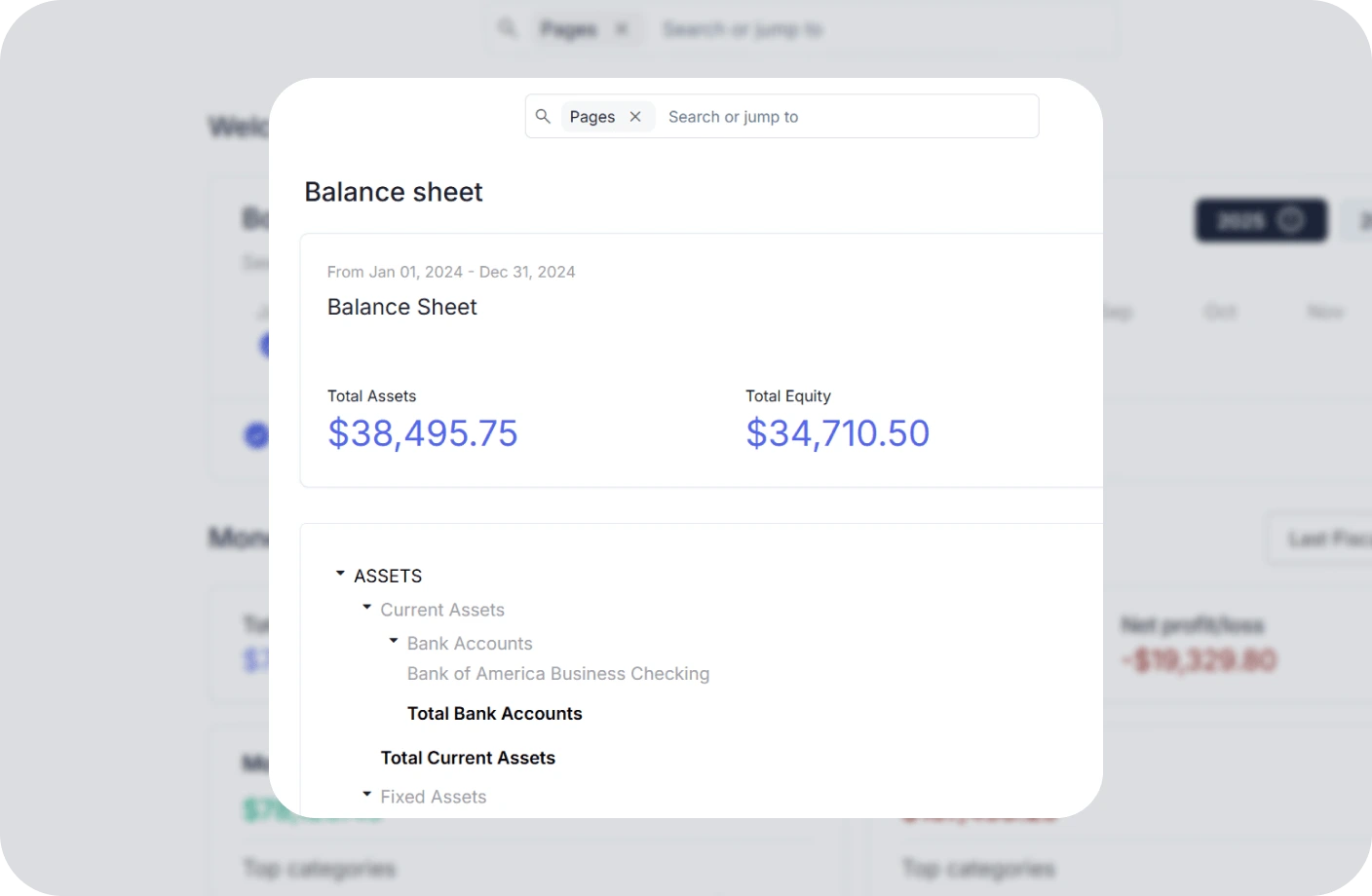
Reports
Real time business reports show where you stand today and what to do next.
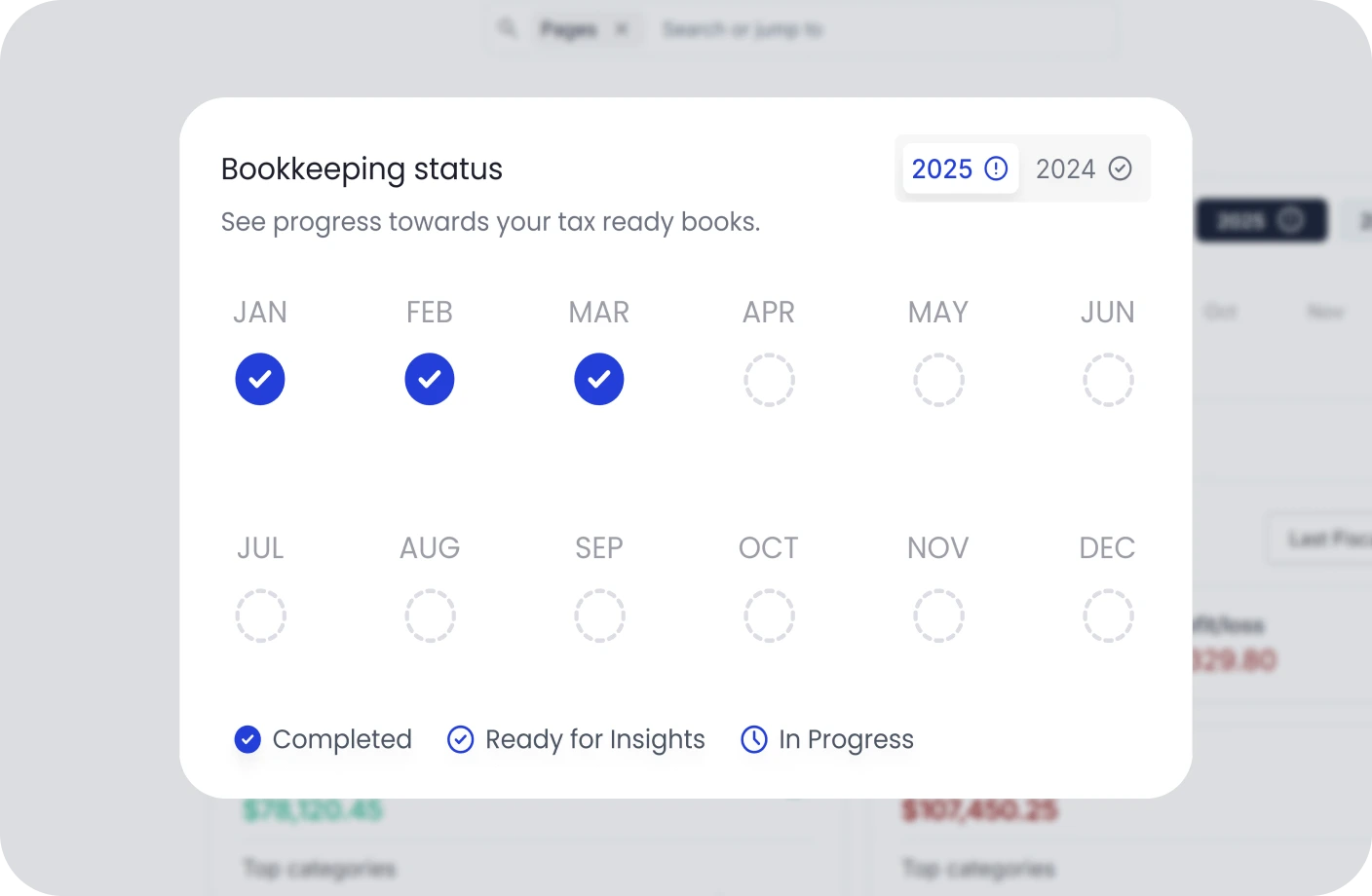
Accounting
All in one accounting software for creators to handle your books, taxes, invoices, contracts.
MOV to MP4 FAQs
Everything you need to know about the product platform.
What exactly does the MOV to MP4 do?
It is a high-speed web utility that allows creators to edit, process, or convert video files directly in their browser without downloading heavy desktop software.
Are my video files secure?
Security is our top priority. Your video processing occurs securely in your browser. We do not store or retain your video files on external servers.
Are there any registration or account paywalls?
None. Our creator tool suite is built to be friction-free. You do not need to create an account, enter an email, or pay hidden fees to process your videos.
What video formats and file sizes are supported?
We support popular video formats like MP4, MOV, AVI, MKV, WebM, and FLV with generous file size allowances tailored for creators.
What devices can I use this video tool on?
Since it is 100% web-based, it works seamlessly across Mac, Windows, iOS, and Android devices in any modern browser.
Will there be watermarks added to my video?
No. We do not inject, overlay, or force any watermarks onto your processed video exports.
How long does video processing take?
Processing speed depends on your file size and device speed, but our browser rendering engine typically completes tasks in seconds.
Do I need to install software or browser extensions?
No installation is required. Everything runs natively inside your browser window without clogging up hard drive space.
Is there a daily limit on video processing?
No, you can process as many video files as you need with unlimited usage daily.
How can I share or save my processed video?
Once processing finishes, click the download button to instantly save your file to your local device.
Optimize Your Video Content with MOV to MP4
Start using Otto AI's MOV to MP4 to refine your video workflow—fast, secure, and completely free.
Start Processing Video Now