Line Item: Definition & Overview
Learn what a line item is on an invoice, what details to include, and how well-structured line items help you get paid faster.
KEY TAKEAWAYS
-
✓
A line item is an individual entry on an invoice that describes a product or service with its quantity, rate, and total.
-
✓
Each line item includes a description, quantity, unit price, and line total for clarity and transparency.
-
✓
Well-structured line items reduce payment disputes and help businesses get paid faster.
What is a Line Item?
A line item is a single entry on an invoice that describes a specific product or service being charged. Think of it as one row in a detailed receipt. For example, if a graphic designer invoices a client for a logo, the line item might read "Logo Design — 1 unit at $500." This breaks down what the client is paying for and makes the total easy to understand.
What Does Each Line Item Include?
A well-structured line item typically contains four key components:
-
•
Description: A clear explanation of the product or service provided. This should be specific enough that both you and your client know exactly what it refers to.
-
•
Quantity: The number of units or hours being billed. For products, this is the item count. For services, this is typically the number of hours worked.
-
•
Unit Price: The cost per single unit or hour. This is also called the rate and represents the price before multiplication.
-
•
Amount: The total for that line, calculated as quantity multiplied by unit price. This is the line total before any taxes or discounts are applied at the invoice level.
How to Write Good Line Item Descriptions
Writing clear line item descriptions is one of the most important skills in invoicing. A good description helps your client understand exactly what they are paying for and reduces the chance of disputes. Here are a few tips:
-
•
Be specific: Instead of "Design Work," write "Website Homepage Design — 15 hours at $75/hour."
-
•
Include dates: For time-based services, mention the period the work covers, such as "Consulting — January 2025."
-
•
Use item codes: If you have many products, include SKU or product codes to help with inventory tracking.
-
•
Avoid jargon: Use plain language that your client will understand, especially if they are not familiar with your industry.
Handling Discounts Per Line Item
Some invoices require discounts to be applied to specific line items rather than the entire invoice total. For example, you might offer a 10% discount on a particular product while charging full price for others. In this case, you can create a separate line item showing the discount or apply the discount directly within the line item's calculation. Most invoicing software supports per-line discounts, making it easy to show the original price, the discount, and the adjusted total.
When applying per-line discounts, clearly state the discount amount or percentage in the description. This transparency helps clients understand why certain items cost less and prevents confusion during payment.
Common Line Item Mistakes
Even experienced businesses make mistakes with line items. Here are the most common ones to avoid:
-
•
Vague descriptions like "Services" or "Miscellaneous" that leave clients guessing what they paid for.
-
•
Mathematical errors in quantity or unit price that lead to incorrect totals and payment delays.
-
•
Combining multiple items into one line instead of listing them separately, reducing clarity.
-
•
Forgetting to include applicable taxes or discounts on individual line items.
Best Practices for Line Items
Following best practices for line items will make your invoices more professional and easier to process:
-
•
Use a consistent format across all your invoices so clients know what to expect.
-
•
Group related items together and order them logically, such as by category or date.
-
•
Double-check all calculations before sending the invoice to avoid corrections later.
-
•
Use invoicing software to automate line item calculations and reduce manual errors.
Summary
Line items are the building blocks of every invoice. By clearly describing each product or service, listing accurate quantities and prices, and following best practices, you create invoices that are easy for clients to understand and approve. Well-structured line items reduce disputes, speed up payment, and present a professional image for your business.
Invoicing platforms like Otto make it simple to add, organize, and customize line items so every invoice is clear, accurate, and professional.
How Line Items Apply to Your Business
When will you actually use this?
Line items are a fundamental part of almost every invoice. Whether you sell products, bill for services, or manage subscriptions, you'll use line items to break down charges clearly. Here's when you'll use them:
Product Sales
List each product as a separate line item with quantity, unit price, and total for clarity.
Service Charges
Break down services into individual line items showing hours worked and hourly rates.
Expense Reimbursement
Itemize reimbursable expenses as separate line items with receipts attached.
Subscription Plans
Show each subscription tier or add-on as a distinct line item on recurring invoices.
Project Milestones
List completed project phases as line items with their agreed-upon milestone fees.
Mixed Services
Combine products, services, and expenses as separate line items on a single invoice.
Recommended Reading
Expand your knowledge with these related invoicing topics
Deposit Invoice
Learn how deposit invoices work and when to use them for your business transactions.
Proforma Invoice
Understand proforma invoices and how they differ from standard invoices.
Payment Terms
Explore common payment terms and how to set them for advance payments and invoices.
Recurring Invoice
How recurring invoices work with advance payments for subscription-based businesses.
Payment Terms
Best practices for setting payment terms and expectations for advance payments.
Invoice Number
How to properly number invoices and track advance payment invoices in your system.
Free Invoice Templates
Professional invoice templates designed for every type of creator and freelancer.
DJ Invoice Template
Professional DJ invoice template for gigs, events, and private bookings with customizable payment terms and service breakdowns.
Event Planner Invoice Template
Streamlined invoice template for event planners covering venue coordination, vendor management, and client billing.
Photographer Invoice Template
Tailored invoice template for photographers covering session fees, print orders, usage rights, and travel expenses.
Videographer Invoice Template
Professional videographer invoice template for filming projects, editing services, and production work with clear milestone billing.
Web Developer Invoice Template
Developer-friendly invoice template for web projects, hourly billing, fixed-price contracts, maintenance retainers, and custom modules.
Content Creator Invoice Template
Versatile invoice template for content creators covering sponsorships, affiliate income, content production, and brand deals.
Real Invoicing Questions From the Community
Explore Reddit-backed Otto invoicing guides based on real conversations about payments, invoices, deposits, billing, and cash flow systems.
One Platform: From Entity Setup to Closing Reports
Comprehensive financial solutions for your business needs.
Entity Management
Easily manage legal entities, compliance, and ownership in one platform.
Invoicing
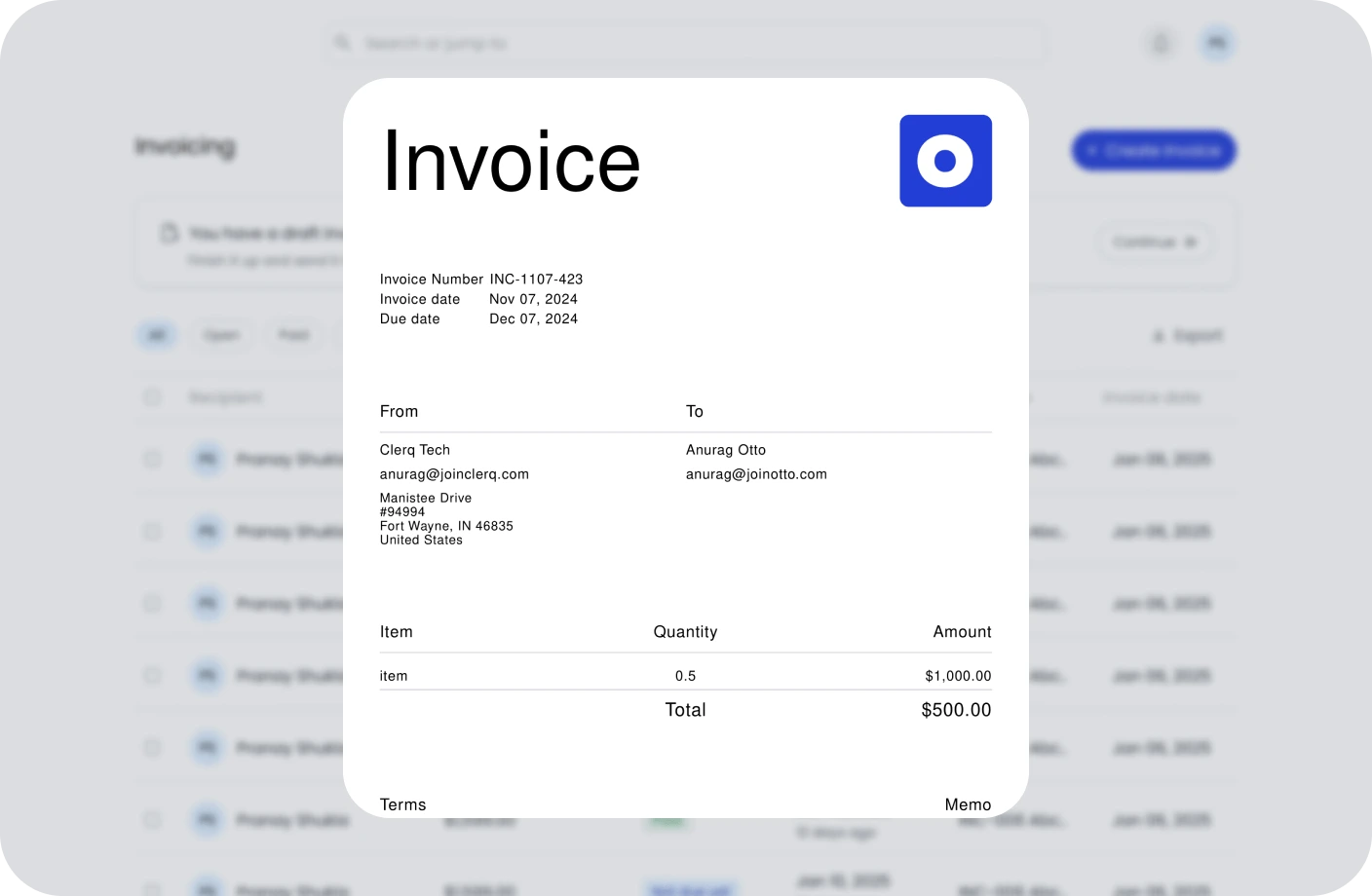
Create, send, and manage invoices. Track payments and assure timely cash flow.
Contracts
Create, track, and e-sign contracts to ensure compliance and deadlines.
Taxes
Confidently plan taxes with expert CPAs and smart tools to track deductions.
Reports
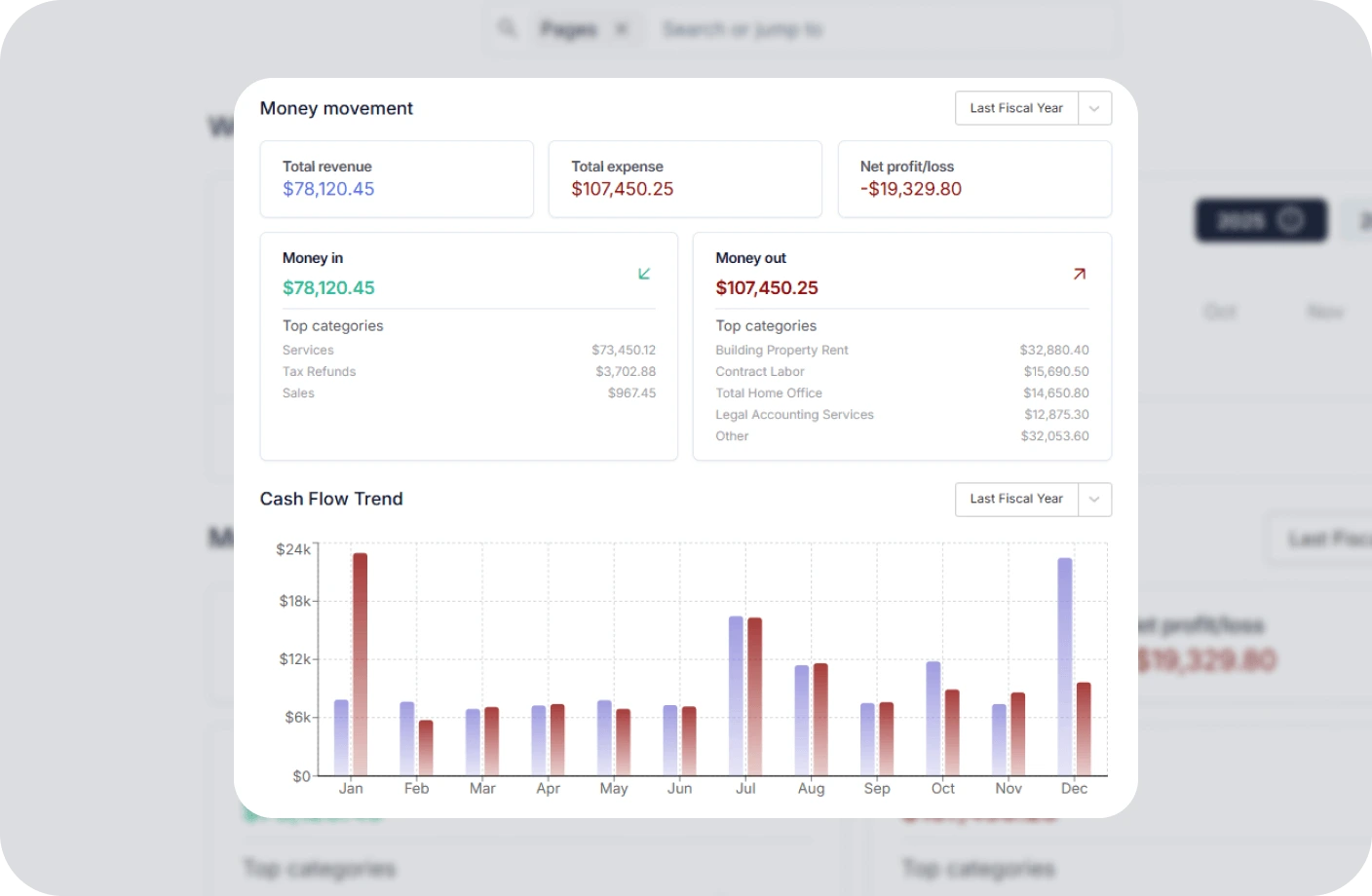
Real time business reports show where you stand today and what to do next.
Accounting
All in one accounting software for creators to handle your books, taxes, invoices, contracts.
Creator Tools
Specialized tools and resources for every type of creator
YouTubers Tools
Optimize your YouTube channel with analytics, thumbnail generators, and growth tools.
TikTokers Tools
Create viral TikTok content with trend analysis, caption generators, and editing tools.
Content Creators Tools
Comprehensive toolkit for content creation, scheduling, and audience engagement.
Video Creators Tools
Professional video editing, compression, and optimization tools for creators.
Influencers Tools
Manage brand partnerships, track engagement, and maximize your influencer income.
Photographers Tools
Photo editing, watermarking, and portfolio management tools for photographers.
Related Invoicing Resources
Essential guides to help you master invoicing and payments
What Is an Invoice? Everything You Need to Know
Learn the fundamentals of invoicing, including key components, different types of invoices, and best practices for getting paid on time.
The Ultimate Guide to Invoicing for Creatives
Discover tailored invoicing strategies for freelancers, designers, photographers, and other creative professionals to streamline billing.
How to Write an Invoice for Contract Work
A complete step-by-step guide to creating professional invoices for contract jobs, including payment terms, itemization, and follow-up tips.
Line Item FAQs
Quick answers to common questions about line items
What is a line item on an invoice?
A line item is an individual entry on an invoice that describes a specific product or service being charged. It includes details such as the description, quantity, unit price, and line total.
What information should be included in a line item?
A line item should include the product or service name, a detailed description, the quantity or hours, the unit price or hourly rate, any applicable discounts, and the line total. Some invoices also include an item code or SKU.
How should I write line item descriptions?
Write clear, specific descriptions that tell the client exactly what they are paying for. Include relevant details such as dates, project names, scope of work, or product specifications. Avoid vague terms like "services rendered."
What is the difference between unit price and line total?
The unit price is the cost per single unit or hour. The line total is the unit price multiplied by the quantity, representing the total charge for that specific line item before any taxes or discounts.
Can I apply discounts to individual line items?
Yes, discounts can be applied to individual line items. Many invoicing systems allow you to set a discount percentage or fixed amount per line item, which is useful for promotions or courtesy discounts on specific items.
What are best practices for structuring line items on an invoice?
Best practices include using clear and consistent descriptions, grouping related items together, listing quantities and rates accurately, using a professional invoice template, double-checking calculations, and keeping a consistent format across all invoices.
Manage Your Invoicing Without the Confusion
Create professional invoices with clear line items, track payments, and manage your billing effortlessly with Otto's invoicing platform.