Payment Gateway: Definition & Overview
Learn what a payment gateway is, how it processes online payments, and how integrating one with your invoices helps you get paid faster.
KEY TAKEAWAYS
-
✓
A payment gateway is a technology that authorizes and processes online payments securely.
-
✓
Payment gateways encrypt sensitive payment data to protect customers and merchants from fraud.
-
✓
Integrating a payment gateway with your invoices enables instant payment via payment links and recurring billing.
What is a Payment Gateway?
A payment gateway is a technology that securely processes online payments by authorizing credit card and digital payment transactions between a merchant and a customer. It acts as the digital equivalent of a physical point-of-sale terminal found in retail stores. When a customer makes an online purchase, the payment gateway captures the payment information, encrypts it, and sends it to the payment processor for verification and approval.
Every time you buy something online and enter your credit card details, a payment gateway is working behind the scenes to make sure the transaction is safe and successful. Popular payment gateways include Stripe, PayPal, Square, and Authorize.net. These services have become essential for businesses that want to accept payments online, whether through a website, mobile app, or invoice payment link.
How Does a Payment Gateway Work?
Understanding how a payment gateway works is important for any business that accepts online payments. The process involves several steps that happen in just a few seconds:
1. Authorization
The authorization step begins when a customer enters their payment details on your checkout page or invoice payment link. The payment gateway encrypts this sensitive information and sends it to the acquiring bank (the merchant's bank). The acquiring bank then forwards the transaction details to the card network (such as Visa or Mastercard), which routes it to the customer's issuing bank. The issuing bank checks whether the customer has sufficient funds and sends back an approval or decline response. The gateway relays this response to the merchant and customer in real time.
2. Authentication
Authentication is a critical security step where the payment gateway verifies that the person making the transaction is the legitimate cardholder. Many gateways now support 3D Secure authentication (such as Verified by Visa or Mastercard SecureCode), which requires the customer to complete an additional verification step with their bank. This helps reduce chargebacks and fraud. The gateway may also use address verification (AVS) and CVV checks as additional authentication layers.
3. Settlement
Settlement is the final stage where funds are transferred from the customer's bank to the merchant's bank account. Once the transaction is authorized, the payment gateway batches multiple transactions together and sends them to the payment processor for settlement. The funds are typically deposited into the merchant's account within 1-3 business days, depending on the gateway and processor. Some gateways offer faster settlement options for an additional fee.
Payment Gateway vs Payment Processor
Many people use the terms "payment gateway" and "payment processor" interchangeably, but they serve different functions. A payment gateway captures and encrypts payment information and sends it for processing. A payment processor, on the other hand, facilitates the actual transaction by communicating with the customer's bank and the merchant's bank to move funds.
Some providers offer both services together. For example, Stripe acts as both a gateway and a processor. When you use an invoicing platform that integrates with a payment gateway, the gateway handles the secure capture of payment data, while the processor handles the bank-to-bank fund transfer. Understanding this distinction helps you choose the right combination for your business needs.
Payment Gateway Fees
Payment gateways charge various fees for their services. Understanding these fees helps you choose a cost-effective solution:
-
•
Transaction fees: The most common fee structure, typically 2-3% plus a fixed amount per transaction (e.g., $0.10-$0.30). This covers the cost of processing each payment.
-
•
Monthly gateway fees: Some gateways charge a recurring monthly fee of $10-$30 for access to their platform, reporting tools, and customer support.
-
•
Setup and annual fees: Some gateways charge a one-time setup fee ($25-$100) or an annual fee. Many modern gateways have eliminated these fees in favor of simple per-transaction pricing.
Payment Gateway Security
Security is one of the most important aspects of any payment gateway. Here are the key security measures that protect your transactions:
-
•
PCI DSS Compliance: All payment gateways must comply with the Payment Card Industry Data Security Standard (PCI DSS), a set of security requirements designed to protect cardholder data. Gateways handle PCI compliance on your behalf by tokenizing card data so you never store sensitive information.
-
•
Tokenization: Tokenization replaces sensitive card details with a unique, non-reversible token. This means the actual credit card number is never stored on your servers, reducing the risk of data breaches. If a hacker breaches your system, they only find useless tokens.
-
•
Encryption: Payment gateways use SSL/TLS encryption to secure data as it travels between the customer's browser, your website, and the payment network. This ensures that even if data is intercepted, it cannot be read or used by unauthorized parties.
How to Choose a Payment Gateway
Choosing the right payment gateway for your business depends on several factors. Here are the most important considerations:
-
•
Integration with your tools: Look for a gateway that integrates with your invoicing software, accounting platform, and e-commerce tools. This eliminates manual data entry and streamlines your workflow.
-
•
Supported payment methods: Consider whether the gateway supports credit cards, debit cards, digital wallets (Apple Pay, Google Pay), ACH transfers, and international payment methods relevant to your customers.
-
•
Pricing structure: Compare transaction fees, monthly fees, and any additional costs. For small businesses, a flat-rate pricing model may be simpler, while high-volume businesses may benefit from tiered or interchange-plus pricing.
Summary
A payment gateway is an essential tool for any business that accepts online payments. It securely authorizes transactions, encrypts sensitive data, and enables fast settlement of funds. By integrating a payment gateway with your invoicing system, you can add payment links to invoices, set up recurring billing, and get paid faster.
When choosing a payment gateway, consider your business needs, budget, and the types of payments you want to accept. Modern invoicing platforms make it easy to connect with leading payment gateways, so you can start accepting payments online right away.
How Payment Gateways Apply to Your Business
When will you actually use this?
Payment gateways are the backbone of online transactions. They impact nearly every aspect of how you collect money from your customers. Here's when you'll use them:
Invoice Payments
Add payment links to invoices so clients can pay instantly with credit card or digital wallet.
Recurring Billing
Use payment gateways to automatically collect recurring subscription payments on schedule.
International Transactions
Process payments in multiple currencies to serve clients around the world.
Mobile Payments
Accept payments through mobile-optimized checkout pages and payment links sent via text.
Secure Transactions
Protect customer payment data with PCI-compliant encryption and tokenization.
Fast Settlement
Receive funds in your bank account within 1-3 business days instead of waiting for checks.
Recommended Reading
Expand your knowledge with these related invoicing topics
Deposit Invoice
Learn how deposit invoices work and when to use them for your business transactions.
Proforma Invoice
Understand proforma invoices and how they differ from standard invoices.
Payment Terms
Explore common payment terms and how to set them for advance payments and invoices.
Recurring Invoice
How recurring invoices work with advance payments for subscription-based businesses.
Payment Terms
Best practices for setting payment terms and expectations for advance payments.
Invoice Number
How to properly number invoices and track advance payment invoices in your system.
Free Invoice Templates
Professional invoice templates designed for every type of creator and freelancer.
DJ Invoice Template
Professional DJ invoice template for gigs, events, and private bookings with customizable payment terms and service breakdowns.
Event Planner Invoice Template
Streamlined invoice template for event planners covering venue coordination, vendor management, and client billing.
Photographer Invoice Template
Tailored invoice template for photographers covering session fees, print orders, usage rights, and travel expenses.
Videographer Invoice Template
Professional videographer invoice template for filming projects, editing services, and production work with clear milestone billing.
Web Developer Invoice Template
Developer-friendly invoice template for web projects, hourly billing, fixed-price contracts, maintenance retainers, and custom modules.
Content Creator Invoice Template
Versatile invoice template for content creators covering sponsorships, affiliate income, content production, and brand deals.
Real Invoicing Questions From the Community
Explore Reddit-backed Otto invoicing guides based on real conversations about payments, invoices, deposits, billing, and cash flow systems.
One Platform: From Entity Setup to Closing Reports
Comprehensive financial solutions for your business needs.
Entity Management
Easily manage legal entities, compliance, and ownership in one platform.
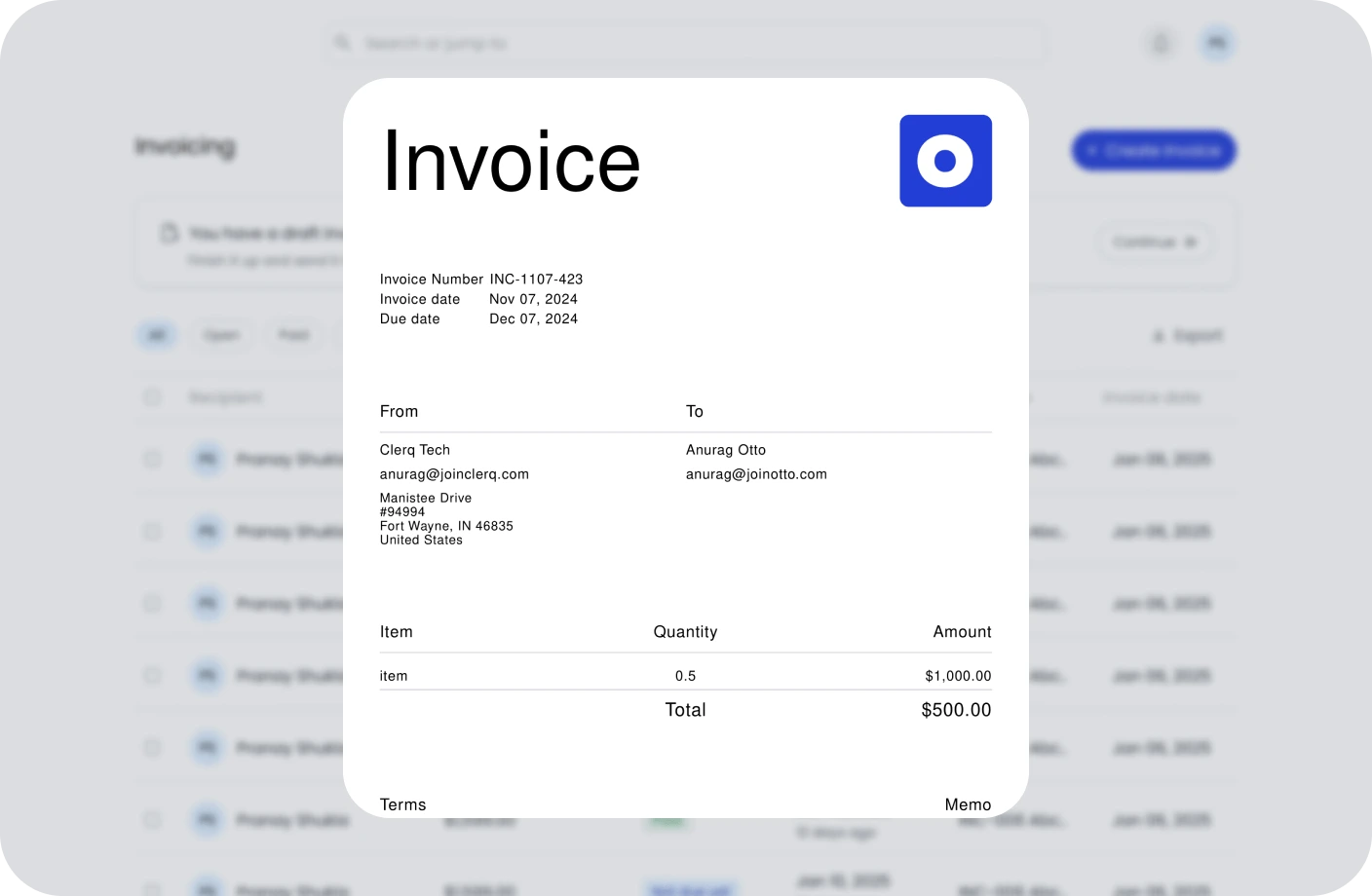
Invoicing
Create, send, and manage invoices. Track payments and assure timely cash flow.
Contracts
Create, track, and e-sign contracts to ensure compliance and deadlines.
Taxes
Confidently plan taxes with expert CPAs and smart tools to track deductions.
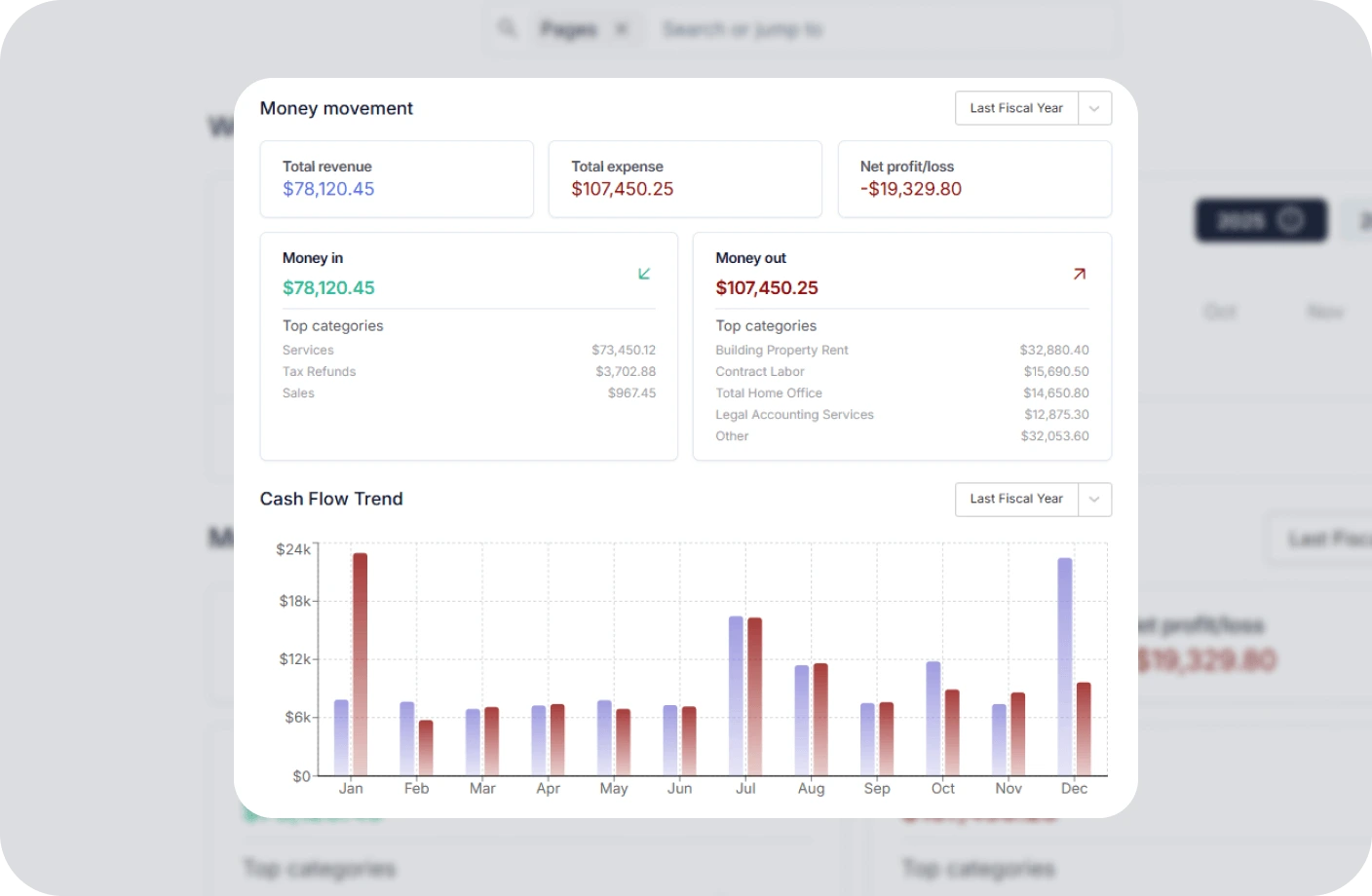
Reports
Real time business reports show where you stand today and what to do next.
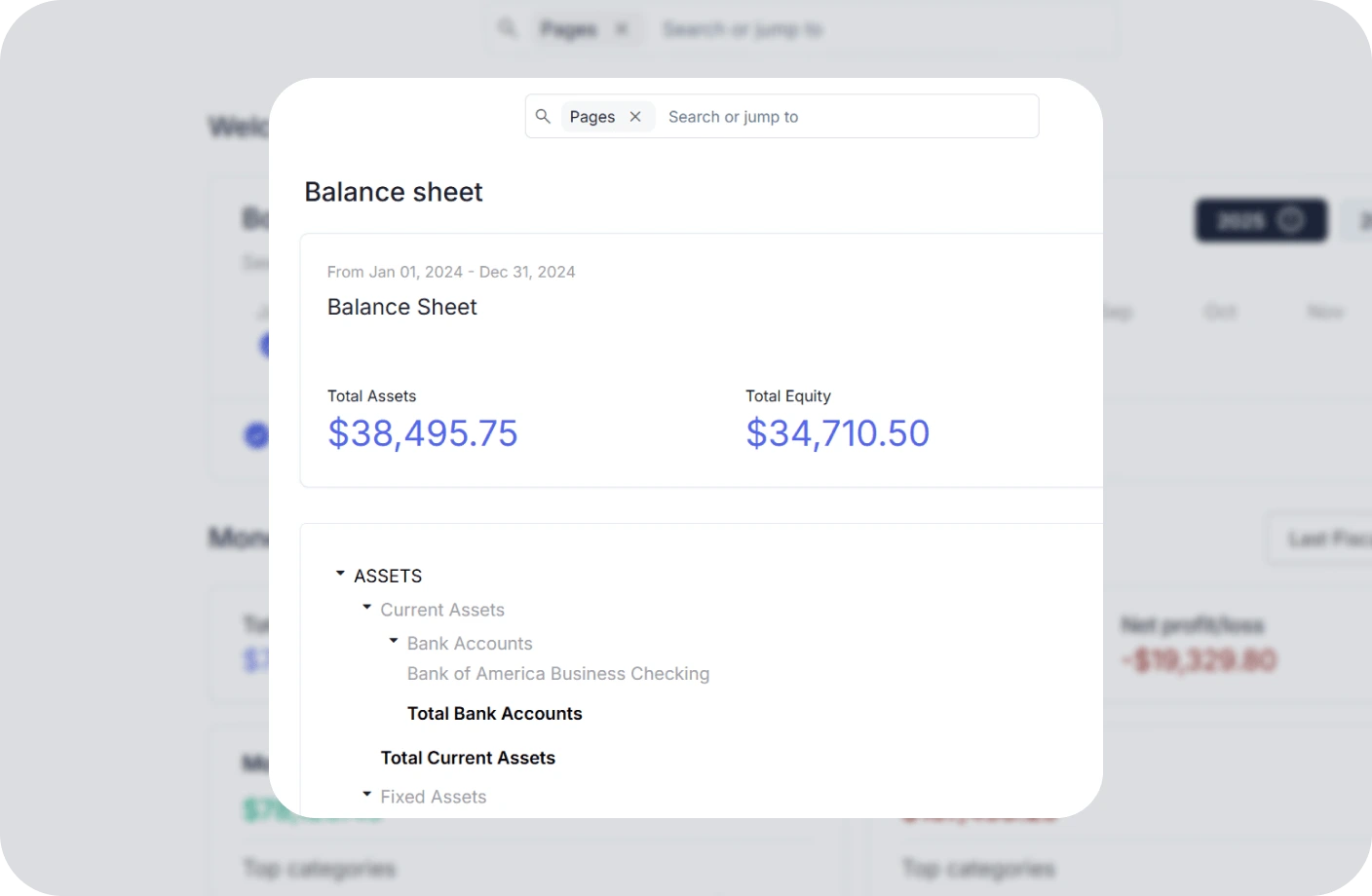
Accounting
All in one accounting software for creators to handle your books, taxes, invoices, contracts.
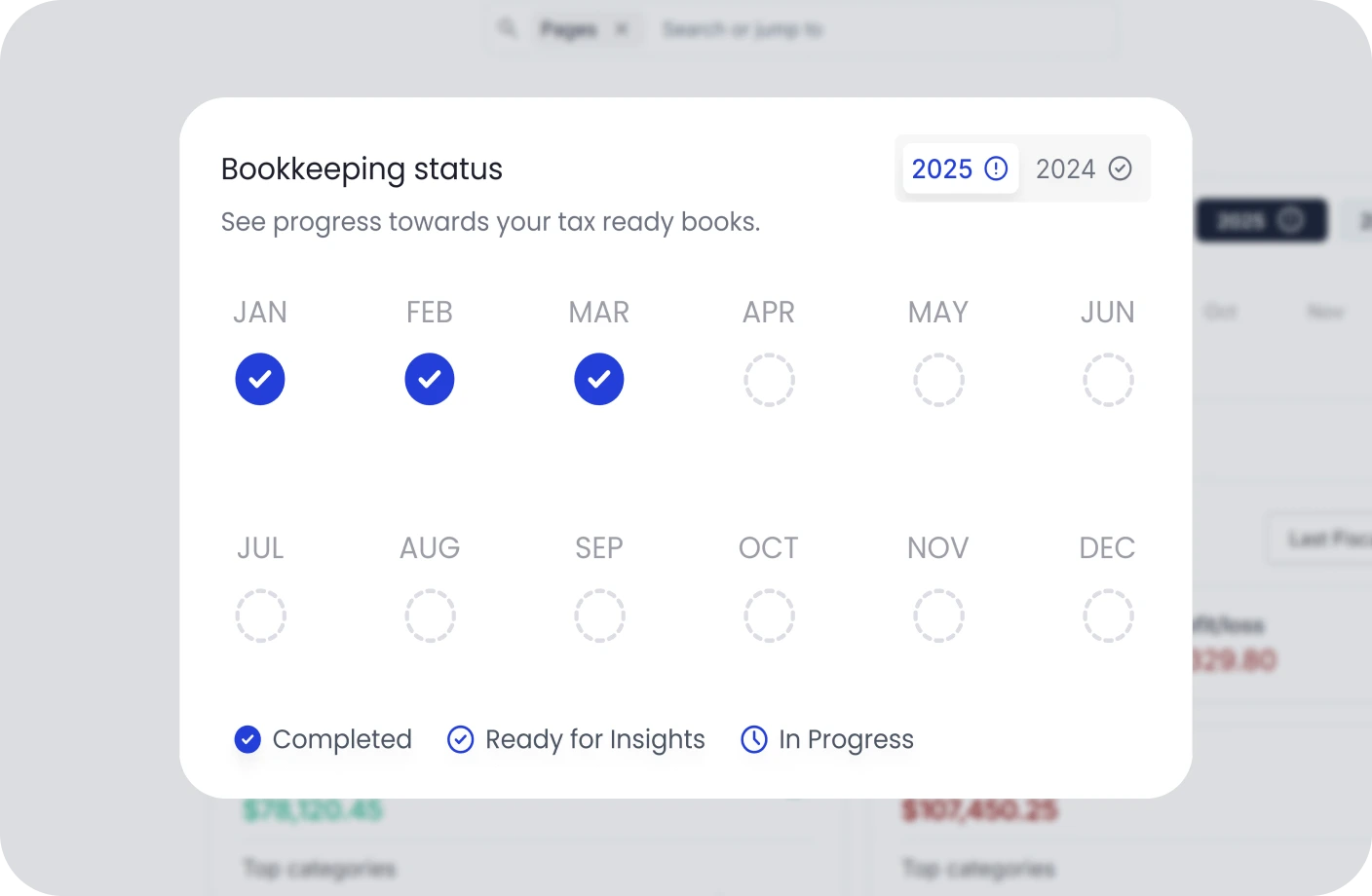
Creator Tools
Specialized tools and resources for every type of creator
YouTubers Tools
Optimize your YouTube channel with analytics, thumbnail generators, and growth tools.
TikTokers Tools
Create viral TikTok content with trend analysis, caption generators, and editing tools.
Content Creators Tools
Comprehensive toolkit for content creation, scheduling, and audience engagement.
Video Creators Tools
Professional video editing, compression, and optimization tools for creators.
Influencers Tools
Manage brand partnerships, track engagement, and maximize your influencer income.
Photographers Tools
Photo editing, watermarking, and portfolio management tools for photographers.
Related Invoicing Resources
Essential guides to help you master invoicing and payments
What Is an Invoice? Everything You Need to Know
Learn the fundamentals of invoicing, including key components, different types of invoices, and best practices for getting paid on time.
The Ultimate Guide to Invoicing for Creatives
Discover tailored invoicing strategies for freelancers, designers, photographers, and other creative professionals to streamline billing.
How to Write an Invoice for Contract Work
A complete step-by-step guide to creating professional invoices for contract jobs, including payment terms, itemization, and follow-up tips.
Payment Gateway FAQs
Quick answers to common questions about payment gateways
What is a payment gateway?
A payment gateway is a technology that securely processes online payments by authorizing credit card and digital payment transactions between a merchant and a customer. It encrypts sensitive data to ensure safe transactions.
How does a payment gateway work?
A payment gateway encrypts the customer's payment details and sends them to the acquiring bank, which forwards the information to the card network and then to the issuing bank for authorization. Once approved, funds are transferred during settlement within 1-3 business days.
What is the difference between a payment gateway and a payment processor?
A payment gateway captures and encrypts payment information, while a payment processor facilitates the actual transaction by communicating with the customer's bank and the merchant's bank. Some providers offer both services together.
What are typical payment gateway fees?
Typical fees include a transaction fee of 2-3% plus a fixed amount per transaction, a monthly gateway fee of $10-$30, and sometimes a setup fee. Some providers offer flat-rate or interchange-plus pricing.
How secure is a payment gateway?
Payment gateways are highly secure and must comply with PCI DSS standards. They use encryption, tokenization, and fraud detection tools to protect cardholder data. Tokenization replaces card details with a unique token so the actual number is never stored.
How do I choose the right payment gateway?
Consider transaction fees, supported payment methods, integration with your invoicing software, recurring billing support, international payment capabilities, security features, and customer support when choosing a payment gateway.
Manage Your Invoicing Without the Confusion
Create professional invoices, accept payments through your preferred gateway, and manage your billing effortlessly with Otto's invoicing platform.