Invoice OCR: Definition & Overview
Learn what invoice OCR (optical character recognition) means, how it automates data extraction, and why it's transforming accounts payable.
KEY TAKEAWAYS
-
✓
Invoice OCR automatically extracts data from invoices, eliminating manual data entry and reducing processing time by up to 80%.
-
✓
OCR technology reduces manual data entry errors and improves the accuracy of invoice processing to over 95%.
-
✓
Automated OCR processing speeds up accounts payable operations and helps businesses scale without adding headcount.
What is Invoice OCR?
Invoice OCR (Optical Character Recognition) is a technology that automatically reads and extracts data from invoices using software. Instead of manually typing details from an invoice into your accounting system, OCR software scans the document and captures key information such as supplier name, invoice number, invoice date, line items, quantities, unit prices, and total amounts. This transforms paper-based or PDF invoices into structured digital data that can flow directly into your accounts payable workflow.
While traditional OCR has existed for decades, modern invoice OCR uses advanced machine learning and artificial intelligence to handle complex invoice layouts, varied fonts, and poor-quality scans. This makes it a powerful tool for businesses looking to automate their invoice processing and reduce reliance on manual data entry.
How Does Invoice OCR Work?
Invoice OCR works through four main stages that transform a raw invoice document into usable business data:
-
•
Scanning: The invoice is digitized using a scanner, camera, or by importing an existing digital file like a PDF or image. The software enhances image quality by correcting skew, removing noise, and adjusting contrast to improve text readability.
-
•
Recognition: The OCR engine analyzes the image to identify individual characters, numbers, and symbols. Advanced systems use pattern matching and machine learning models trained on thousands of invoice layouts to understand context and differentiate between similar characters.
-
•
Extraction: Once text is recognized, the software extracts structured data fields such as the invoice number, invoice date, supplier details, line items, quantities, prices, and totals. Smart systems use field mapping to place extracted data into the correct categories.
-
•
Validation: Extracted data is checked against predefined rules, such as verifying totals match line item calculations or cross-referencing against purchase orders. Items with low confidence scores are flagged for human review to ensure accuracy.
Benefits of Invoice OCR
Implementing invoice OCR delivers significant advantages for businesses of all sizes:
-
•
Speed: OCR processes an invoice in seconds compared to several minutes for manual entry. This accelerates the entire accounts payable cycle and enables faster payment processing.
-
•
Accuracy: Automated data capture eliminates typos, transposition errors, and misread numbers that commonly occur with manual entry, achieving accuracy rates of 95% or higher.
-
•
Cost Savings: By reducing manual processing time, businesses can lower their cost per invoice from several dollars to just cents, freeing up staff for higher-value financial tasks.
-
•
Scalability: OCR systems handle increasing invoice volumes without requiring proportional increases in staff, making it easy to grow your business without adding administrative overhead.
Limitations of Invoice OCR
While invoice OCR is highly effective, it has some limitations to be aware of:
-
•
Low-quality scans, handwritten text, or faded print can reduce recognition accuracy and require human intervention.
-
•
Highly complex or non-standard invoice layouts may confuse older OCR systems, though modern machine learning-based solutions handle these much better.
-
•
Multi-language invoices or those containing special characters may require OCR software trained on those specific languages or character sets.
Invoice OCR vs Manual Data Entry
The difference between invoice OCR and manual data entry is substantial. Manual entry requires a person to read each invoice, type the data into an accounting system, and verify the information. This process takes several minutes per invoice and is prone to fatigue-related errors, especially during high-volume periods. In contrast, OCR processes invoices in seconds with consistent accuracy regardless of volume.
Cost analysis shows that manual invoice processing can cost between $12 and $30 per invoice when factoring in labor, while OCR-driven automation reduces this to under $2 per invoice. For businesses processing hundreds of invoices monthly, the savings add up quickly. Additionally, OCR enables real-time visibility into invoice status, whereas manual systems often suffer from delays and lost documents.
How to Choose Invoice OCR Software
When selecting invoice OCR software for your business, consider the following factors:
-
•
Accuracy Rate: Look for solutions that advertise 95%+ accuracy and offer confidence scoring so you know which data needs human review.
-
•
Format Support: Ensure the software handles all invoice formats you receive, including PDFs, scanned images, email attachments, and mobile photos.
-
•
Integration: Choose OCR software that integrates with your existing accounting or ERP system to create a seamless data flow from invoice receipt to payment.
-
•
Validation Rules: Look for built-in validation that can cross-check extracted data against purchase orders or predefined business rules to catch discrepancies early.
-
•
Cloud vs On-Premise: Cloud-based OCR solutions offer easier setup, automatic updates, and accessibility from anywhere, while on-premise options provide greater data control.
Summary
Invoice OCR is a transformative technology that automates data capture from invoices, eliminating manual data entry and accelerating the accounts payable process. By scanning, recognizing, extracting, and validating invoice data automatically, OCR helps businesses save time, reduce errors, and scale their operations efficiently.
Whether you are a small business processing dozens of invoices or a large enterprise handling thousands, invoice OCR can streamline your workflows and improve financial accuracy. Modern OCR solutions integrate with invoicing software to create a seamless end-to-end billing and payment system.
How Invoice OCR Applies to Your Business
When will you actually use this?
Invoice OCR isn't just for large enterprises. It impacts everyday business operations and can transform how you handle invoices and financial documents. Here's when you'll use it:
Accounts Payable
Automate data entry from supplier invoices to speed up approval workflows and payment processing.
Expense Management
Use OCR to capture receipt data for employee expense reports and reimbursement processing.
Invoice Scanning
Digitize paper invoices from vendors who don't use electronic billing systems.
Data Validation
Cross-check OCR-extracted data against purchase orders to catch discrepancies early.
Multi-Format Processing
Process invoices from PDFs, scanned images, email attachments, and mobile photos in one system.
Integration with Accounting
Feed OCR-extracted invoice data directly into your accounting software for seamless reconciliation.
Recommended Reading
Expand your knowledge with these related invoicing topics
Deposit Invoice
Learn how deposit invoices work and when to use them for your business transactions.
Proforma Invoice
Understand proforma invoices and how they differ from standard invoices.
Payment Terms
Explore common payment terms and how to set them for advance payments and invoices.
Recurring Invoice
How recurring invoices work with advance payments for subscription-based businesses.
Payment Terms
Best practices for setting payment terms and expectations for advance payments.
Invoice Number
How to properly number invoices and track advance payment invoices in your system.
Free Invoice Templates
Professional invoice templates designed for every type of creator and freelancer.
DJ Invoice Template
Professional DJ invoice template for gigs, events, and private bookings with customizable payment terms and service breakdowns.
Event Planner Invoice Template
Streamlined invoice template for event planners covering venue coordination, vendor management, and client billing.
Photographer Invoice Template
Tailored invoice template for photographers covering session fees, print orders, usage rights, and travel expenses.
Videographer Invoice Template
Professional videographer invoice template for filming projects, editing services, and production work with clear milestone billing.
Web Developer Invoice Template
Developer-friendly invoice template for web projects, hourly billing, fixed-price contracts, maintenance retainers, and custom modules.
Content Creator Invoice Template
Versatile invoice template for content creators covering sponsorships, affiliate income, content production, and brand deals.
Real Invoicing Questions From the Community
Explore Reddit-backed Otto invoicing guides based on real conversations about payments, invoices, deposits, billing, and cash flow systems.
One Platform: From Entity Setup to Closing Reports
Comprehensive financial solutions for your business needs.
Entity Management
Easily manage legal entities, compliance, and ownership in one platform.
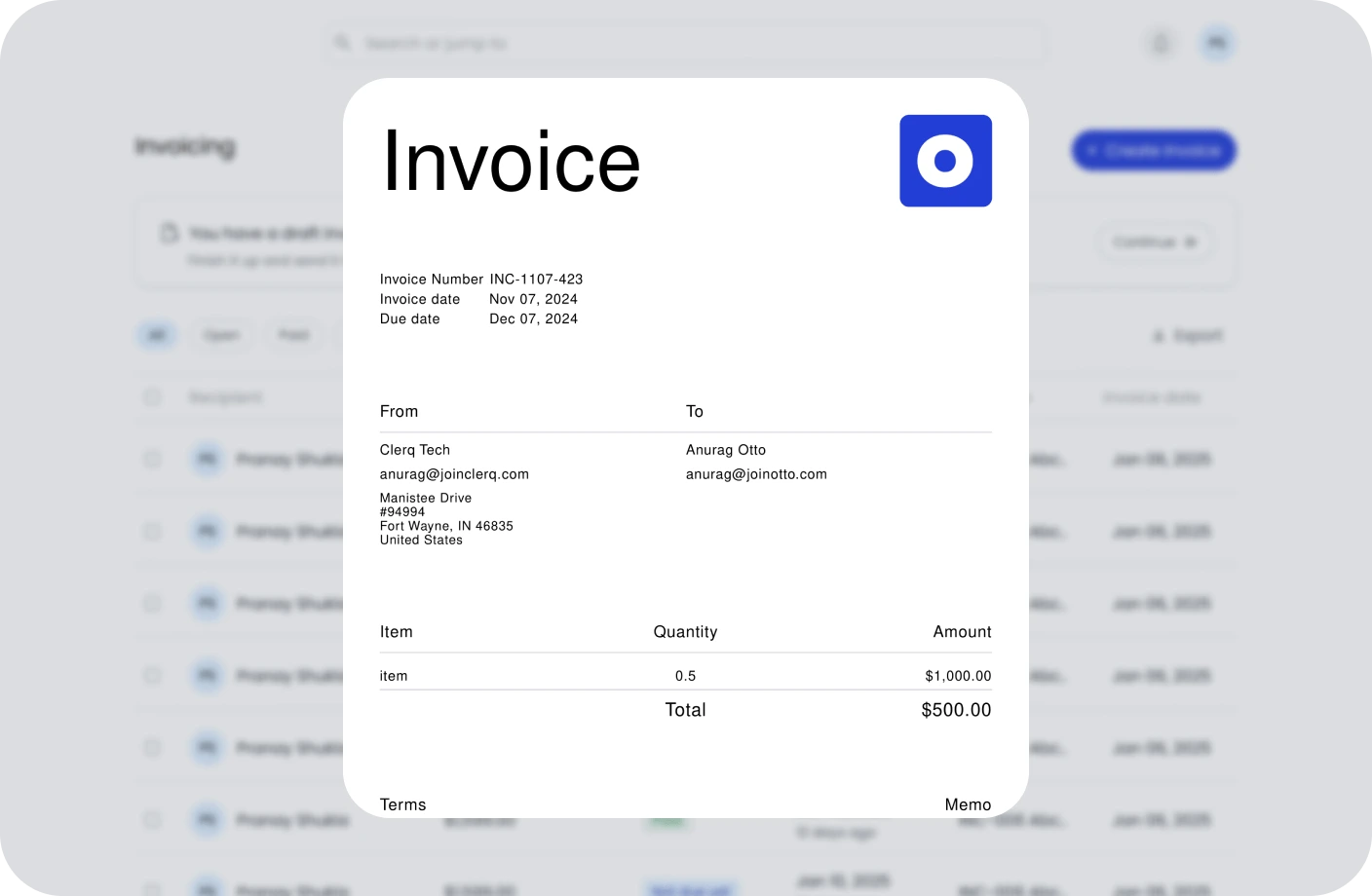
Invoicing
Create, send, and manage invoices. Track payments and assure timely cash flow.
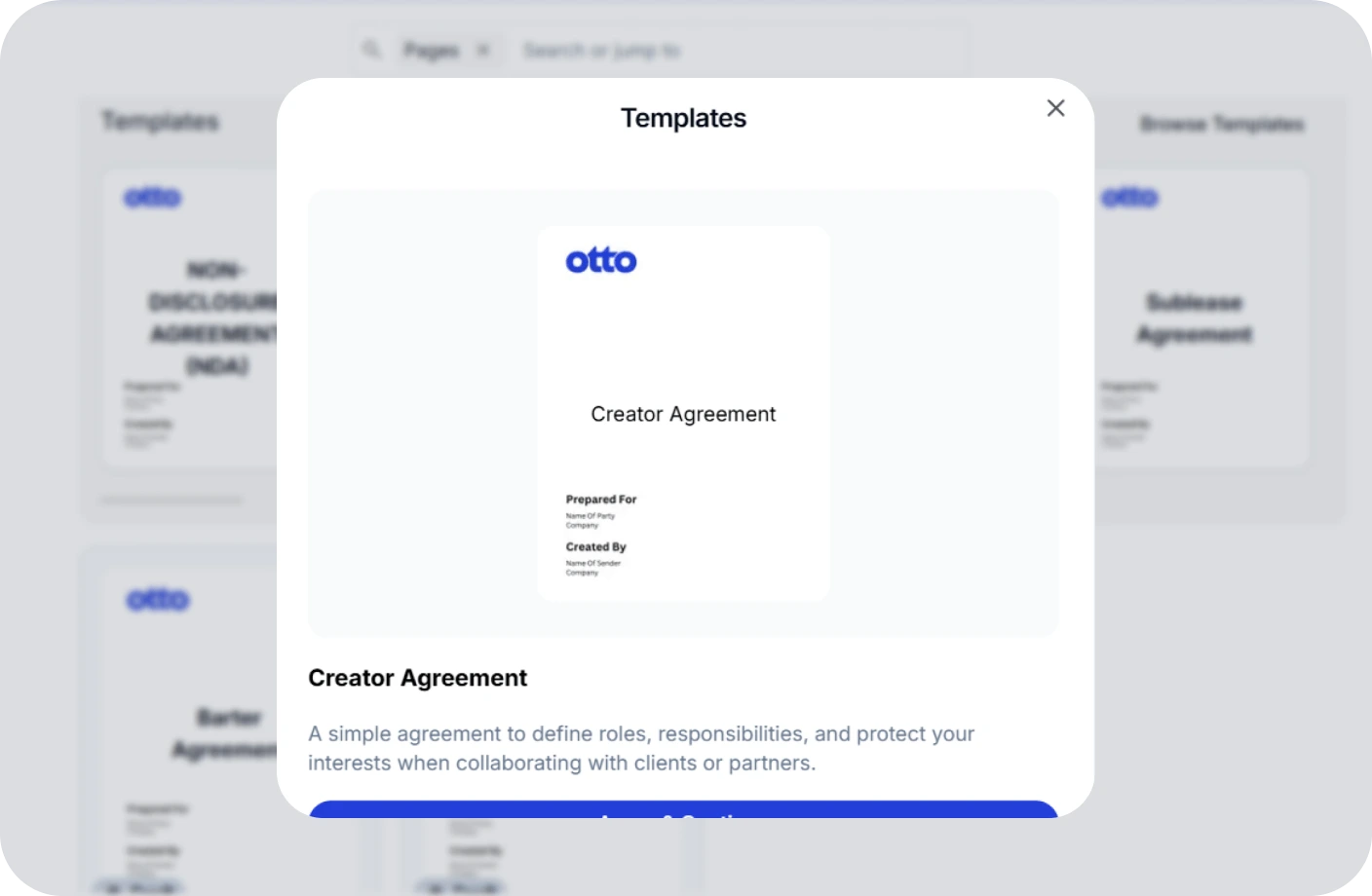
Contracts
Create, track, and e-sign contracts to ensure compliance and deadlines.
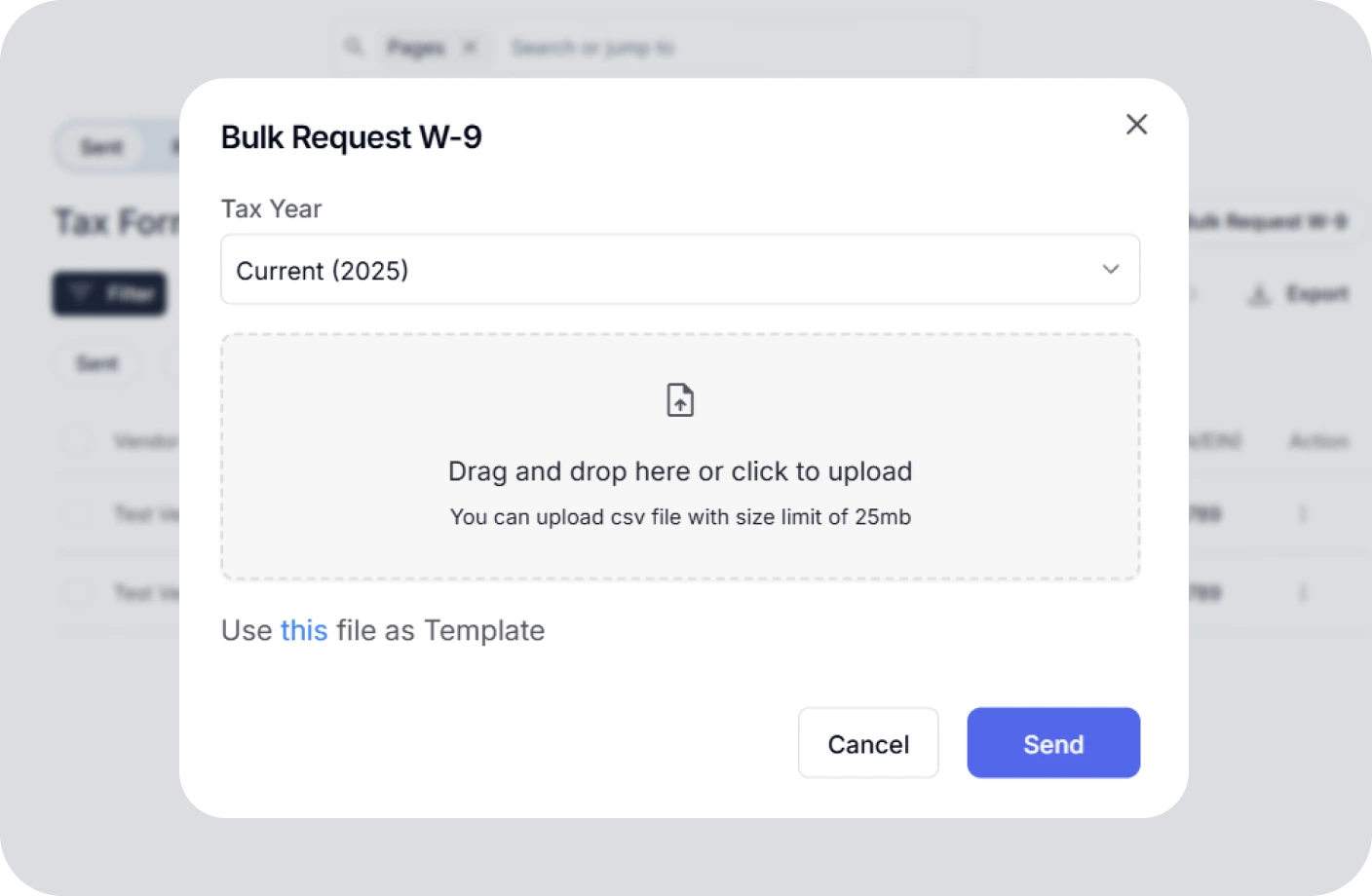
Taxes
Confidently plan taxes with expert CPAs and smart tools to track deductions.
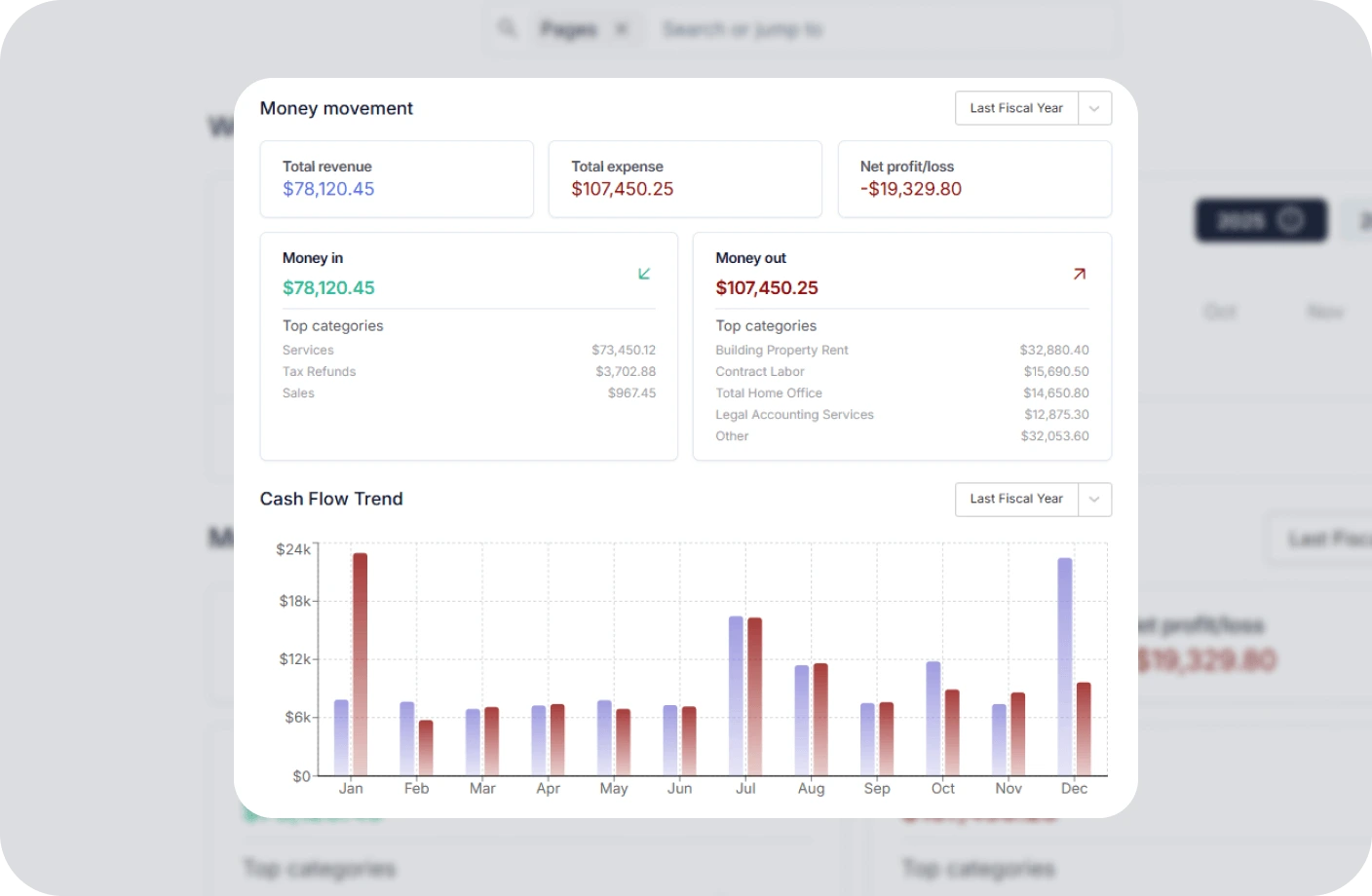
Reports
Real time business reports show where you stand today and what to do next.
Accounting
All in one accounting software for creators to handle your books, taxes, invoices, contracts.
Creator Tools
Specialized tools and resources for every type of creator
YouTubers Tools
Optimize your YouTube channel with analytics, thumbnail generators, and growth tools.
TikTokers Tools
Create viral TikTok content with trend analysis, caption generators, and editing tools.
Content Creators Tools
Comprehensive toolkit for content creation, scheduling, and audience engagement.
Video Creators Tools
Professional video editing, compression, and optimization tools for creators.
Influencers Tools
Manage brand partnerships, track engagement, and maximize your influencer income.
Photographers Tools
Photo editing, watermarking, and portfolio management tools for photographers.
Related Invoicing Resources
Essential guides to help you master invoicing and payments
What Is an Invoice? Everything You Need to Know
Learn the fundamentals of invoicing, including key components, different types of invoices, and best practices for getting paid on time.
The Ultimate Guide to Invoicing for Creatives
Discover tailored invoicing strategies for freelancers, designers, photographers, and other creative professionals to streamline billing.
How to Write an Invoice for Contract Work
A complete step-by-step guide to creating professional invoices for contract jobs, including payment terms, itemization, and follow-up tips.
Invoice OCR FAQs
Quick answers to common questions about invoice OCR
What is invoice OCR?
Invoice OCR (optical character recognition) is a technology that automatically reads and extracts data from invoices. It scans invoice documents, recognizes text and numbers, and captures key information like supplier name, invoice number, date, line items, and total amount without manual typing.
How does invoice OCR work?
Invoice OCR works in four stages: scanning the document to create a digital image, using pattern recognition or machine learning algorithms to identify text characters, extracting structured data fields like invoice number and amounts, and validating the extracted data against predefined rules or purchase orders.
What are the benefits of using invoice OCR?
Invoice OCR reduces manual data entry time by up to 80%, minimizes human errors in invoice processing, speeds up accounts payable workflows, lowers operational costs, improves scalability for growing businesses, and enables faster invoice approval cycles.
How accurate is invoice OCR technology?
Modern invoice OCR software achieves 95-99% accuracy for standard printed invoices. Accuracy depends on invoice quality, layout complexity, and font clarity. Advanced solutions use machine learning to improve accuracy over time and include validation steps to flag uncertain data for human review.
What is the difference between invoice OCR and manual data entry?
Invoice OCR processes invoices in seconds with automated data capture, while manual entry requires minutes per invoice and is prone to typos and misread numbers. OCR reduces processing costs by up to 70% and scales effortlessly, whereas manual entry requires proportional increases in staff as invoice volume grows.
How do I choose the right invoice OCR software?
Look for OCR software with high accuracy rates, support for multiple invoice formats (PDF, images, email attachments), integration with your accounting system, data validation rules, and the ability to handle various invoice layouts. Consider cloud-based solutions for easier setup and automatic updates.
Manage Your Invoicing Without the Confusion
Automate invoice data capture with OCR technology and streamline your accounts payable with Otto's invoicing platform.