Recurring Invoice: Definition & Overview
Learn what a recurring invoice is, how automated billing works, and how to set up recurring invoices for your subscription business.
KEY TAKEAWAYS
-
✓
Recurring invoices are sent automatically on a predefined schedule without manual effort.
-
✓
They are ideal for subscription services, retainer agreements, and ongoing billing relationships.
-
✓
Automated recurring billing saves time, improves cash flow predictability, and reduces invoicing errors.
What is a Recurring Invoice?
A recurring invoice is an invoice that is automatically generated and sent to a customer on a predetermined schedule. Instead of manually creating a new invoice each billing cycle, businesses set up a recurring invoice once, and the invoicing system handles the rest. Common billing frequencies include weekly, monthly, quarterly, and annually.
For example, a SaaS company charging $49 per month for its software will create a recurring invoice template. On the same date each month, the system automatically generates the invoice, sends it to the customer, and records the transaction. This eliminates the need for manual billing and ensures consistent cash flow.
How Recurring Invoices Work
Recurring invoices follow a streamlined automated process:
-
•
Creation: You create an invoice template with customer details, line items, pricing, and payment terms. This template serves as the blueprint for all future invoices.
-
•
Scheduling: You set the billing frequency and start date. The system tracks each billing cycle and automatically triggers invoice generation on the scheduled dates.
-
•
Automation: On each billing date, the system generates and sends the invoice automatically via email or through a customer portal. No manual intervention is required.
-
•
Payment: Many recurring invoice systems integrate with payment gateways to automatically charge the customer's saved payment method, creating a fully automated billing experience.
Benefits of Recurring Invoices
Recurring invoices offer significant advantages for businesses that bill customers on an ongoing basis:
-
✓
Time savings: Automating invoice generation eliminates repetitive manual work, freeing up hours each month that would otherwise be spent on billing tasks.
-
✓
Consistent cash flow: Predictable billing cycles mean predictable revenue. You can forecast income accurately and plan expenses with confidence.
-
✓
Reduced errors: Manual invoicing is prone to mistakes like incorrect amounts, missed billings, or duplicate invoices. Automation ensures accuracy across every billing cycle.
-
✓
Improved customer experience: Customers appreciate the convenience of automatic billing without having to manually process payments each period.
Common Recurring Invoice Frequencies
Different business models require different billing frequencies. Here are the most common recurring invoice schedules:
-
•
Weekly: Ideal for ongoing services like cleaning, landscaping, or consulting retainers that bill weekly.
-
•
Monthly: The most common frequency for SaaS products, membership sites, and subscription boxes.
-
•
Quarterly: Suitable for retainer-based services, maintenance contracts, and advisory engagements billed every three months.
-
•
Annual: Commonly used for discounted annual subscription plans, membership fees, and insurance premiums.
How to Set Up Recurring Invoices
Setting up recurring invoices is straightforward with modern invoicing software. Follow these steps:
-
1
Choose invoicing software that supports recurring billing, such as Otto's invoicing platform.
-
2
Create an invoice template with your services, pricing, and payment terms.
-
3
Set the billing frequency, start date, and end date (if applicable).
-
4
Add customer payment information for automatic payment processing.
-
5
Activate the recurring schedule and let the system handle the rest.
Handling Failed Payments
Failed payments are an inevitable part of recurring billing. When a payment fails due to expired cards, insufficient funds, or bank declines, a robust dunning management system will automatically retry the payment after a few days, send email notifications to the customer, and escalate the issue after multiple failed attempts. Many systems also offer automatic payment method updates and grace periods before suspending service.
Proactive communication with customers about failed payments helps maintain good relationships and reduces involuntary churn. Setting up automated reminders before payment dates can also prevent many failures before they happen.
Summary
Recurring invoices are a powerful tool for businesses that bill customers on an ongoing basis. By automating invoice generation and delivery, they save time, improve cash flow predictability, and reduce billing errors. Whether you run a SaaS company, a membership site, or a service-based business with retainer clients, recurring invoices streamline your billing operations.
Using invoicing software like Otto makes it easy to create recurring invoices, automate billing, and manage the entire subscription lifecycle from one platform.
How Recurring Invoices Apply to Your Business
When will you actually use this?
Recurring invoices are essential for any business that charges customers on a regular basis. Here are the most common scenarios:
Subscription Services
Bill customers automatically on a monthly or annual basis for SaaS and membership services.
Retainer Agreements
Send recurring invoices for ongoing retainer-based work with consistent monthly fees.
Maintenance Contracts
Automate billing for equipment maintenance and software support contracts.
Membership Programs
Collect recurring membership dues with automated invoices sent each billing period.
Payment Plans
Set up recurring invoices for installment payment plans with scheduled billing dates.
Lease Payments
Generate recurring invoices for rent, equipment leases, or property rental agreements.
Recommended Reading
Expand your knowledge with these related invoicing topics
Deposit Invoice
Learn how deposit invoices work and when to use them for your business transactions.
Proforma Invoice
Understand proforma invoices and how they differ from standard invoices.
Payment Terms
Explore common payment terms and how to set them for advance payments and invoices.
Recurring Invoice
How recurring invoices work with advance payments for subscription-based businesses.
Payment Terms
Best practices for setting payment terms and expectations for advance payments.
Invoice Number
How to properly number invoices and track advance payment invoices in your system.
Free Invoice Templates
Professional invoice templates designed for every type of creator and freelancer.
DJ Invoice Template
Professional DJ invoice template for gigs, events, and private bookings with customizable payment terms and service breakdowns.
Event Planner Invoice Template
Streamlined invoice template for event planners covering venue coordination, vendor management, and client billing.
Photographer Invoice Template
Tailored invoice template for photographers covering session fees, print orders, usage rights, and travel expenses.
Videographer Invoice Template
Professional videographer invoice template for filming projects, editing services, and production work with clear milestone billing.
Web Developer Invoice Template
Developer-friendly invoice template for web projects, hourly billing, fixed-price contracts, maintenance retainers, and custom modules.
Content Creator Invoice Template
Versatile invoice template for content creators covering sponsorships, affiliate income, content production, and brand deals.
Real Invoicing Questions From the Community
Explore Reddit-backed Otto invoicing guides based on real conversations about payments, invoices, deposits, billing, and cash flow systems.
One Platform: From Entity Setup to Closing Reports
Comprehensive financial solutions for your business needs.
Entity Management
Easily manage legal entities, compliance, and ownership in one platform.
Invoicing
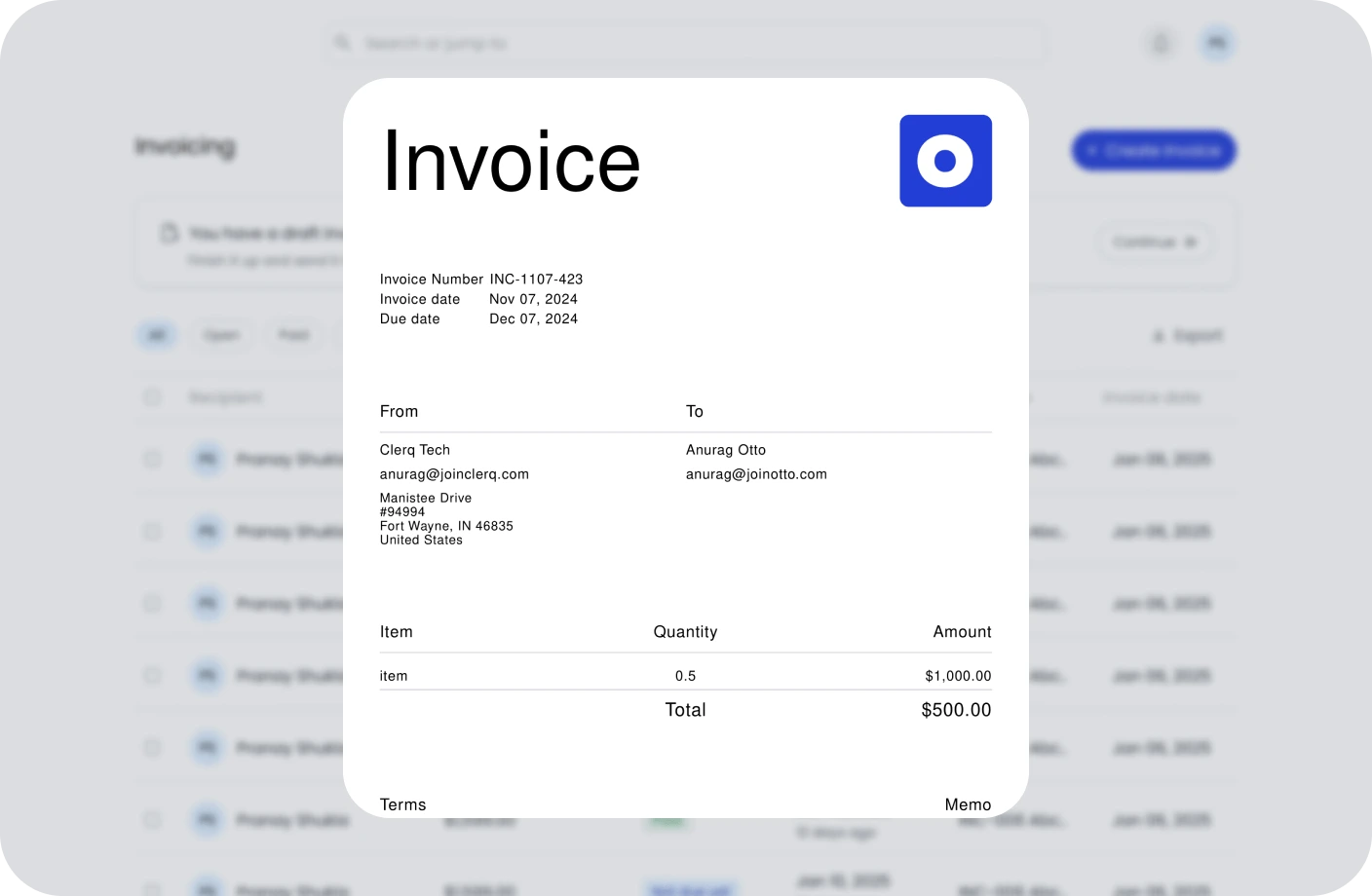
Create, send, and manage invoices. Track payments and assure timely cash flow.
Contracts
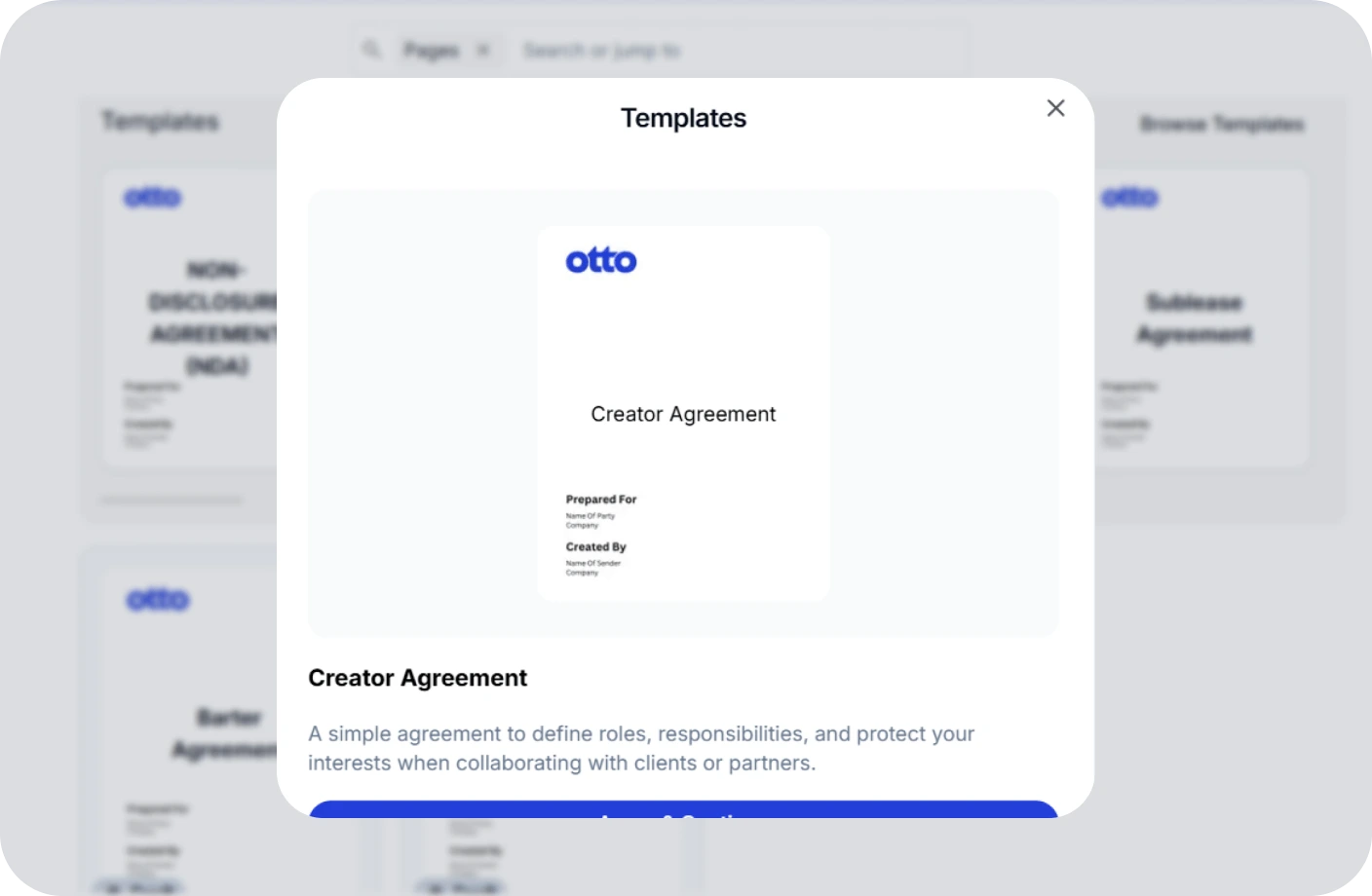
Create, track, and e-sign contracts to ensure compliance and deadlines.
Taxes
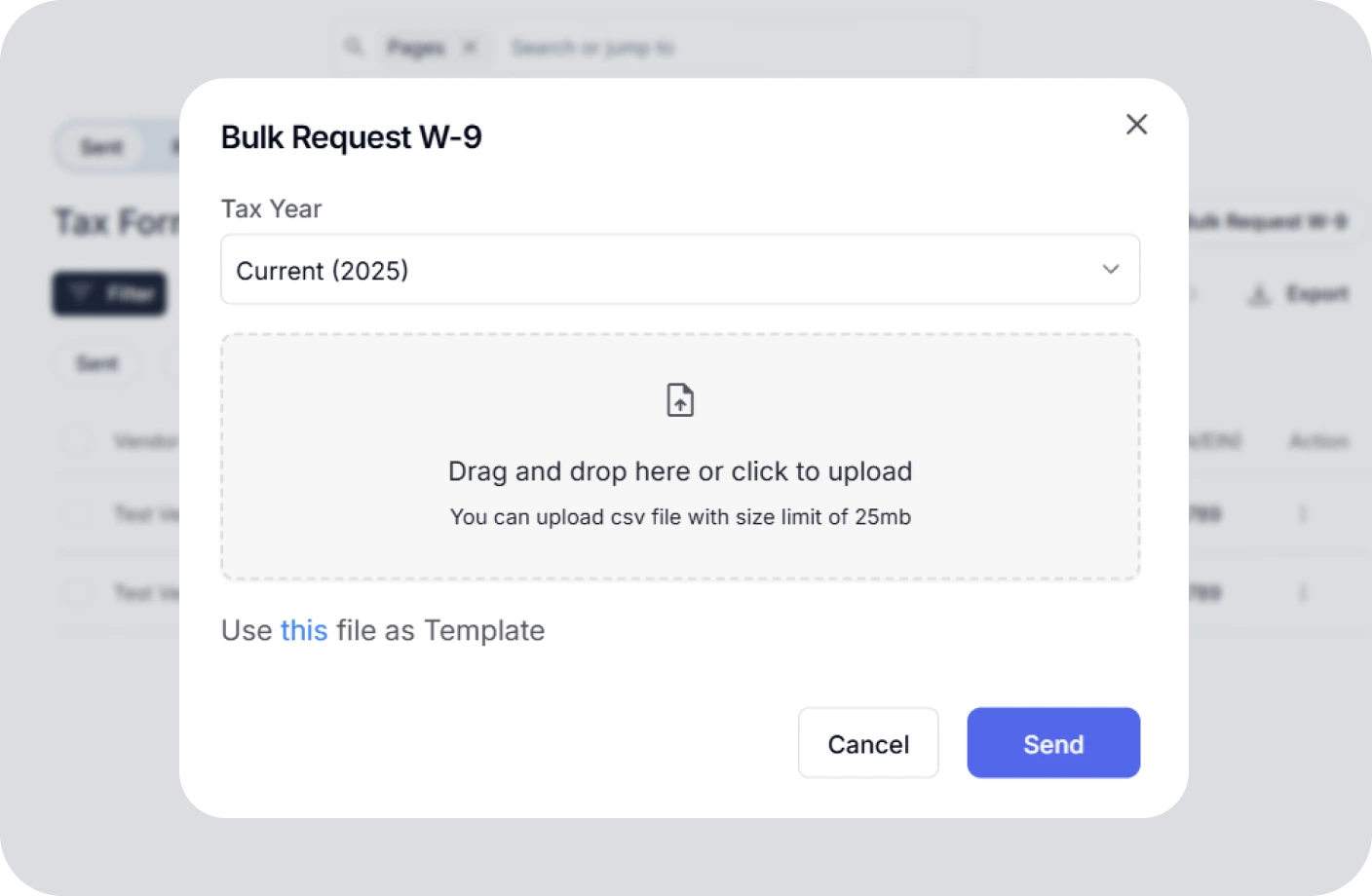
Confidently plan taxes with expert CPAs and smart tools to track deductions.
Reports
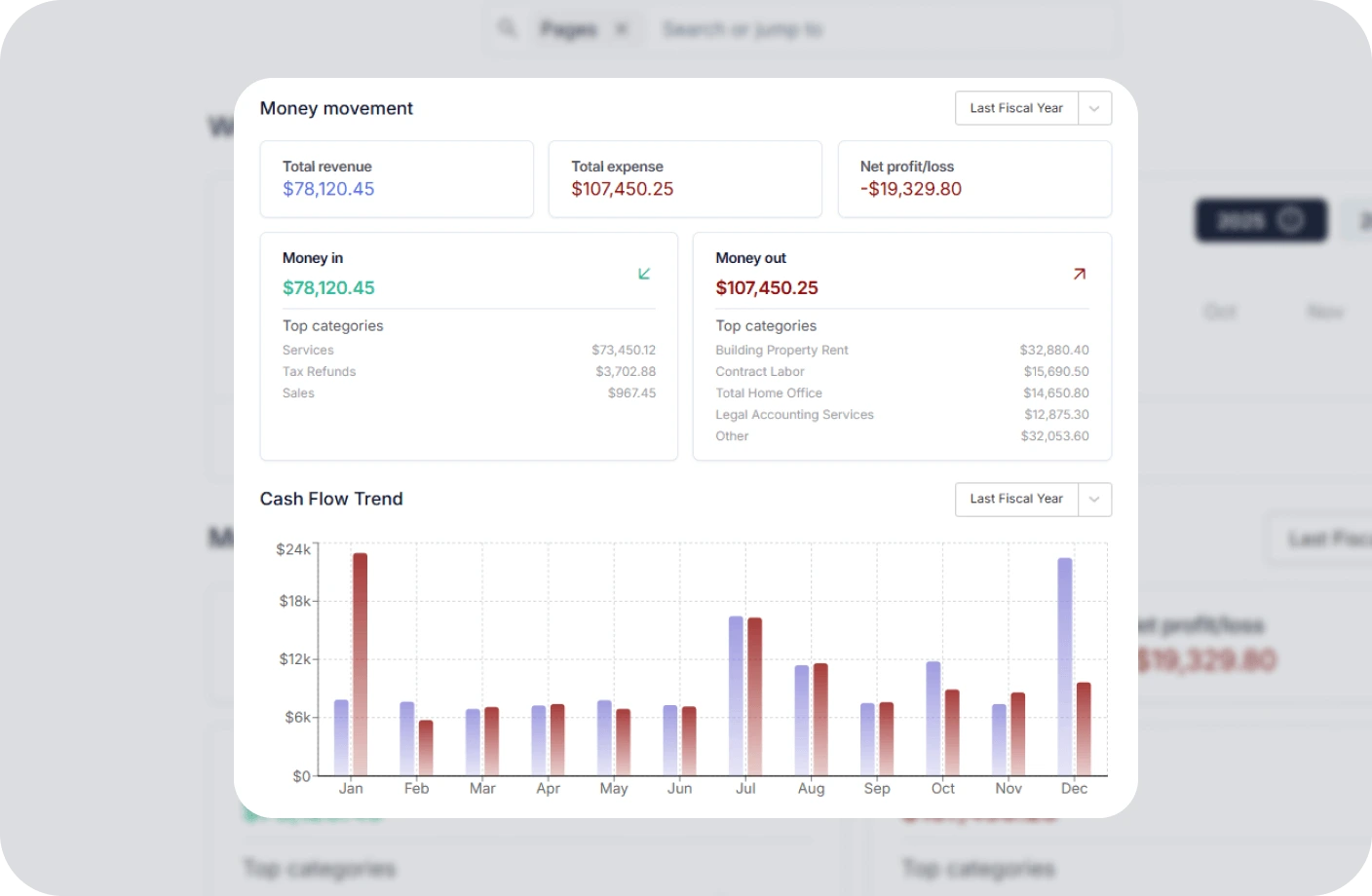
Real time business reports show where you stand today and what to do next.
Accounting
All in one accounting software for creators to handle your books, taxes, invoices, contracts.
Creator Tools
Specialized tools and resources for every type of creator
YouTubers Tools
Optimize your YouTube channel with analytics, thumbnail generators, and growth tools.
TikTokers Tools
Create viral TikTok content with trend analysis, caption generators, and editing tools.
Content Creators Tools
Comprehensive toolkit for content creation, scheduling, and audience engagement.
Video Creators Tools
Professional video editing, compression, and optimization tools for creators.
Influencers Tools
Manage brand partnerships, track engagement, and maximize your influencer income.
Photographers Tools
Photo editing, watermarking, and portfolio management tools for photographers.
Related Invoicing Resources
Essential guides to help you master invoicing and payments
What Is an Invoice? Everything You Need to Know
Learn the fundamentals of invoicing, including key components, different types of invoices, and best practices for getting paid on time.
The Ultimate Guide to Invoicing for Creatives
Discover tailored invoicing strategies for freelancers, designers, photographers, and other creative professionals to streamline billing.
How to Write an Invoice for Contract Work
A complete step-by-step guide to creating professional invoices for contract jobs, including payment terms, itemization, and follow-up tips.
Recurring Invoice FAQs
Quick answers to common questions about recurring invoices
What is a recurring invoice?
A recurring invoice is an invoice that is automatically generated and sent to a customer on a predetermined schedule, such as weekly, monthly, or annually. It is commonly used for subscription services, retainer agreements, and ongoing billing arrangements.
How does a recurring invoice work?
A recurring invoice works by creating an invoice template with customer details and pricing, then setting a billing schedule. The system automatically generates and sends the invoice on each billing date, processes payment, and records the transaction without manual intervention.
What are the benefits of recurring invoices?
Recurring invoices save time by eliminating manual billing, ensure consistent cash flow with predictable revenue, reduce human errors, improve customer experience with automated billing, and help businesses scale without increasing billing workload.
What are common recurring invoice frequencies?
Common frequencies include weekly (ongoing services), bi-weekly (regular deliverables), monthly (most common for subscriptions), quarterly (retainer-based services), and annually (membership fees or discounted annual plans).
How do I set up a recurring invoice?
Choose invoicing software that supports recurring billing, create an invoice template with your services, set the billing frequency and start date, add customer payment information, and activate the recurring schedule. The system handles the rest automatically.
How are failed payments handled with recurring invoices?
Failed payments are handled through dunning management, which automatically retries the payment after a set period, sends failure notifications to the customer, and escalates after multiple failed attempts. Some systems offer automatic payment method updates and grace periods before suspending service.
Manage Your Invoicing Without the Confusion
Create professional invoices, automate recurring billing, and manage your subscription payments effortlessly with Otto's invoicing platform.