Deposit Invoice: Definition & Overview
Learn what a deposit invoice means, why businesses require upfront deposits, how to calculate them, and best practices for managing deposit payments.
KEY TAKEAWAYS
-
✓
A deposit invoice requests a partial payment upfront before work begins, securing commitment from the client.
-
✓
Businesses use deposit invoices to secure commitment, reduce cancellation risk, and cover initial costs.
-
✓
Deposits are typically calculated as a percentage of the total cost, commonly ranging from 25% to 50%.
What is a Deposit Invoice?
A deposit invoice is a type of invoice that requests a partial payment from a client before work begins or goods are delivered. Unlike a standard invoice that bills after the service is completed, a deposit invoice asks for payment upfront as a sign of commitment. For example, a web designer might send a deposit invoice for 50% of the project cost before starting the design work. This shows that the client is serious about the project and helps the designer cover their initial time investment.
Why do businesses use Deposit Invoices?
Businesses rely on deposit invoices for several important reasons:
-
•
To secure financial commitment: A deposit shows that the client is committed to the project and reduces the likelihood of last-minute cancellations.
-
•
To cover initial costs: Many projects require purchasing materials, software, or paying subcontractors before the client receives anything. A deposit helps cover these upfront expenses.
-
•
To manage cash flow: Collecting a deposit improves cash flow by bringing in revenue earlier in the project lifecycle, which is especially important for small businesses and freelancers.
How to Calculate a Deposit Invoice
Calculating a deposit invoice amount depends on your industry, project scope, and business needs. The most common approach is to charge a percentage of the total project cost. Typical deposit amounts range from 25% to 50%, though some businesses may ask for more on large projects or less on smaller, recurring work.
For example, if you are a photographer charging $2,000 for a wedding package, you might request a 50% deposit of $1,000 upfront, with the remaining $1,000 due upon delivery of the edited photos. For projects that require significant material purchases, like custom furniture, you may want to charge the full cost of materials plus a portion of your labor as the deposit.
The key is to find a balance that protects your business without creating a barrier for clients. Using invoicing software can help you calculate, send, and track deposit invoices easily.
How Deposit Invoices Work in the Invoicing Process
The deposit invoicing process typically follows a few simple steps. First, you send a deposit invoice to the client detailing the deposit amount, what it covers, and the payment terms. Once the client pays the deposit, you can begin the work or order the necessary materials. After the project is complete, you send a final invoice for the remaining balance, subtracting the deposit amount already paid.
It is important to clearly state your deposit policy on the invoice, including whether the deposit is refundable or non-refundable. Many businesses use non-refundable deposits to protect against cancellations, but this should always be communicated clearly to the client upfront. A platform like Otto's invoicing can automate this process, sending reminders and tracking which deposits have been paid.
Deposit Invoice vs. Advance Payment
While deposit invoices and advance payments are similar, there is a subtle difference. A deposit invoice specifically requests a partial payment upfront to secure a booking or project commitment, with the balance paid later. An advance payment, on the other hand, can refer to any payment made before delivery, including full prepayment. Deposit invoices are almost always partial payments, while advance payments can be for the full amount.
For example, a wedding photographer who asks for $500 upfront out of a $2,000 total is using a deposit invoice. A software company that requires full annual payment upfront is using an advance payment. Both are useful tools, but they serve slightly different purposes.
Summary
Deposit invoices are a practical tool for requesting upfront payments that help businesses secure commitment, manage cash flow, and reduce risk. Whether you are a freelancer, creative professional, or service-based business, understanding how to create and manage deposit invoices is essential for smooth financial operations.
Using invoicing software like Otto makes it easy to create deposit invoices, track payments, and manage the entire billing process from one place.
How Deposit Invoices Apply to Your Business
When will you actually use this?
Deposit invoices are useful across many industries and business types. They help you secure client commitment and manage project costs. Here's when you'll use them:
Service-Based Businesses
Request deposits for consulting engagements, event planning, wedding photography, and other service-based work to secure bookings and cover preparation time.
Creative Projects
Use deposit invoices for web design, branding, video production, and other creative projects that require significant upfront time investment and client commitment.
Custom Orders
Collect deposits for custom furniture, made-to-order products, specialty equipment, or any project that requires purchasing materials before production begins.
Event Bookings
Collect deposits to reserve dates for weddings, corporate events, private parties, conferences, and other special occasions that require advance planning.
Construction Projects
Use deposit invoices to fund initial material purchases, secure permits, and reserve contractor time for renovation, remodeling, or construction projects.
Subscription Services
Request the first month or quarter payment as a deposit before starting a recurring service, membership, or subscription agreement.
Recommended Reading
Expand your knowledge with these related invoicing topics
Deposit Invoice
Learn how deposit invoices work and when to use them for your business transactions.
Proforma Invoice
Understand proforma invoices and how they differ from standard invoices.
Payment Terms
Explore common payment terms and how to set them for advance payments and invoices.
Recurring Invoice
How recurring invoices work with advance payments for subscription-based businesses.
Payment Terms
Best practices for setting payment terms and expectations for advance payments.
Invoice Number
How to properly number invoices and track advance payment invoices in your system.
Free Invoice Templates
Professional invoice templates designed for every type of creator and freelancer.
DJ Invoice Template
Professional DJ invoice template for gigs, events, and private bookings with customizable payment terms and service breakdowns.
Event Planner Invoice Template
Streamlined invoice template for event planners covering venue coordination, vendor management, and client billing.
Photographer Invoice Template
Tailored invoice template for photographers covering session fees, print orders, usage rights, and travel expenses.
Videographer Invoice Template
Professional videographer invoice template for filming projects, editing services, and production work with clear milestone billing.
Web Developer Invoice Template
Developer-friendly invoice template for web projects, hourly billing, fixed-price contracts, maintenance retainers, and custom modules.
Content Creator Invoice Template
Versatile invoice template for content creators covering sponsorships, affiliate income, content production, and brand deals.
Real Invoicing Questions From the Community
Explore Reddit-backed Otto invoicing guides based on real conversations about payments, invoices, deposits, billing, and cash flow systems.
One Platform: From Entity Setup to Closing Reports
Comprehensive financial solutions for your business needs.
Entity Management
Easily manage legal entities, compliance, and ownership in one platform.
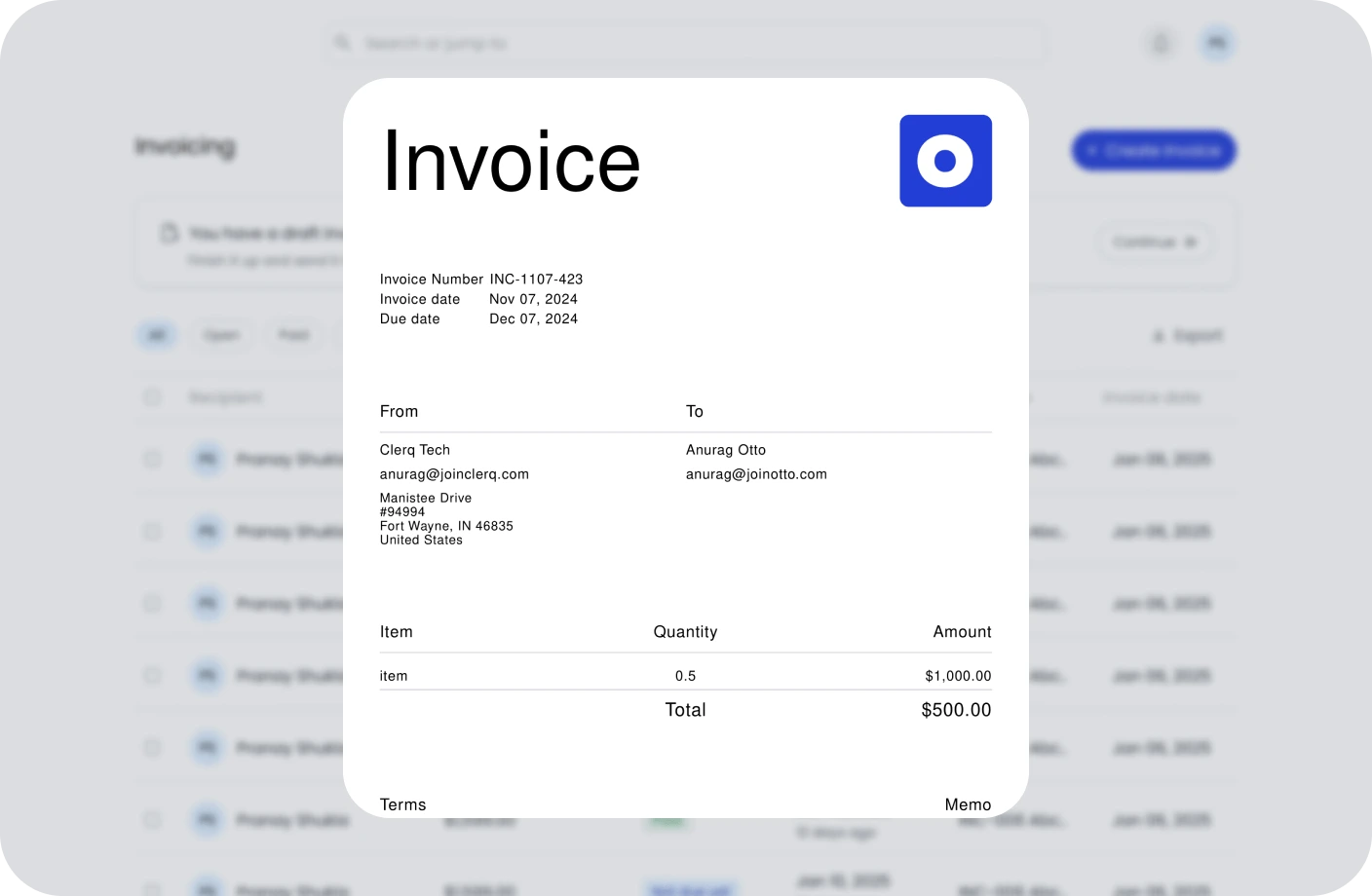
Invoicing
Create, send, and manage invoices. Track payments and assure timely cash flow.
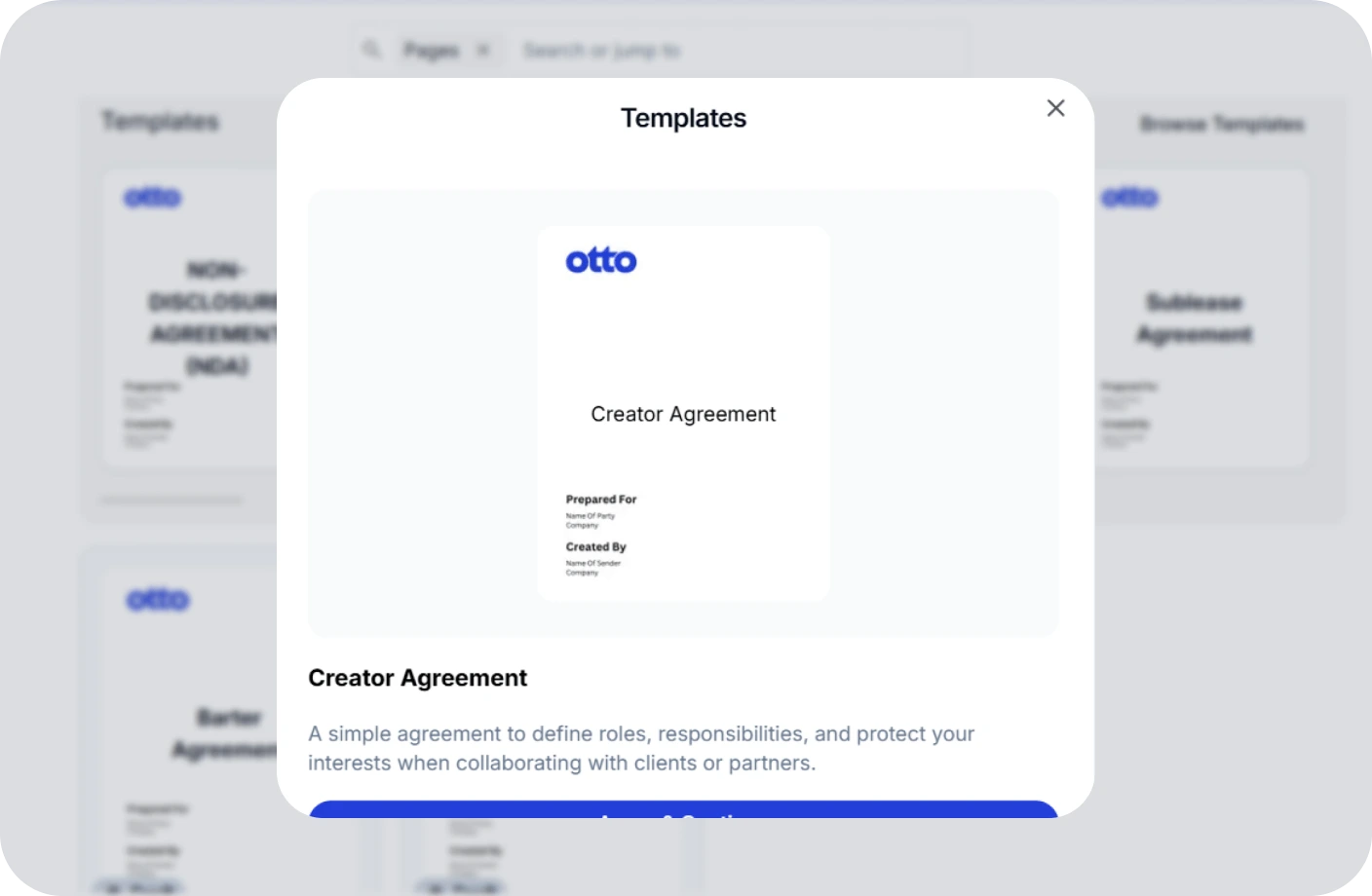
Contracts
Create, track, and e-sign contracts to ensure compliance and deadlines.
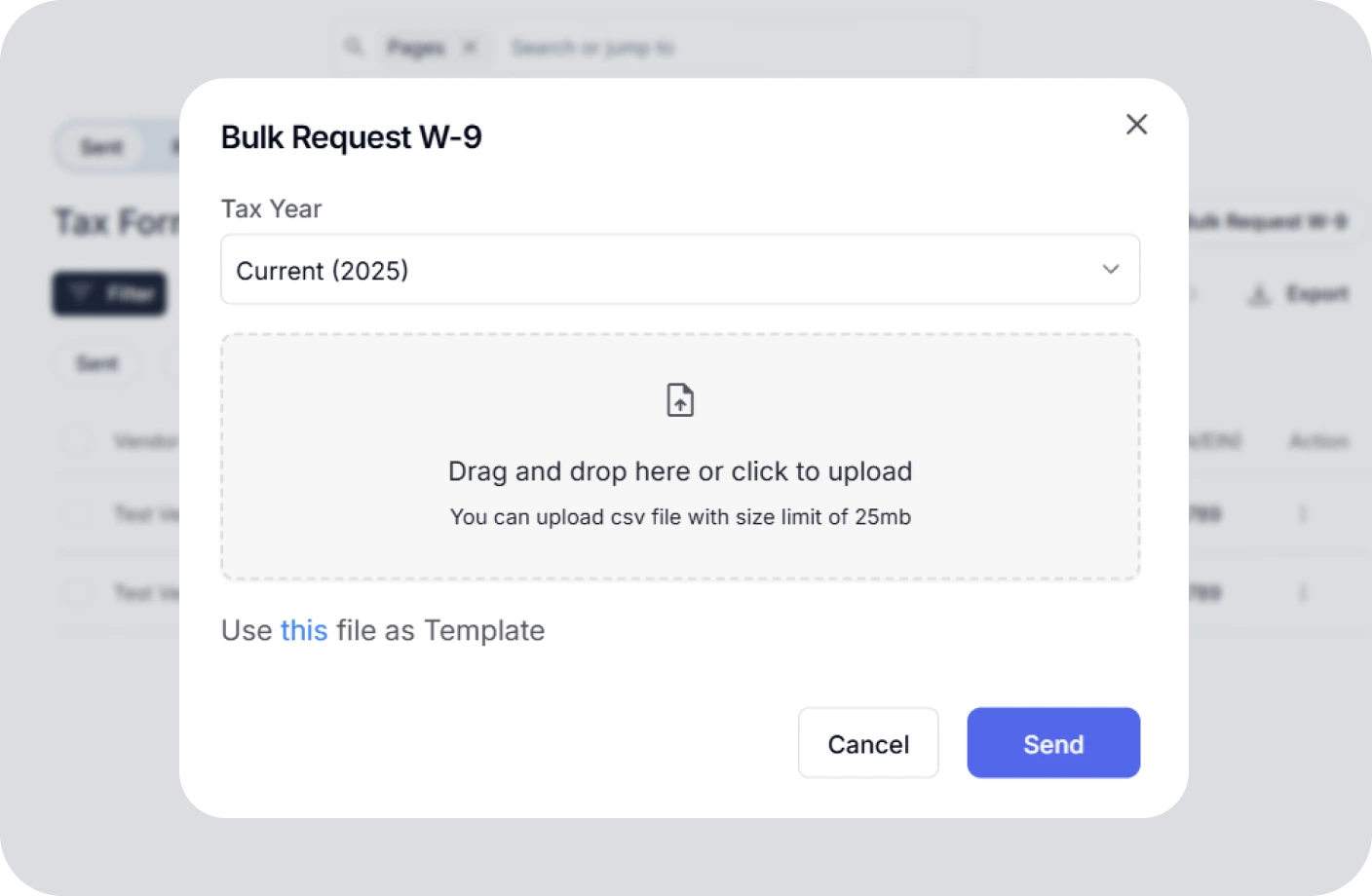
Taxes
Confidently plan taxes with expert CPAs and smart tools to track deductions.
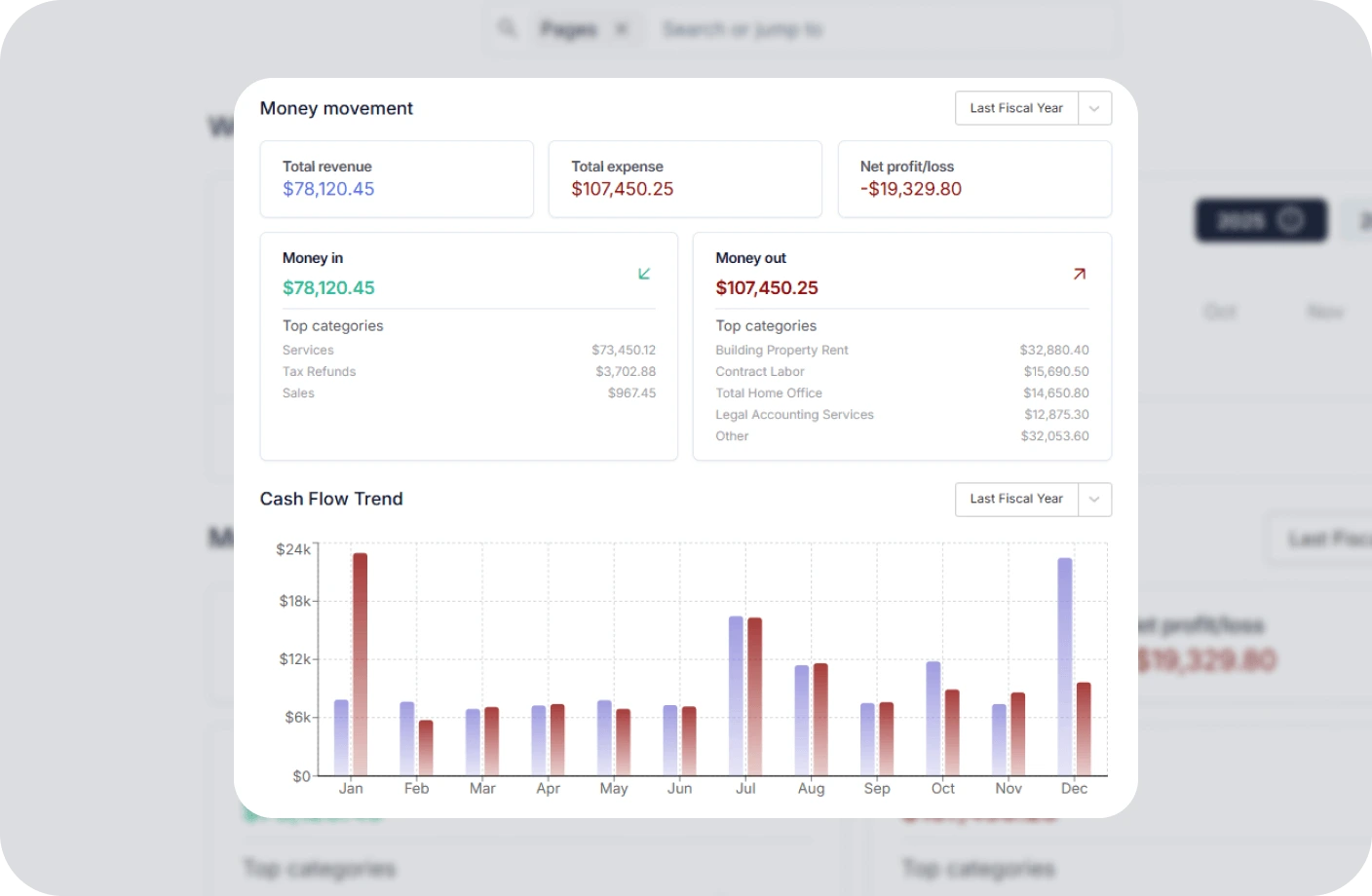
Reports
Real time business reports show where you stand today and what to do next.
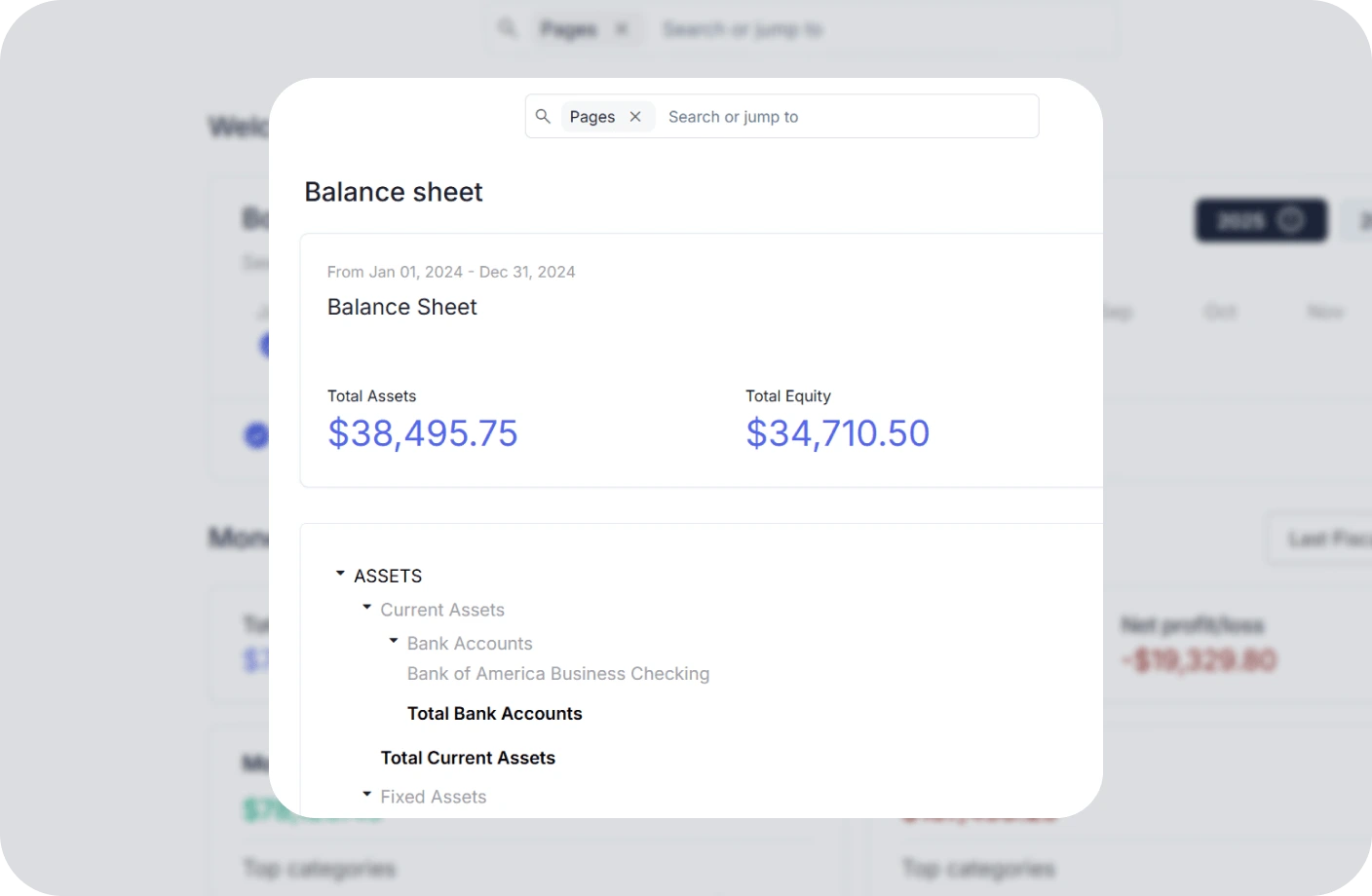
Accounting
All in one accounting software for creators to handle your books, taxes, invoices, contracts.
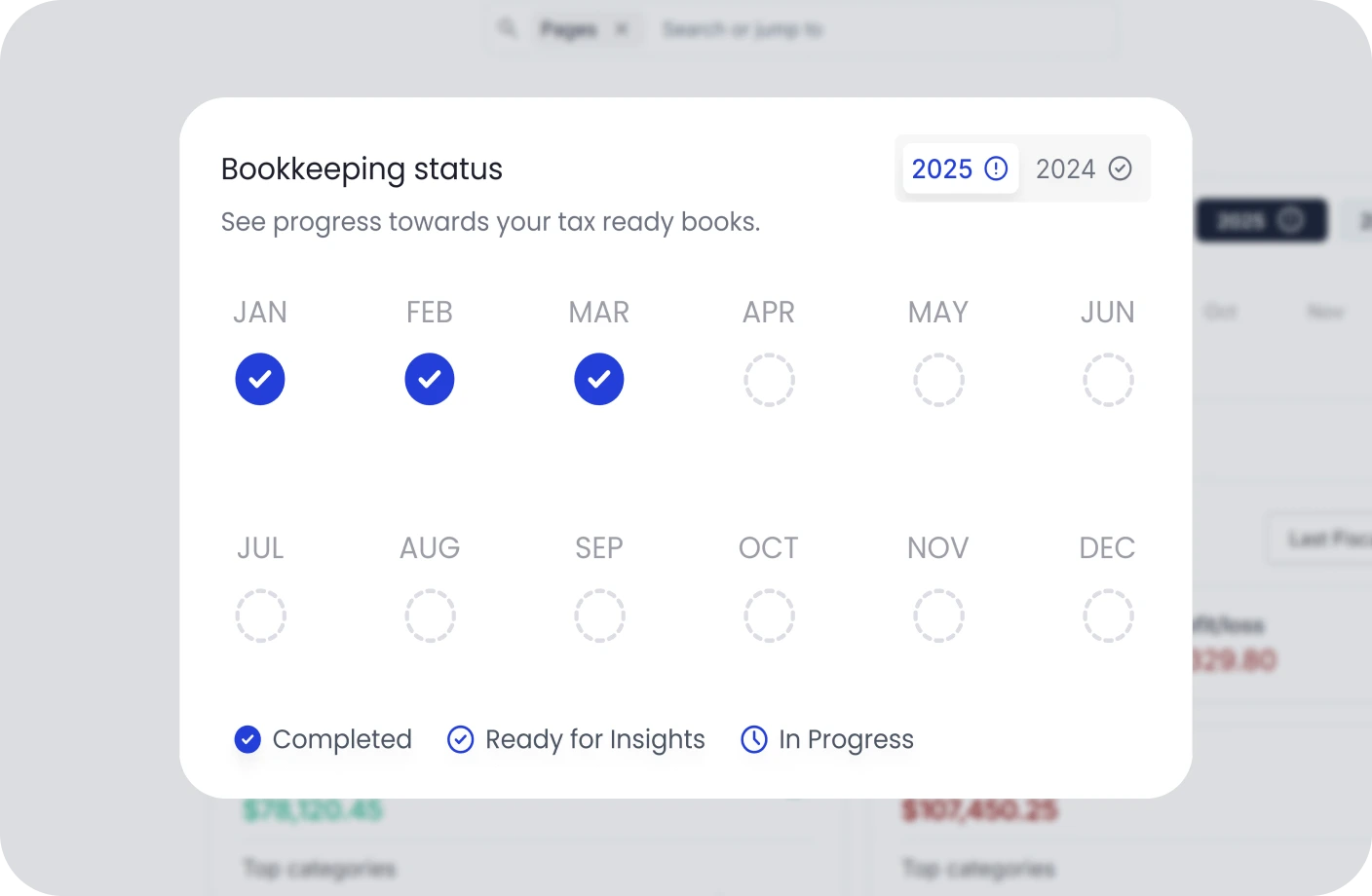
Creator Tools
Specialized tools and resources for every type of creator
YouTubers Tools
Optimize your YouTube channel with analytics, thumbnail generators, and growth tools.
TikTokers Tools
Create viral TikTok content with trend analysis, caption generators, and editing tools.
Content Creators Tools
Comprehensive toolkit for content creation, scheduling, and audience engagement.
Video Creators Tools
Professional video editing, compression, and optimization tools for creators.
Influencers Tools
Manage brand partnerships, track engagement, and maximize your influencer income.
Photographers Tools
Photo editing, watermarking, and portfolio management tools for photographers.
Related Invoicing Resources
Essential guides to help you master invoicing and payments
What Is an Invoice? Everything You Need to Know
Learn the fundamentals of invoicing, including key components, different types of invoices, and best practices for getting paid on time.
The Ultimate Guide to Invoicing for Creatives
Discover tailored invoicing strategies for freelancers, designers, photographers, and other creative professionals to streamline billing.
How to Write an Invoice for Contract Work
A complete step-by-step guide to creating professional invoices for contract jobs, including payment terms, itemization, and follow-up tips.
Deposit Invoice FAQs
Quick answers to common questions about deposit invoices
What is a deposit invoice in simple terms?
A deposit invoice is a request for a partial payment made before work begins. It serves as a commitment from the client and provides the business with funds to cover initial costs like materials or preparation time.
What is the difference between a deposit invoice and an advance payment?
A deposit invoice specifically requests a partial payment upfront before work starts, while an advance payment can refer to any payment made before delivery - partial or full. Deposit invoices are typically used to secure a booking or project commitment.
How do you calculate a deposit for an invoice?
Deposits are typically calculated as a percentage of the total project cost, commonly ranging from 25% to 50%. The exact amount depends on the industry, project scope, material costs, and your business's cash flow requirements.
Is a deposit invoice refundable?
Whether a deposit invoice is refundable depends on the terms agreed upon between the business and the client. Many businesses have non-refundable deposit policies to cover reserved time and initial work. These terms should be clearly stated in the invoice or contract.
When should I use a deposit invoice?
You should use a deposit invoice when taking on new clients, starting large projects, booking services that require preparation, handling custom orders that need material purchases, or any situation where you need financial commitment before delivering work.
How do I create a deposit invoice?
You can create a deposit invoice using invoicing software like Otto. Specify the deposit amount, payment terms, and a clear description of what the deposit covers. After the deposit is paid, send a final invoice for the remaining balance upon completion.
Manage Your Invoicing Without the Confusion
Create professional invoices, track deposit payments, and manage your billing effortlessly with Otto's invoicing platform.